Convert Wikipedia to Audio
The world's encyclopedia, narrated for you.
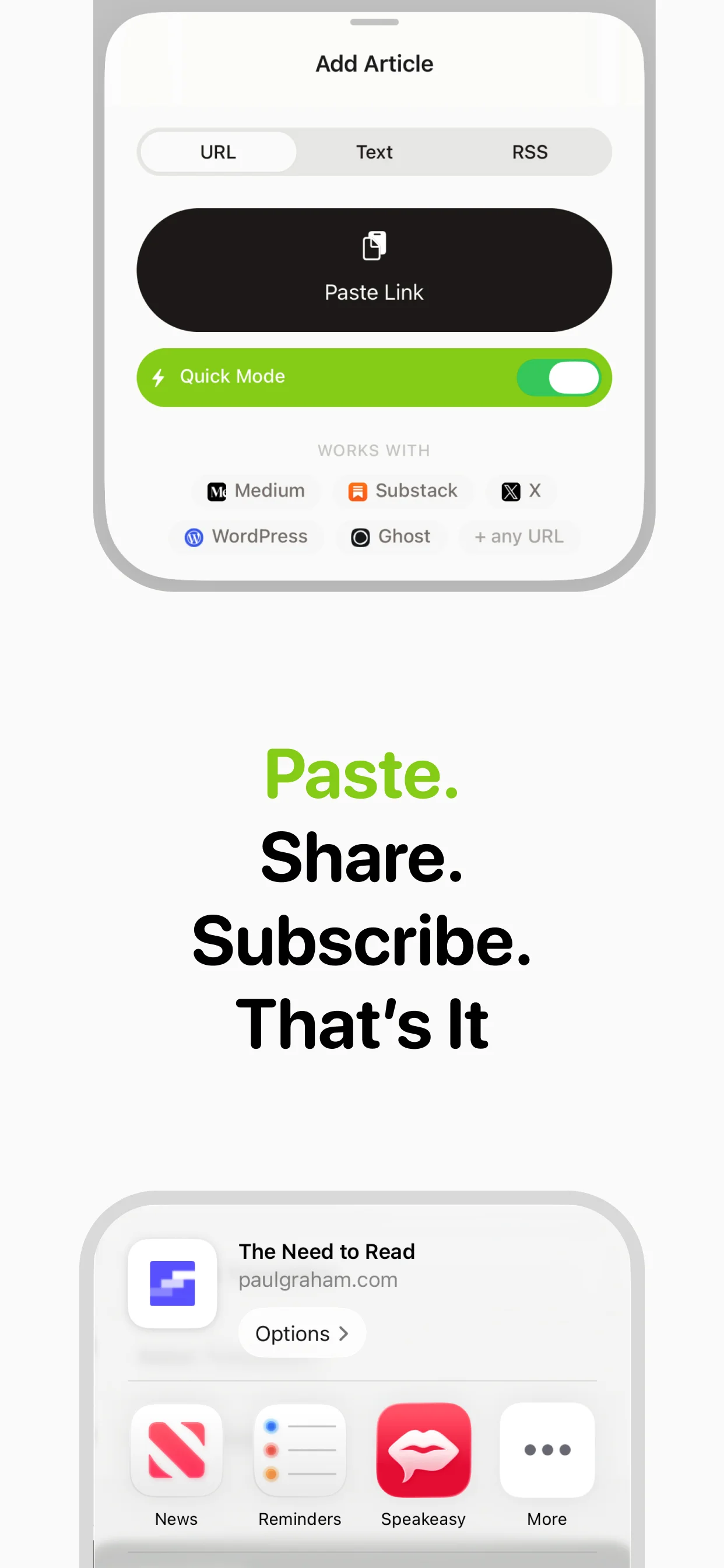
Wikipedia is humanity's greatest knowledge resource, but reading long wiki articles on a phone is tedious. speakeasy converts any Wikipedia article into natural audio so you can satisfy your curiosity while walking, commuting, or doing chores. Fall into a Wikipedia rabbit hole — with your ears instead of your eyes. speakeasy handles the entire conversion process automatically — from extracting the text content to generating natural-sounding audio with AI voices. Just paste a URL or share directly from your browser, and within seconds you'll have a high-quality audio version ready to play. Your converted content syncs through iCloud, so it's available on all your Apple devices whenever you're ready to listen.
How it works
How wikipedia conversion works
Converting wikipedia to audio with speakeasy is a three-step process that happens almost entirely in the background. First, speakeasy's extraction engine fetches and parses the content, intelligently stripping away navigation, ads, and irrelevant elements to isolate the actual text you want to hear.
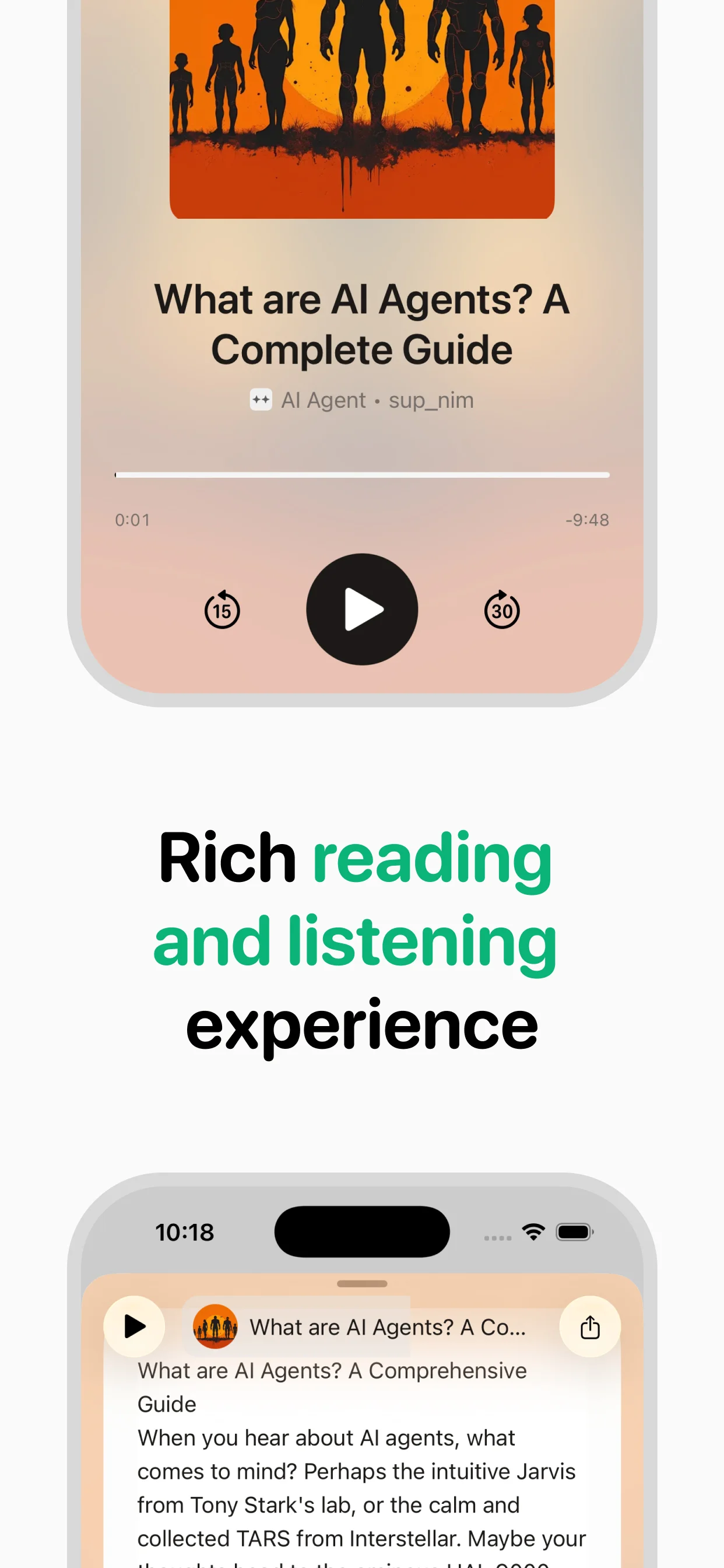
Next, the text is sent to InWorld's neural TTS engine, which breaks it into natural segments and generates studio-quality speech with appropriate intonation, pauses, and emphasis. Finally, the audio is saved to your library and synced through iCloud. The whole process typically takes just seconds, even for long-form content.
Why listen to wikipedia as audio?
The average person encounters more wikipedia content than they can possibly read. Newsletters pile up, browser tabs multiply, and the reading backlog grows faster than you can clear it. Converting to audio breaks this cycle by letting you consume content during time that would otherwise go unused.
Your morning commute becomes a productive listening session. Your evening walk transforms into a chance to catch up on the day's best writing. Even household chores become opportunities to engage with ideas. speakeasy's natural voices make the experience feel less like a compromise and more like a genuine upgrade — many users report preferring the audio version of articles to reading them on a screen.
Getting the best audio quality
Not all text converts to audio equally well, and a few best practices will significantly improve your listening experience. Well-structured articles with clear paragraphs and headings produce the best results — which fortunately describes most professional blog posts, newsletters, and news articles.
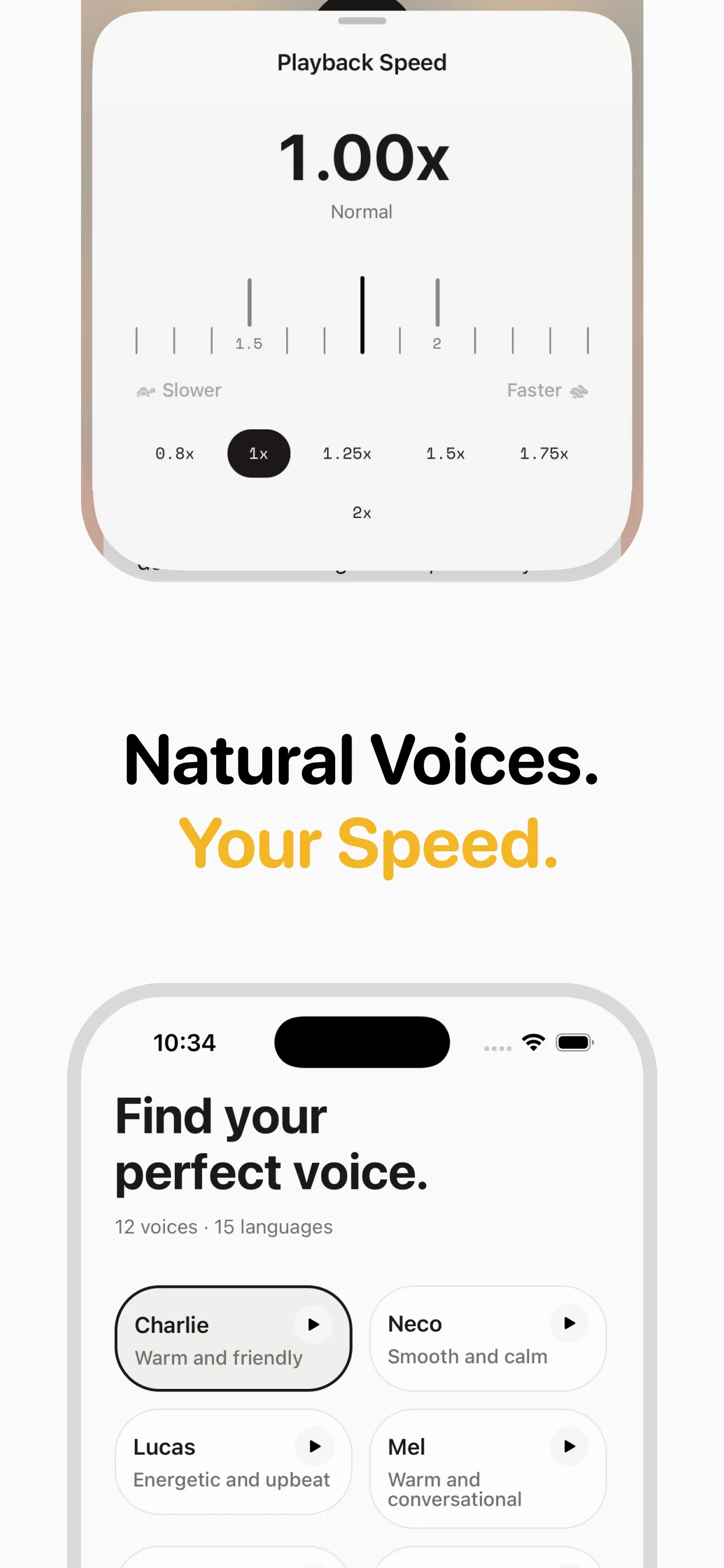
For optimal results, choose a voice that matches the content's tone. speakeasy offers multiple voice options, from warm and conversational to crisp and professional. Pair this with the right playback speed — 1.0-1.2x for complex or nuanced content, 1.3-1.5x for news and straightforward articles — and you'll have a listening experience that rivals professional podcasts.
Building your audio library
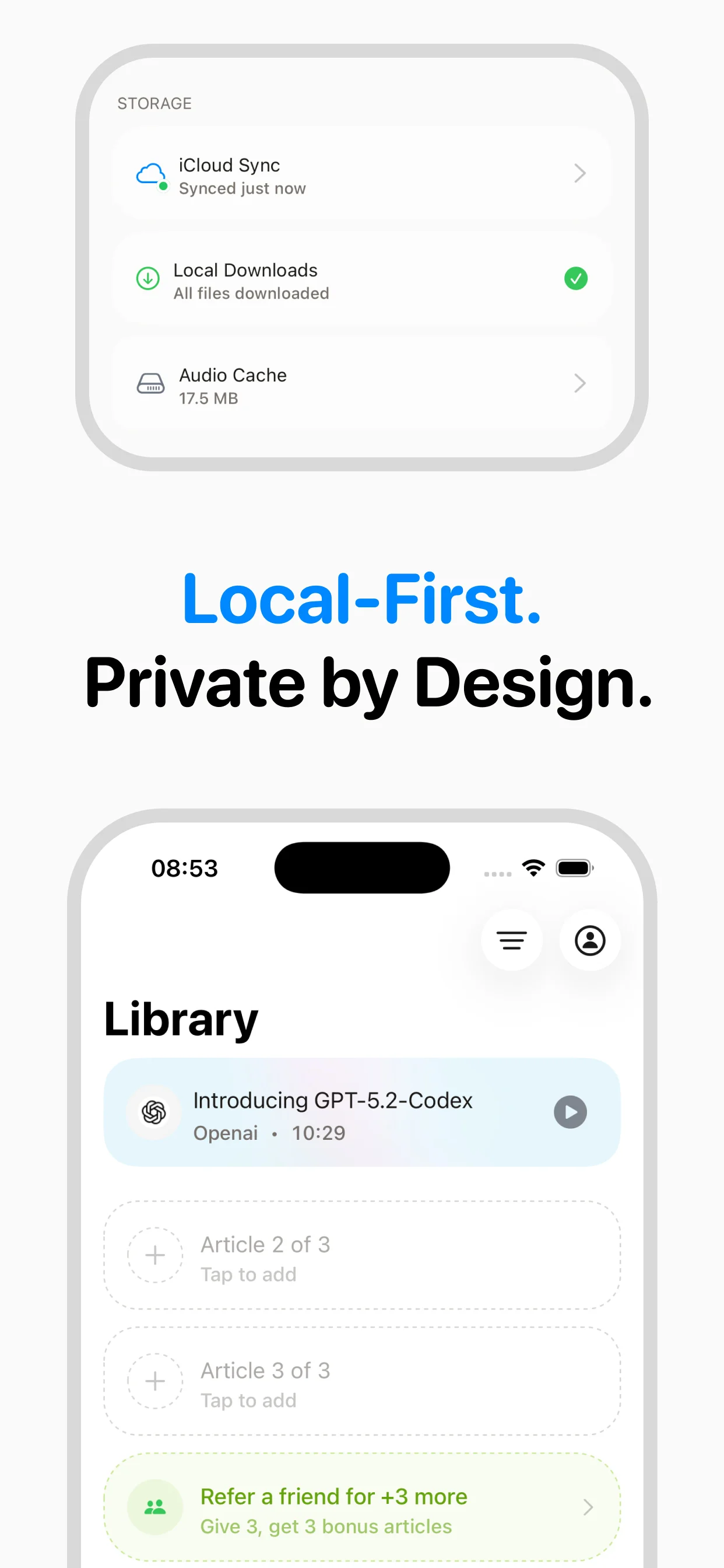
The real power of converting wikipedia to audio emerges over time as you build a personal listening library. Each converted article is saved with its original metadata — title, source, and publication info — making it easy to find and revisit content you've listened to before.
speakeasy's iCloud sync ensures your library is always up to date across iPhone and Mac. Queue articles throughout the day from your desktop browser, then listen during your commute from your phone. Over weeks and months, you'll accumulate a curated collection of the best wikipedia content from across the web, all accessible in audio form whenever you need it.
Benefits of converting wikipedia to audio
- Convert any wikipedia URL to audio in seconds
- Listen during commutes, workouts, and daily tasks
- Natural AI voices that adapt to the content's tone
- Automatic iCloud sync across all your Apple devices
- Build a searchable library of converted wikipedia audio
Why convert wikipedia to audio?
Satisfy curiosity about any topic while on the go
Prepare for a trip by listening to destination wiki pages
Learn history while exercising
Go deep on niche interests during commutes
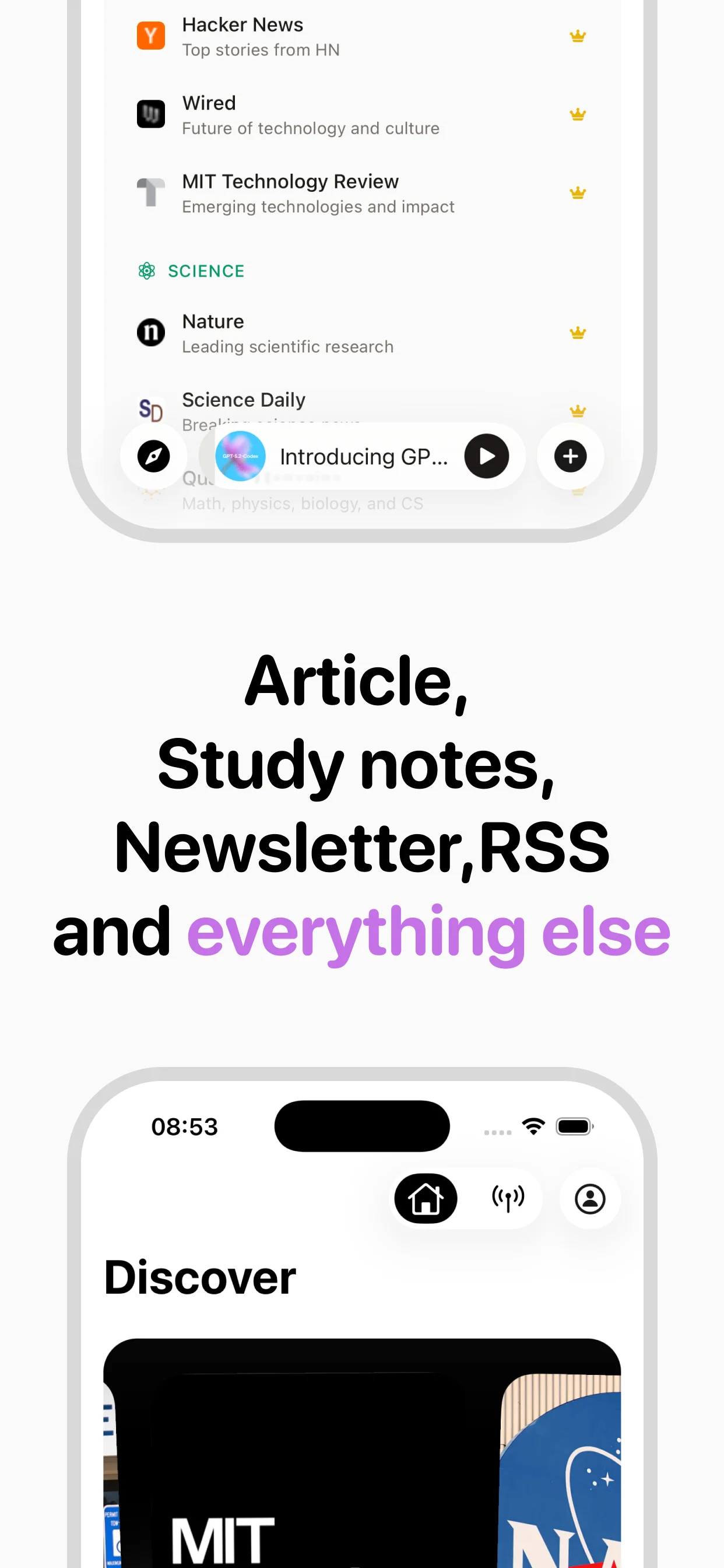
Supported sources
Frequently asked questions

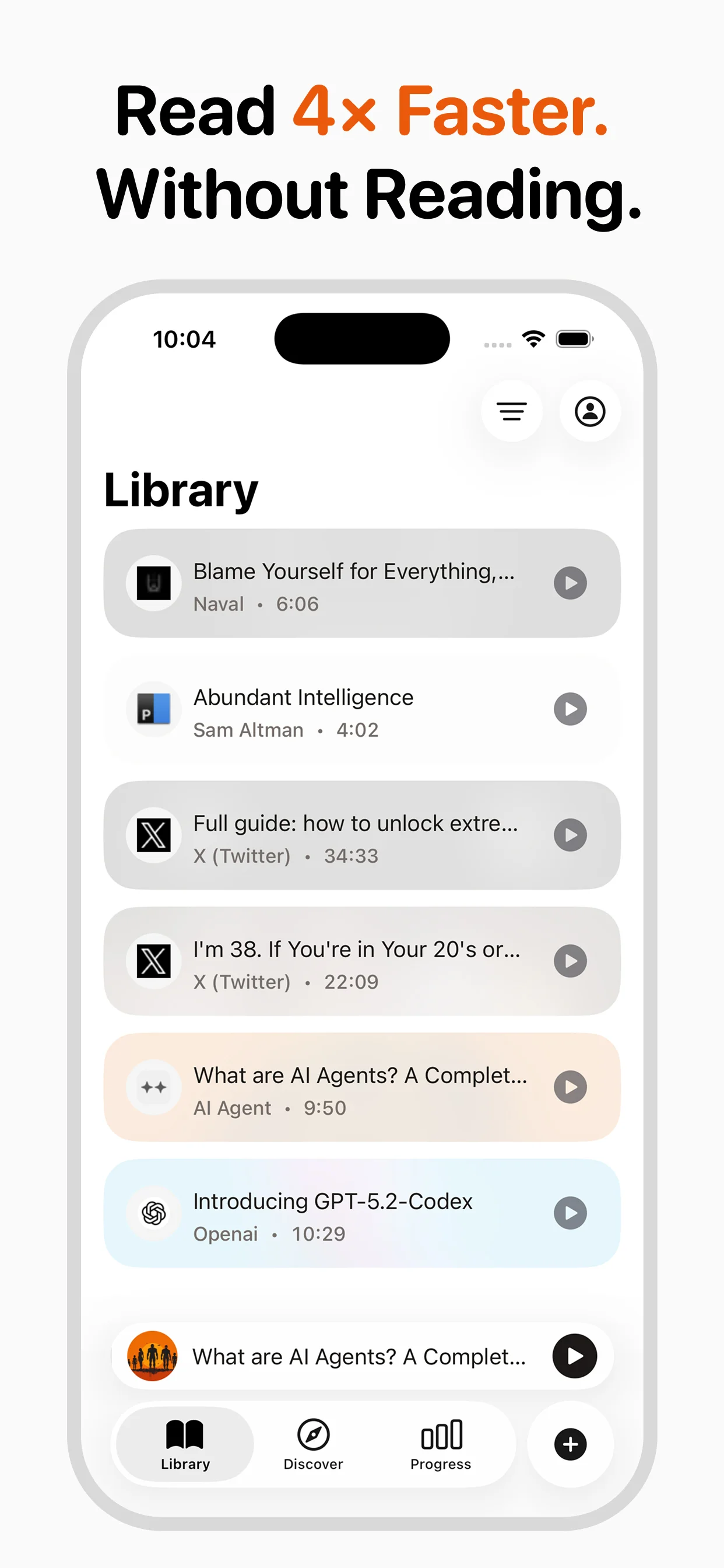
Turn any article into natural-sounding audio. Paste a link, press play, and stay informed while you move.
Coming soon on Android