How to Study More Effectively with Text to Speech
Absorb more from your reading list by listening instead of just reading
Research consistently shows that hearing content reinforces memory alongside visual reading. speakeasy lets students convert lecture notes, academic articles, and textbook chapters available online into audio files they can review during any hands-free moment. Rather than re-reading dense passages at a desk, you can play them back during a walk or before bed to strengthen retention. The app handles long-form content gracefully, splitting even 10,000-word research papers into fluid audio without awkward breaks. Make your study time go further by turning passive downtime into active review. This guide walks you through everything you need to know, from the basic setup to advanced tips that most users miss. Whether you're new to text-to-speech or looking to optimize your existing workflow, following these steps will help you get the most out of speakeasy and save significant time in the process.
Steps
Gather your reading list URLs
Collect links to any assigned readings that are available online — journal articles, blog posts from professors, or open-access textbook chapters. If your institution provides web-accessible PDFs, copy those URLs as well.
Convert each article to audio in speakeasy
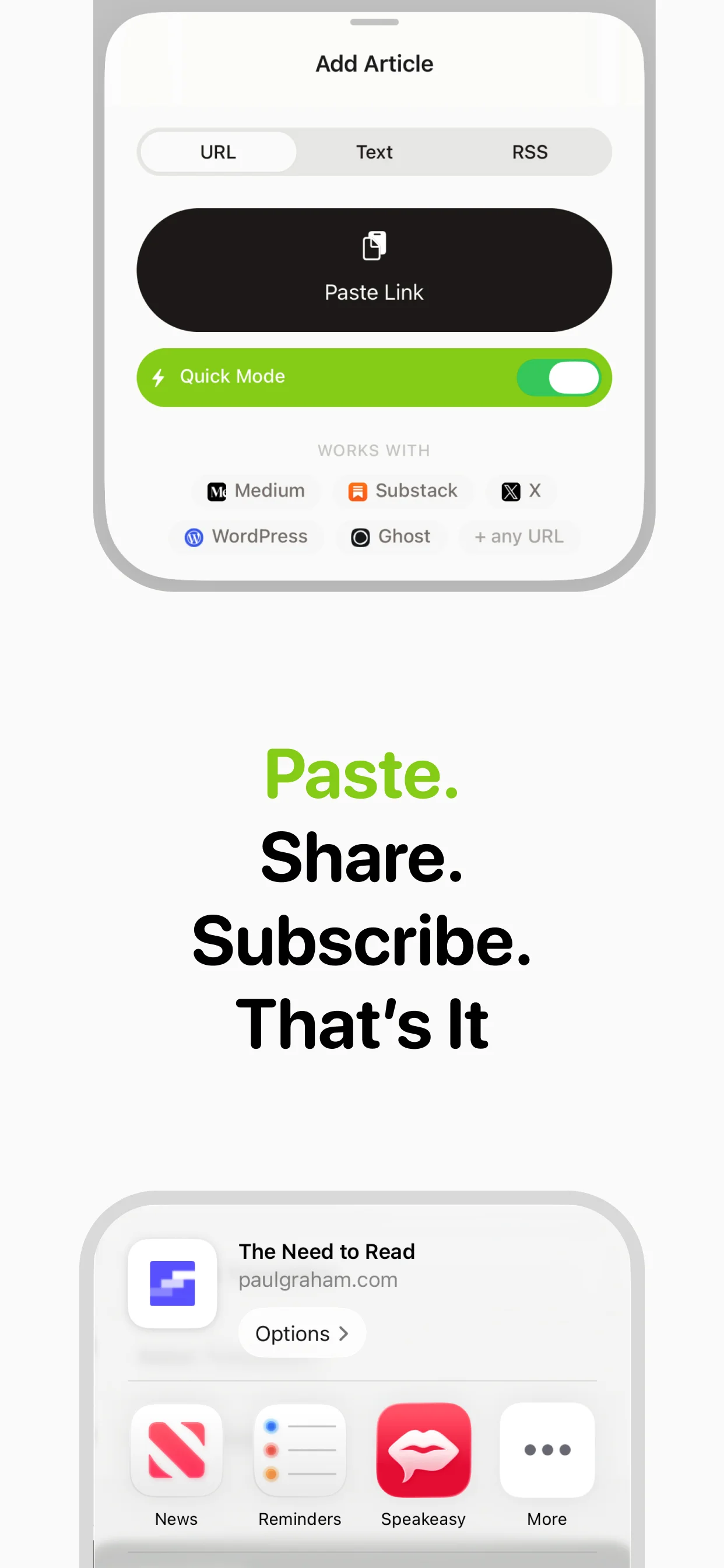
Paste each URL into speakeasy or share it directly from your browser. The app extracts the text and synthesizes it into audio, preserving section headings so the structure of the argument remains clear while listening.
Listen at an elevated speed for review passes
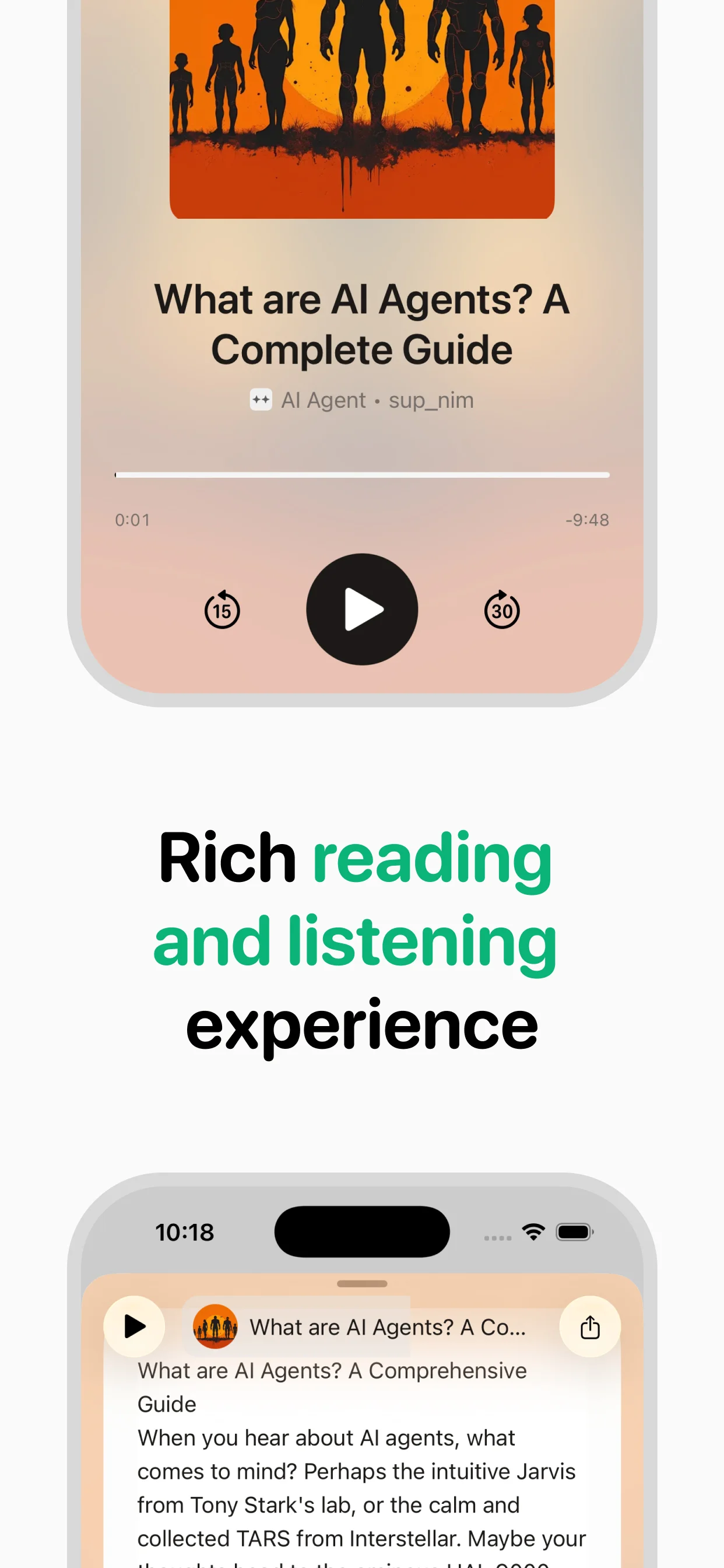
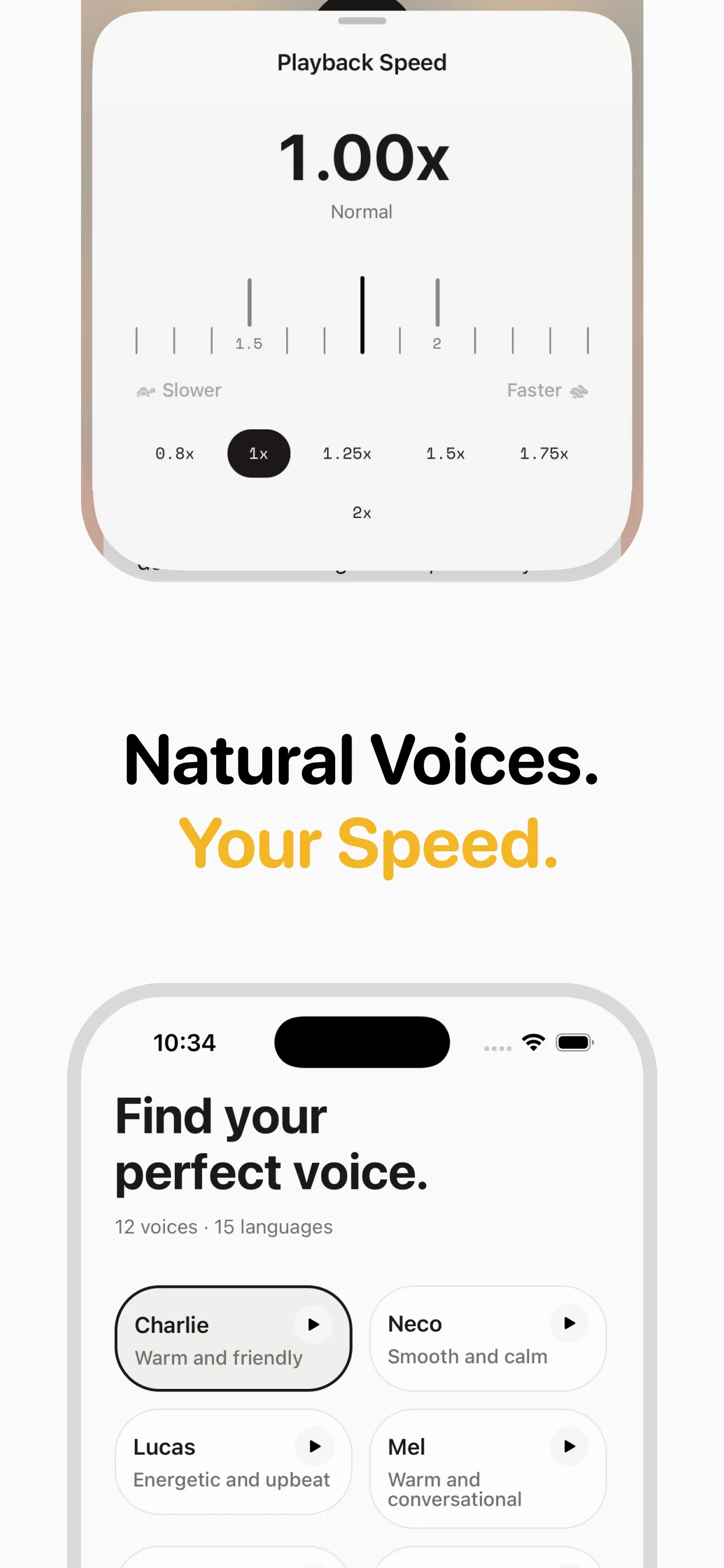
Do your first listen at normal speed to absorb new material. For review sessions before an exam, switch to 1.5x or 2x speed to rapidly revisit key arguments. speakeasy's speed control is accessible directly from the player.
Build a subject-organized library
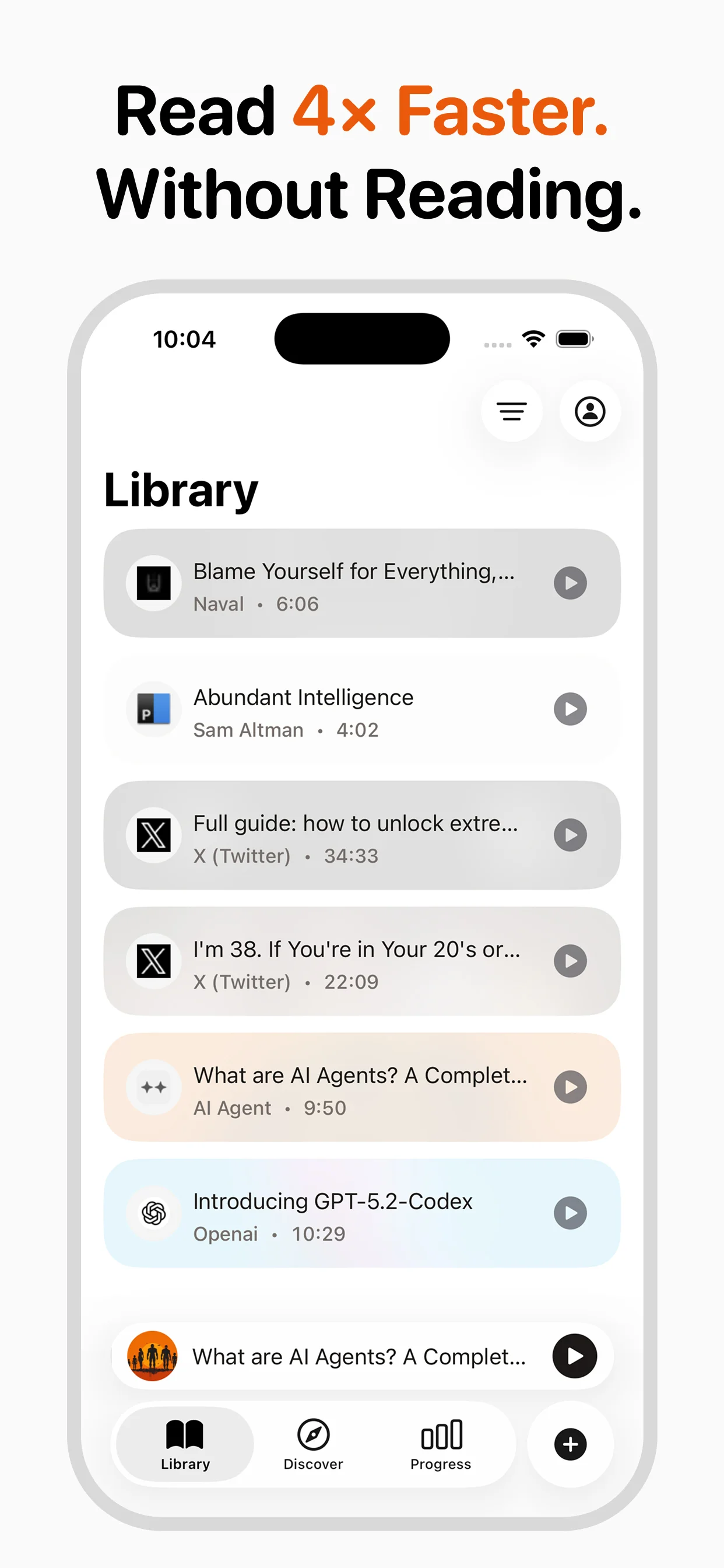
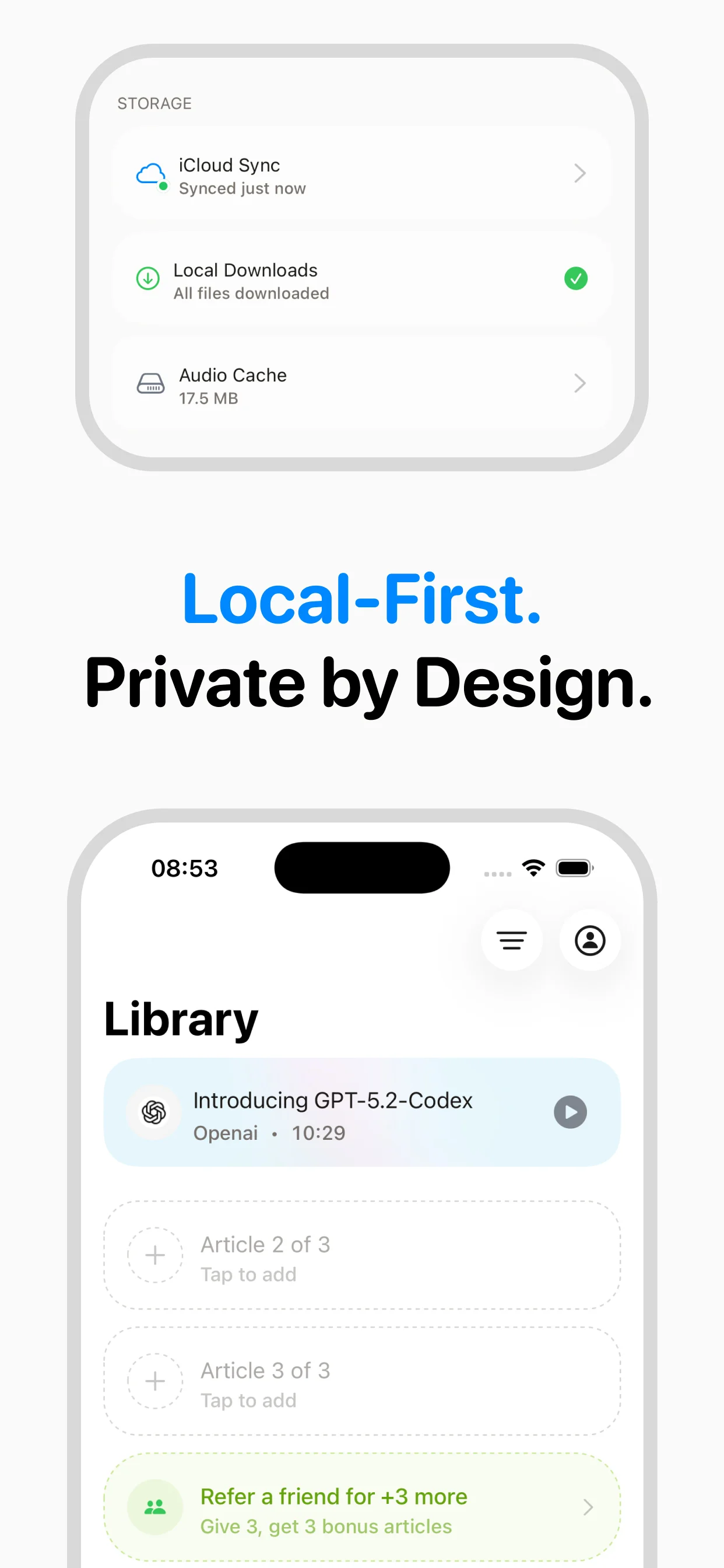
speakeasy saves every converted article to your iCloud library permanently. Treat it like a podcast feed for each course — return to any converted reading any time for additional review passes without reconverting.
Why this matters
Understanding how to study more effectively with text to speech isn't just about following a checklist — it's about fundamentally changing how you consume content. Most people spend 2-3 hours daily reading articles, newsletters, and blog posts on their phones. Converting that reading time to listening time opens up hours of productivity you didn't know you had.
The process is simpler than you might think: Gather your reading list URLs → Convert each article to audio in speakeasy → Listen at an elevated speed for review passes. Once you've done it a few times, it becomes second nature, and you'll wonder how you ever managed without it. speakeasy handles the technical complexity behind the scenes, so you can focus on the content rather than the conversion process.
Common mistakes to avoid
When learning to study more effectively with text to speech, there are a few pitfalls worth knowing about upfront. First, don't try to convert everything at once — start with a few articles you're genuinely interested in, and build your listening habit gradually. Second, make sure you're using the right voice and speed settings for the type of content you're converting.
Another common mistake is not taking advantage of speakeasy's iCloud sync. Your audio library syncs automatically between iPhone and Mac, which means you can queue articles on one device and listen on another. This is especially useful for articles you discover on your desktop but want to listen to during your commute.
Advanced tips for power users
Once you've mastered the basics, here are some ways to level up your workflow. Use the iOS share sheet to send articles directly from Safari, Twitter, or any other app to speakeasy — no need to copy-paste URLs. Set up a dedicated listening time each day, and queue articles the night before so your library is ready to go.
Experiment with different playback speeds for different content types: news articles work well at 1.5-2x, while technical or philosophical content benefits from 1.0-1.2x. You can also use speakeasy's voice preview feature to find the perfect voice for each type of content. Many power users maintain separate mental categories — a deep voice for serious analysis, a lighter voice for casual blog posts.
Getting the best results
The quality of your audio depends on several factors that are worth optimizing. speakeasy works best with well-structured articles that have clear paragraphs and headings. Most blog posts, newsletters, and news articles convert beautifully. Extremely visual content (infographics, charts-heavy pieces) may lose some context in audio form, but the text content still converts well.
For the best listening experience, use headphones or earbuds — the nuance in speakeasy's AI voices is more apparent with direct audio delivery. If you're listening through phone speakers, you might miss subtle intonation that makes the experience feel natural. Finally, don't forget to rate and organize articles in your library — this helps you build a personal audio archive you can revisit anytime.
Key takeaways
- The setup process takes less than a minute once you know the steps
- Start with content you're already interested in to build the listening habit
- Use iCloud sync to seamlessly move between iPhone and Mac
- Experiment with playback speed to find your optimal listening pace
- The iOS share sheet is the fastest way to convert articles
Tips
- Listen to an article once before reading it to prime your brain for the key concepts, then read the text for detail.
- Use 0.9x speed for highly technical content like statistics or legal text where every word matters.
- Convert your own notes pasted into a document service and linked by URL to create personalized audio study cards.
Frequently asked questions

Turn any article into natural-sounding audio. Paste a link, press play, and stay informed while you move.
Coming soon on Android