Listen to Notion Pages as Audio
Published knowledge bases and docs, narrated for easy listening
Notion has become the go-to workspace for teams and individuals — hosting knowledge bases, documentation, project notes, and published pages. When someone shares a Notion page with you, it's often dense with structured information. speakeasy converts published Notion pages into audio so you can absorb shared knowledge during your commute instead of setting aside dedicated reading time. With speakeasy, converting Notion Pages content to audio is as simple as sharing a link. Our extraction engine is optimized for Notion Pages's page structure, ensuring clean text extraction even from complex layouts. Once converted, your audio syncs across all your Apple devices through iCloud, ready to play whenever you are.
How it works
Why Notion Pages content works great as audio
Notion Pages is home to some of the web's most compelling published pages, knowledge bases, documentation, wikis, shared notes. The platform's writers tend to produce well-structured, text-rich articles that convert beautifully to audio. Unlike heavily visual platforms, Notion Pages's content is primarily text-based, which means almost nothing is lost in the audio conversion.
This makes Notion Pages one of the best sources for building an audio listening library. Whether you follow specific writers or browse by topic, there's always a steady stream of new content worth converting. speakeasy's natural AI voices bring these articles to life, preserving the author's tone and pacing in a way that feels authentic.
Getting started with Notion Pages audio
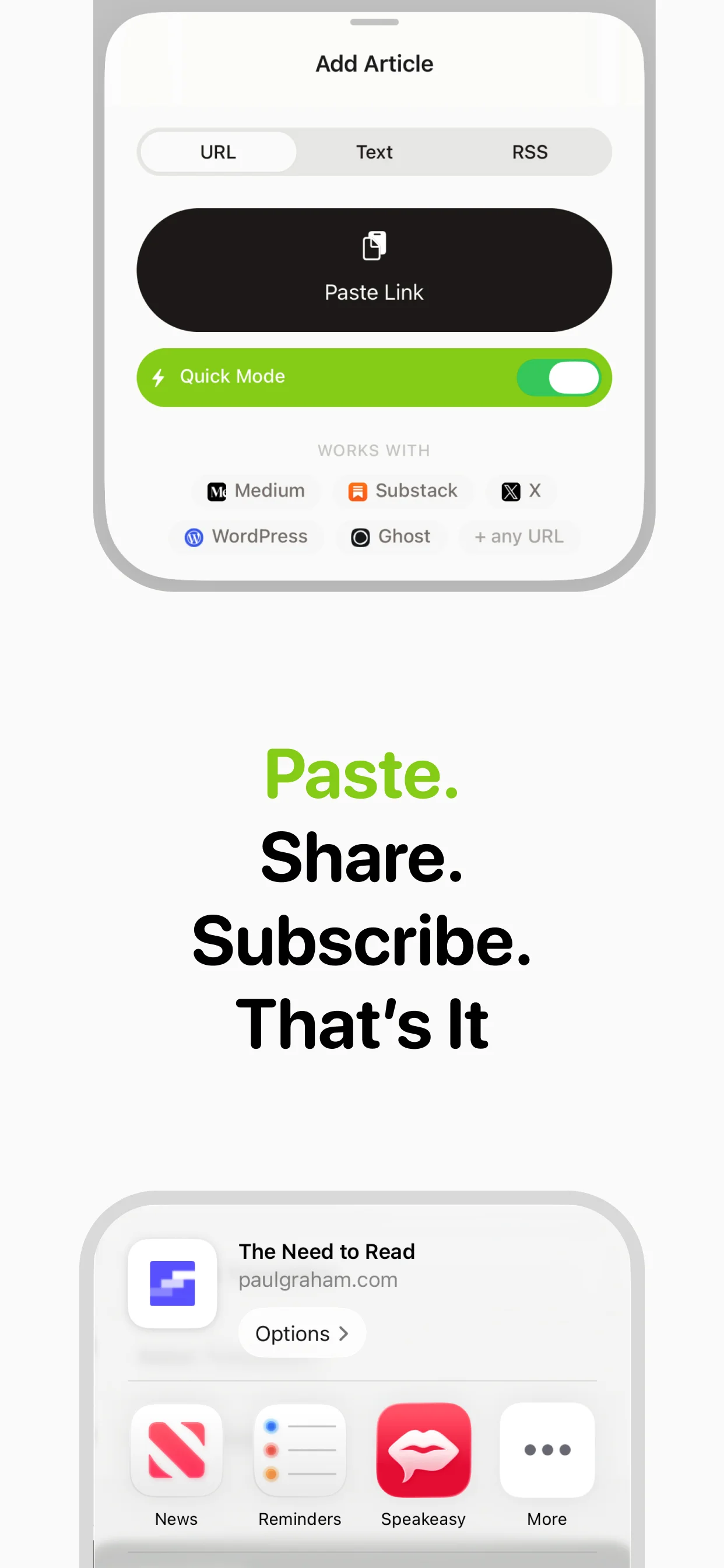
The fastest way to start listening to Notion Pages content is through the iOS share sheet. When you find an article on Notion Pages that you want to hear, tap the share button and select speakeasy. The app extracts the text, converts it to audio, and adds it to your library — all in a matter of seconds.
You can also copy and paste Notion Pages URLs directly into speakeasy's input field. This works from any device, making it easy to queue articles from your desktop browser for later listening on your phone. speakeasy handles Notion Pages's specific page structure and formatting, so the extracted text is clean and well-organized for audio playback.
Best practices for Notion Pages listening
To get the most out of listening to Notion Pages content, consider building a routine around it. Many users queue 3-5 articles in the evening and listen during their morning commute. This creates a natural habit that helps you stay current with the Notion Pages writers and topics you care about.
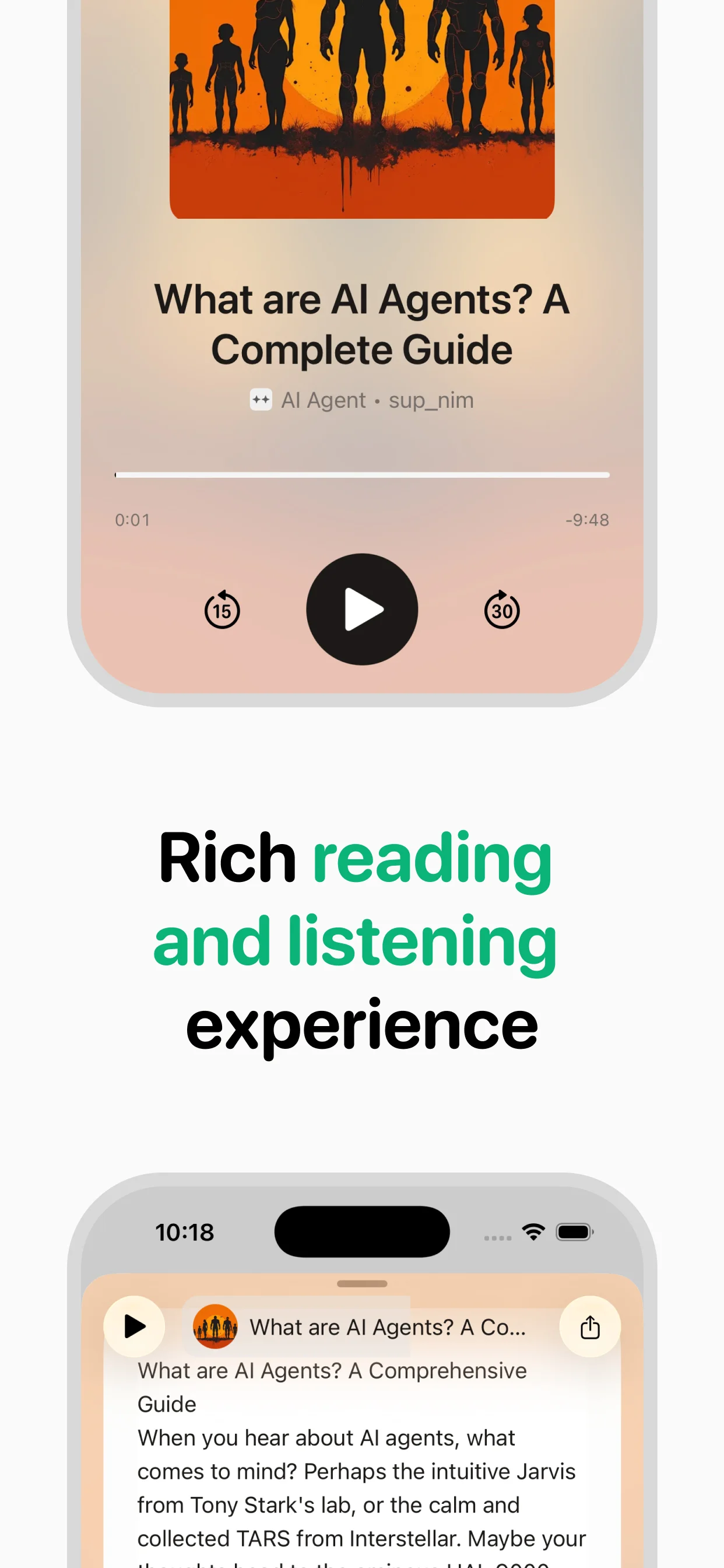
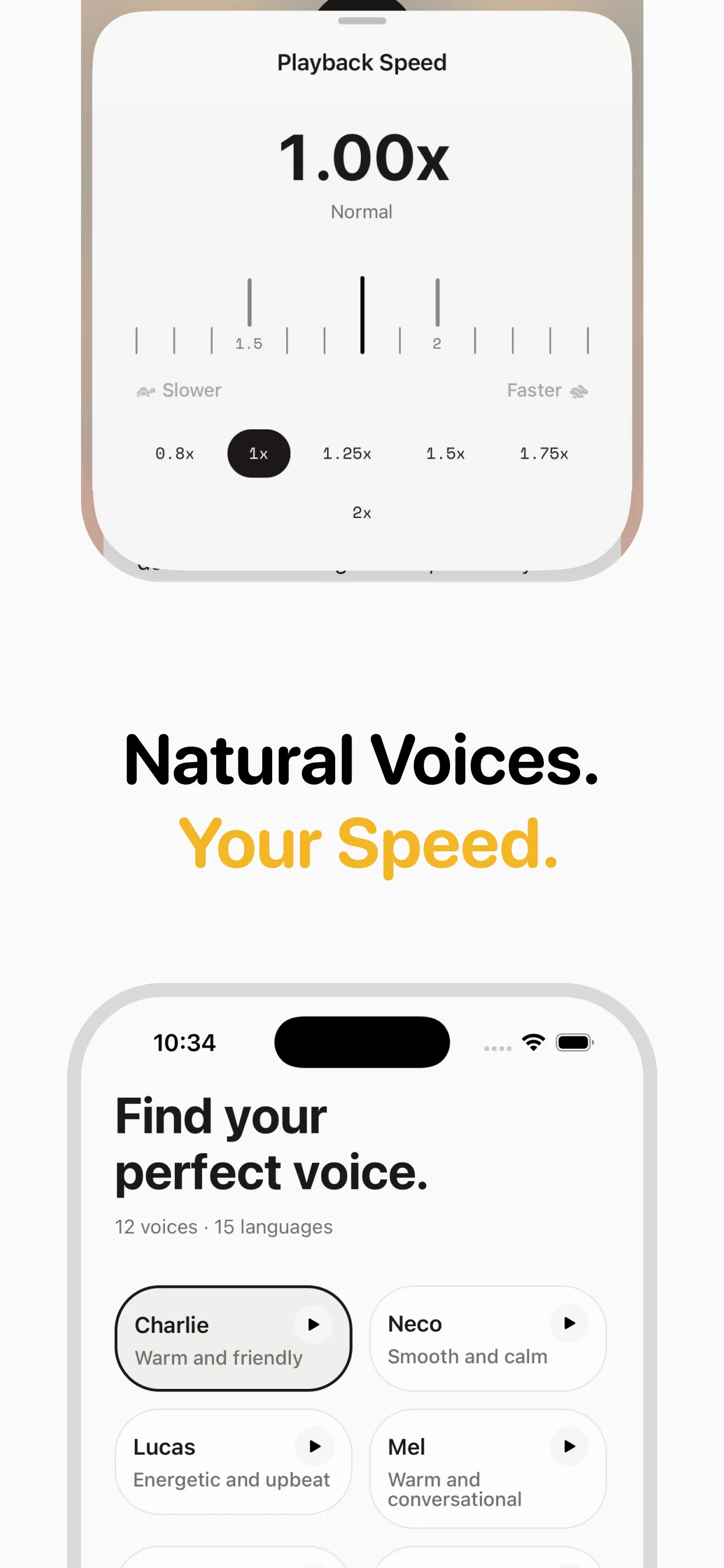
For longer Notion Pages articles (10+ minutes of audio), consider using a slightly slower playback speed to catch nuances. For news and commentary pieces, 1.3-1.5x often works well. speakeasy remembers your playback position, so you can pause mid-article and resume exactly where you left off.
Building a Notion Pages audio collection
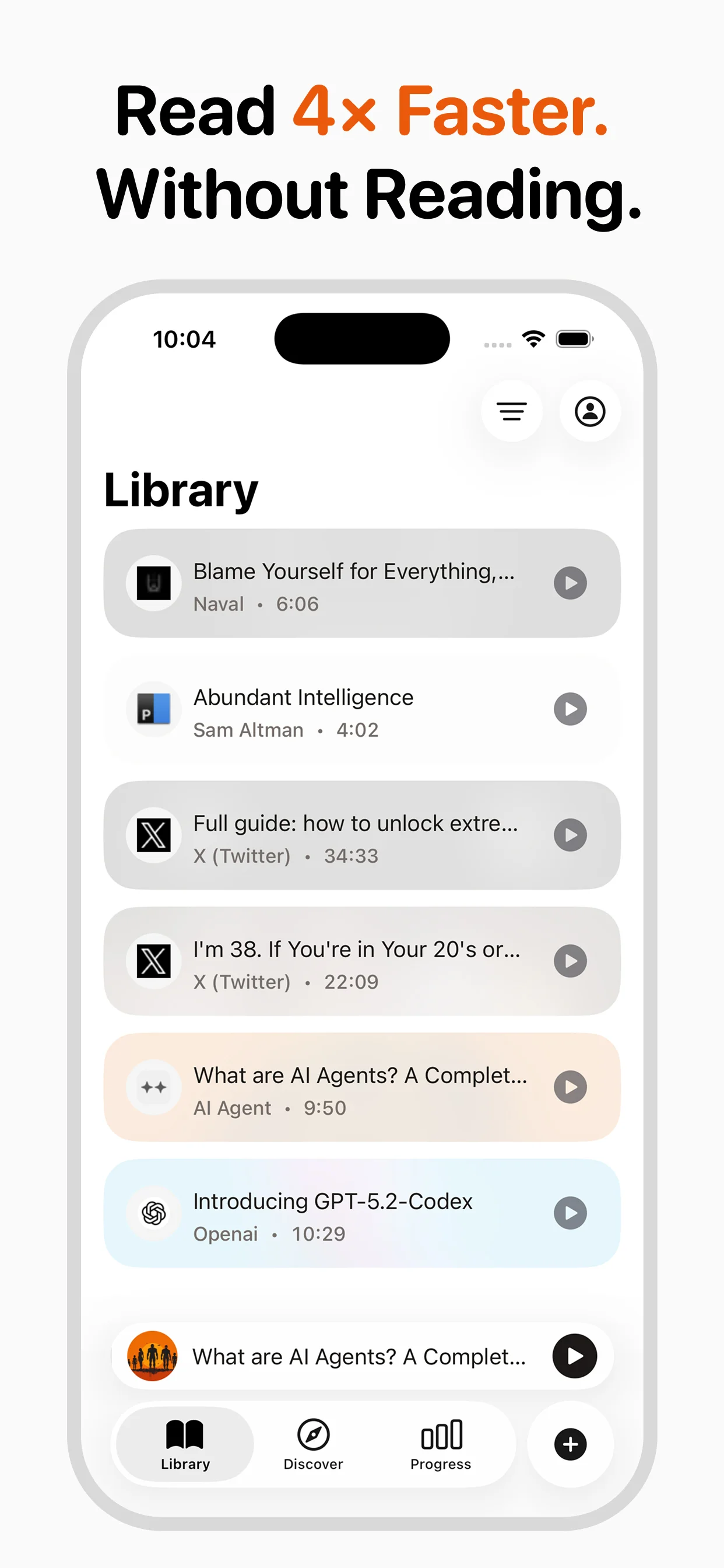
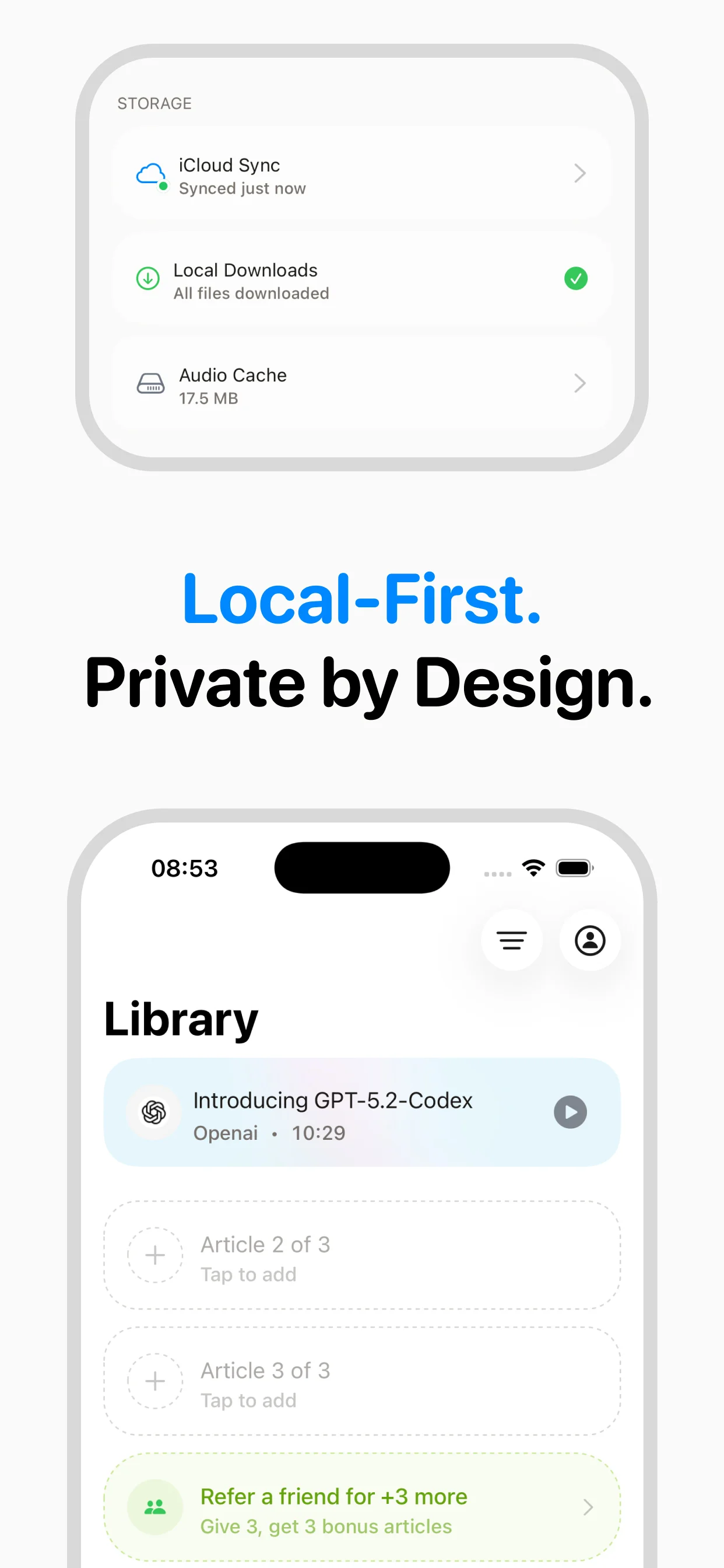
Over time, your collection of converted Notion Pages articles becomes a valuable personal resource. Unlike bookmarking (where articles pile up unread), audio conversion ensures you actually consume the content. speakeasy's library keeps everything organized with titles, sources, and dates, making it easy to revisit favorites.
The iCloud sync means your entire Notion Pages audio collection is available on both iPhone and Mac. Start an article on your phone during your commute, then finish it on your MacBook at your desk. For prolific Notion Pages readers, this workflow can easily replace 30-60 minutes of daily screen time with productive audio content.
Why Notion Pages is great for audio
Notion Pages's text-rich content converts cleanly to natural-sounding audio
One-tap conversion via the iOS share sheet or URL paste
Articles sync across all your Apple devices through iCloud
Build a personal audio library of your favorite Notion Pages content
Notion Pages at a glance
- Content types
- Published pages, knowledge bases, documentation, wikis, shared notes
- Typical length
- 3–20 minute reads
- Popular topics
- Product DocumentationTeam Knowledge BasesPersonal NotesProject WikisHow-to Guides
Why speakeasy for Notion Pages?
Notion pages can be dense with tables, toggles, and nested content. speakeasy extracts the text content and produces clean audio from the narrative portions — perfect for getting up to speed on a team wiki, product spec, or shared document without staring at nested blocks.
Frequently asked questions

Turn any article into natural-sounding audio. Paste a link, press play, and stay informed while you move.
Coming soon on Android