How to Choose the Best AI Voice
Find the voice that makes listening feel effortless
The right AI voice makes the difference between content that feels like a chore and content you genuinely look forward to hearing. speakeasy offers a curated selection of natural-sounding voices powered by InWorld TTS and OpenAI, covering a range of accents, tones, and styles. You can preview any voice before committing, and your preference is saved so every new article automatically uses your chosen voice. This guide walks through how to audition voices and pick the one that works best for your listening habits. This guide walks you through everything you need to know, from the basic setup to advanced tips that most users miss. Whether you're new to text-to-speech or looking to optimize your existing workflow, following these steps will help you get the most out of speakeasy and save significant time in the process.
Steps
Open Settings and navigate to Voice
In speakeasy, tap the Settings icon and select the Voice option to see the full list of available AI voices.
Browse the voice list
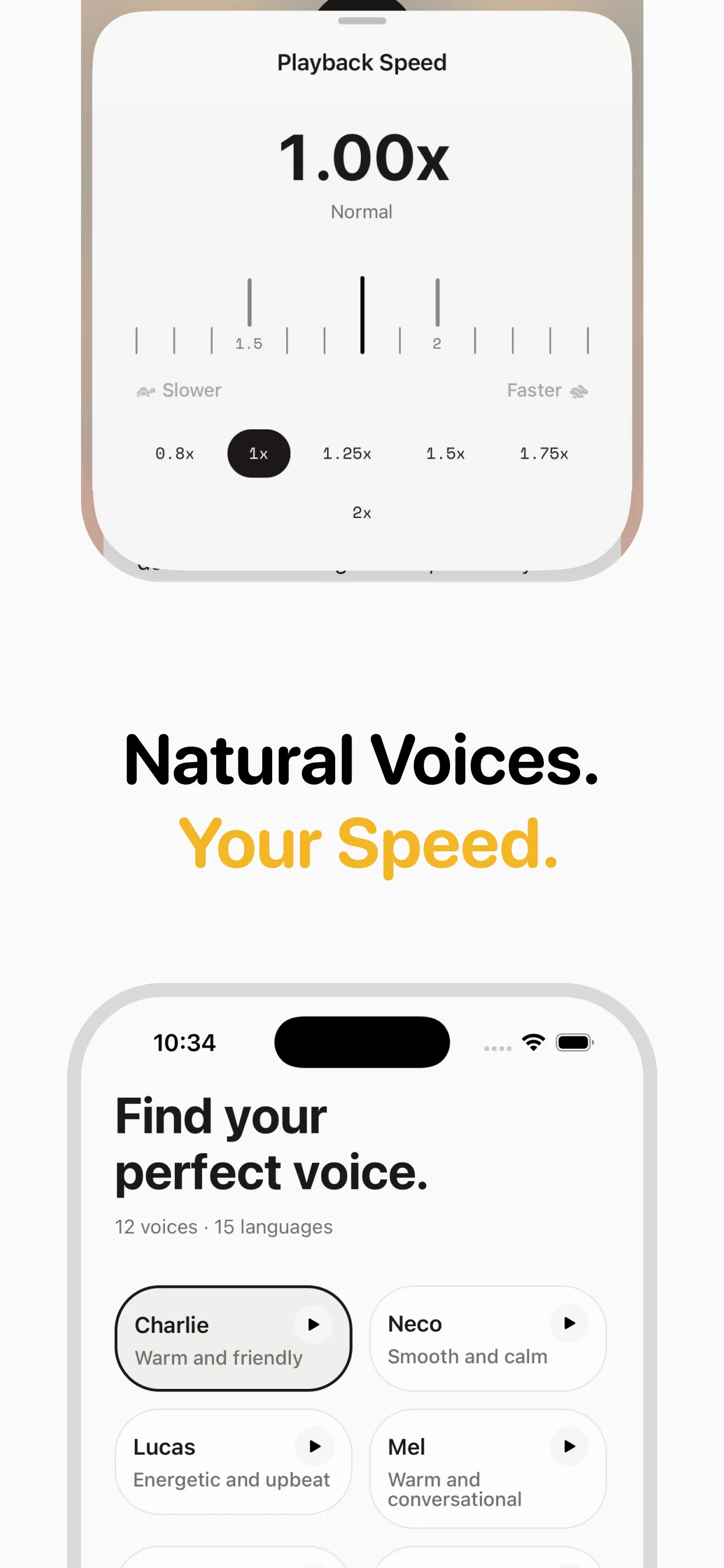
Voices are grouped by provider (InWorld and OpenAI) and labeled with accent and tone descriptors such as warm, neutral, energetic, or professional.
Preview each voice
Tap the play icon next to any voice to hear a short audio sample. speakeasy downloads a voice preview clip from the server so you can evaluate it without converting a full article.
Set your preferred voice
Tap Select next to the voice you like best. This becomes your default voice for all future article conversions.
Switch voices anytime
You can return to the Voice settings at any time to try a different voice. Changing your default does not affect articles already saved in your library.
Why this matters
Understanding how to choose the best ai voice isn't just about following a checklist — it's about fundamentally changing how you consume content. Most people spend 2-3 hours daily reading articles, newsletters, and blog posts on their phones. Converting that reading time to listening time opens up hours of productivity you didn't know you had.
The process is simpler than you might think: Open Settings and navigate to Voice → Browse the voice list → Preview each voice. Once you've done it a few times, it becomes second nature, and you'll wonder how you ever managed without it. speakeasy handles the technical complexity behind the scenes, so you can focus on the content rather than the conversion process.
Common mistakes to avoid
When learning to choose the best ai voice, there are a few pitfalls worth knowing about upfront. First, don't try to convert everything at once — start with a few articles you're genuinely interested in, and build your listening habit gradually. Second, make sure you're using the right voice and speed settings for the type of content you're converting.
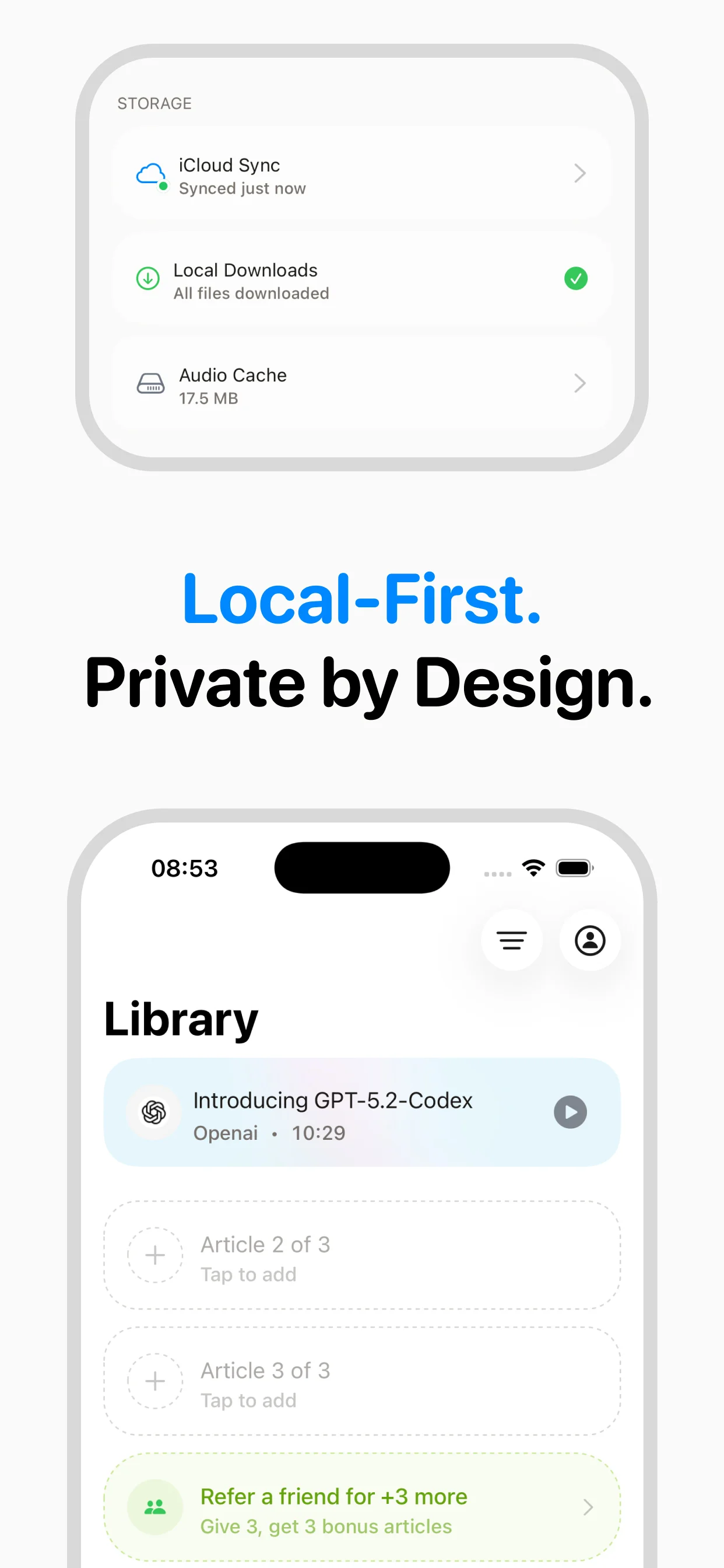
Another common mistake is not taking advantage of speakeasy's iCloud sync. Your audio library syncs automatically between iPhone and Mac, which means you can queue articles on one device and listen on another. This is especially useful for articles you discover on your desktop but want to listen to during your commute.
Advanced tips for power users
Once you've mastered the basics, here are some ways to level up your workflow. Use the iOS share sheet to send articles directly from Safari, Twitter, or any other app to speakeasy — no need to copy-paste URLs. Set up a dedicated listening time each day, and queue articles the night before so your library is ready to go.
Experiment with different playback speeds for different content types: news articles work well at 1.5-2x, while technical or philosophical content benefits from 1.0-1.2x. You can also use speakeasy's voice preview feature to find the perfect voice for each type of content. Many power users maintain separate mental categories — a deep voice for serious analysis, a lighter voice for casual blog posts.
Getting the best results
The quality of your audio depends on several factors that are worth optimizing. speakeasy works best with well-structured articles that have clear paragraphs and headings. Most blog posts, newsletters, and news articles convert beautifully. Extremely visual content (infographics, charts-heavy pieces) may lose some context in audio form, but the text content still converts well.
For the best listening experience, use headphones or earbuds — the nuance in speakeasy's AI voices is more apparent with direct audio delivery. If you're listening through phone speakers, you might miss subtle intonation that makes the experience feel natural. Finally, don't forget to rate and organize articles in your library — this helps you build a personal audio archive you can revisit anytime.
Key takeaways
- The setup process takes less than a minute once you know the steps
- Start with content you're already interested in to build the listening habit
- Use iCloud sync to seamlessly move between iPhone and Mac
- Experiment with playback speed to find your optimal listening pace
- The iOS share sheet is the fastest way to convert articles
Tips
- Try the InWorld voices first — they tend to sound more natural and expressive than standard TTS voices
- Match the voice to the content type: a warmer voice works well for personal essays, while a crisp neutral voice suits technical articles
- If a voice preview loads slowly, speakeasy caches it after the first download so subsequent previews are instant
Frequently asked questions

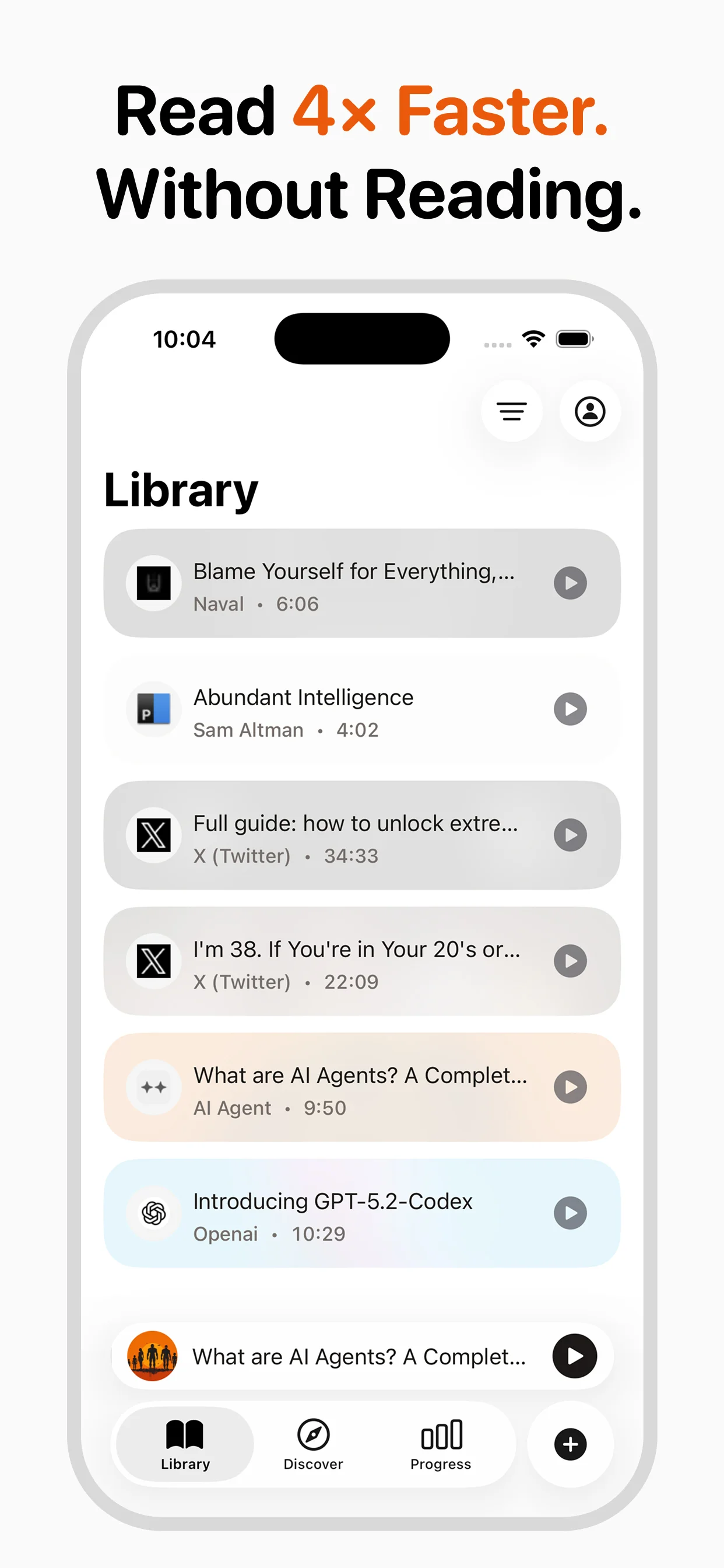
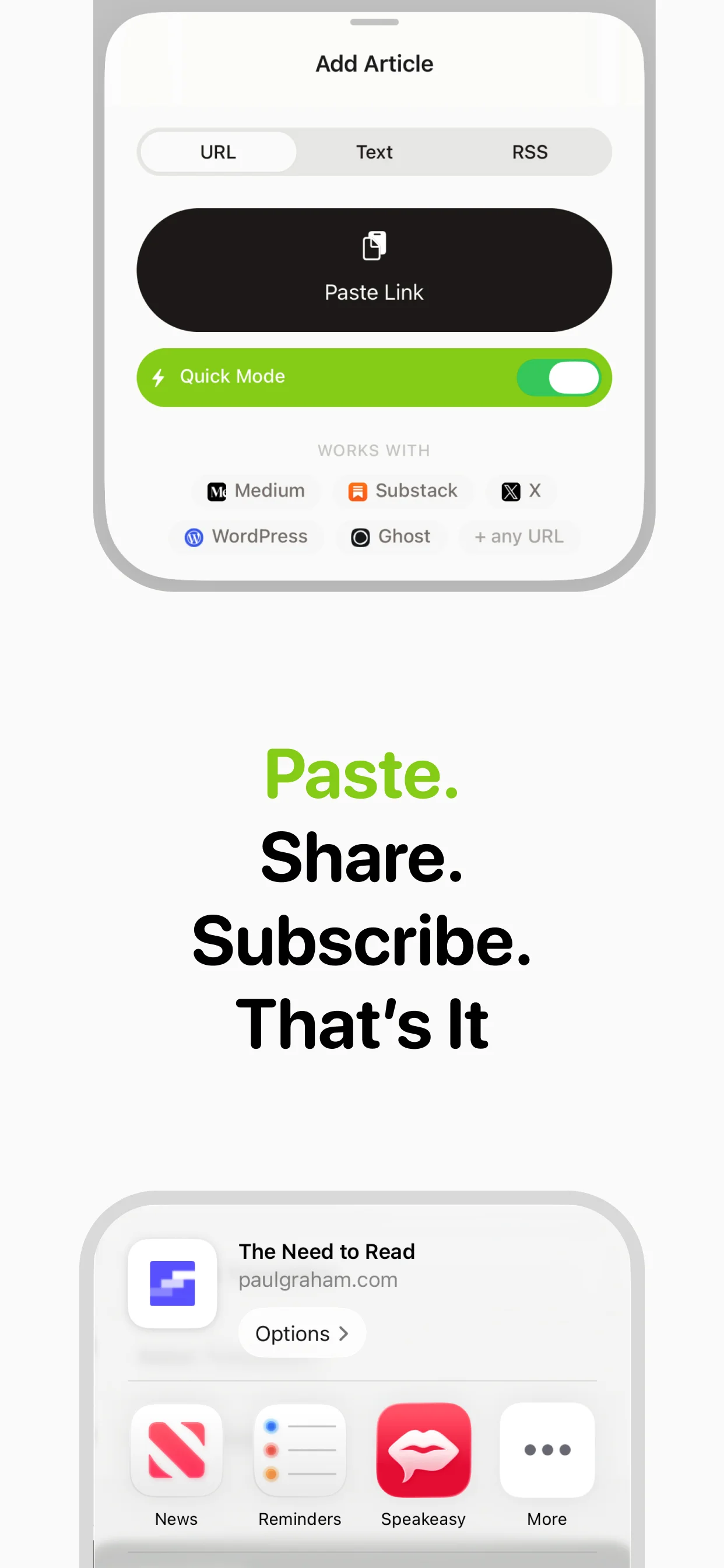
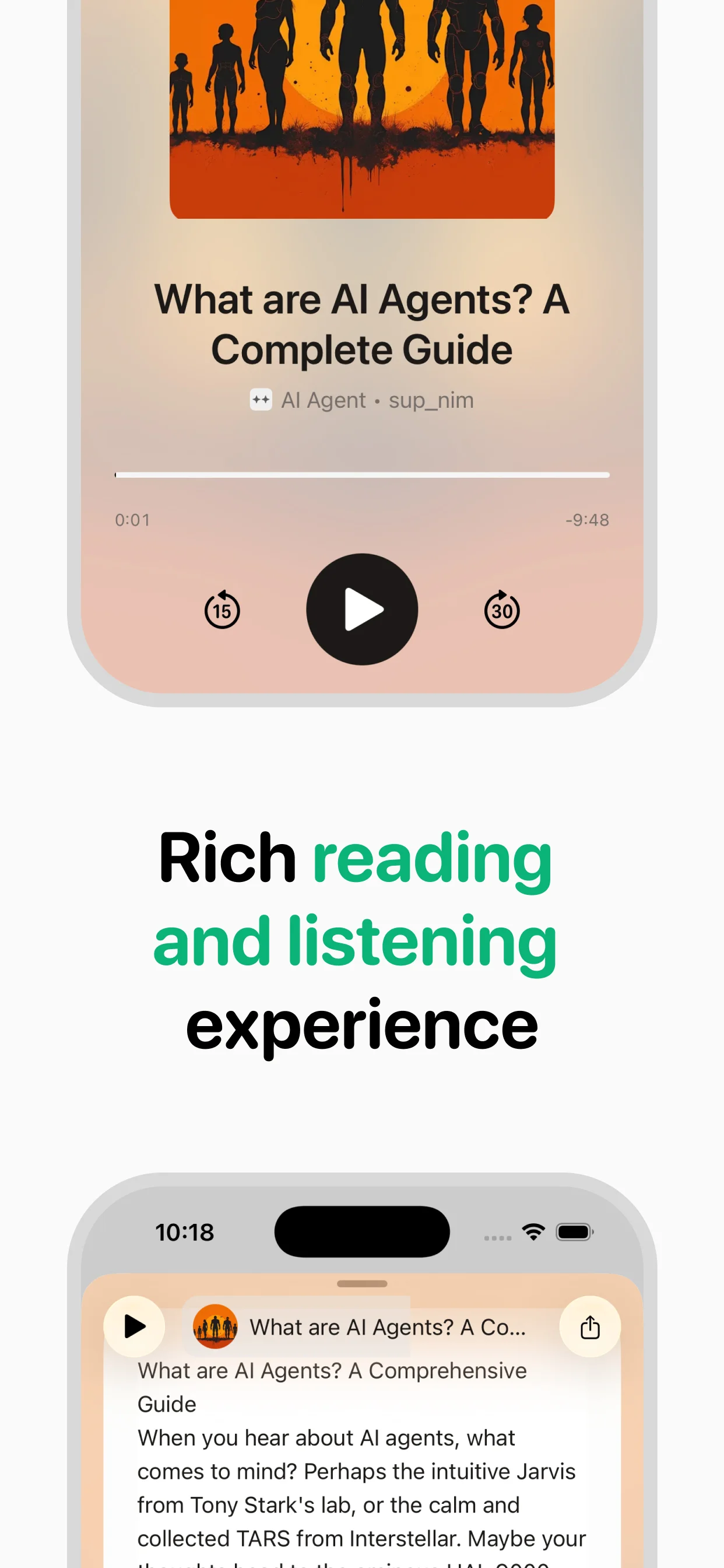
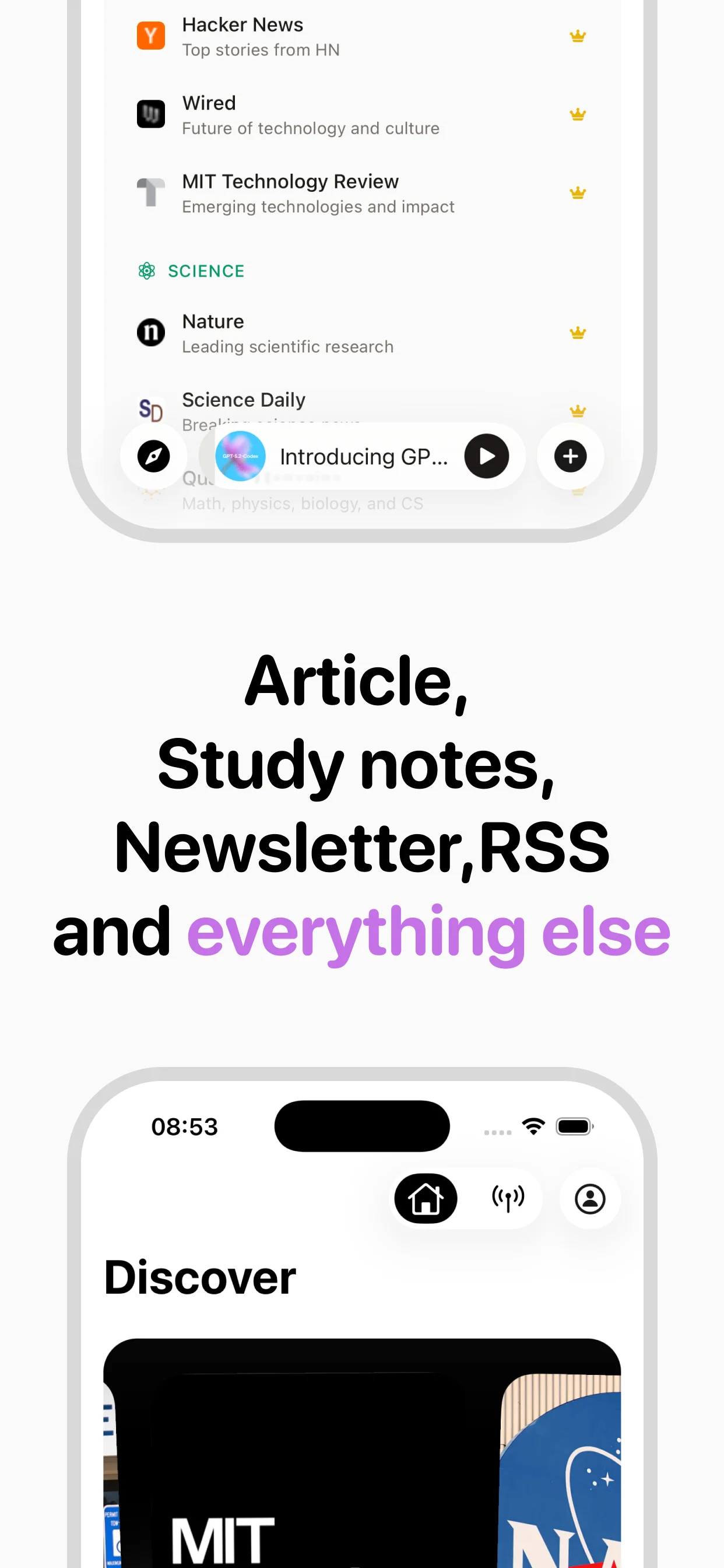
Turn any article into natural-sounding audio. Paste a link, press play, and stay informed while you move.
Coming soon on Android