Best text to speech Apps in 2026
An honest look at the top TTS apps — features, pricing, voice quality, and who each one is best for.

How we evaluated
We compared TTS apps across five dimensions: voice quality (how natural the voices sound), content support (what types of text they can convert), pricing (free tier and paid plans), platform availability (iOS, Android, web), and ease of use (how quickly you go from URL to audio). We tested each app with the same set of articles — a news piece, a technical blog post, and a long-form feature — and rated voice quality using the MOS framework.
speakeasy — Best for article listeners
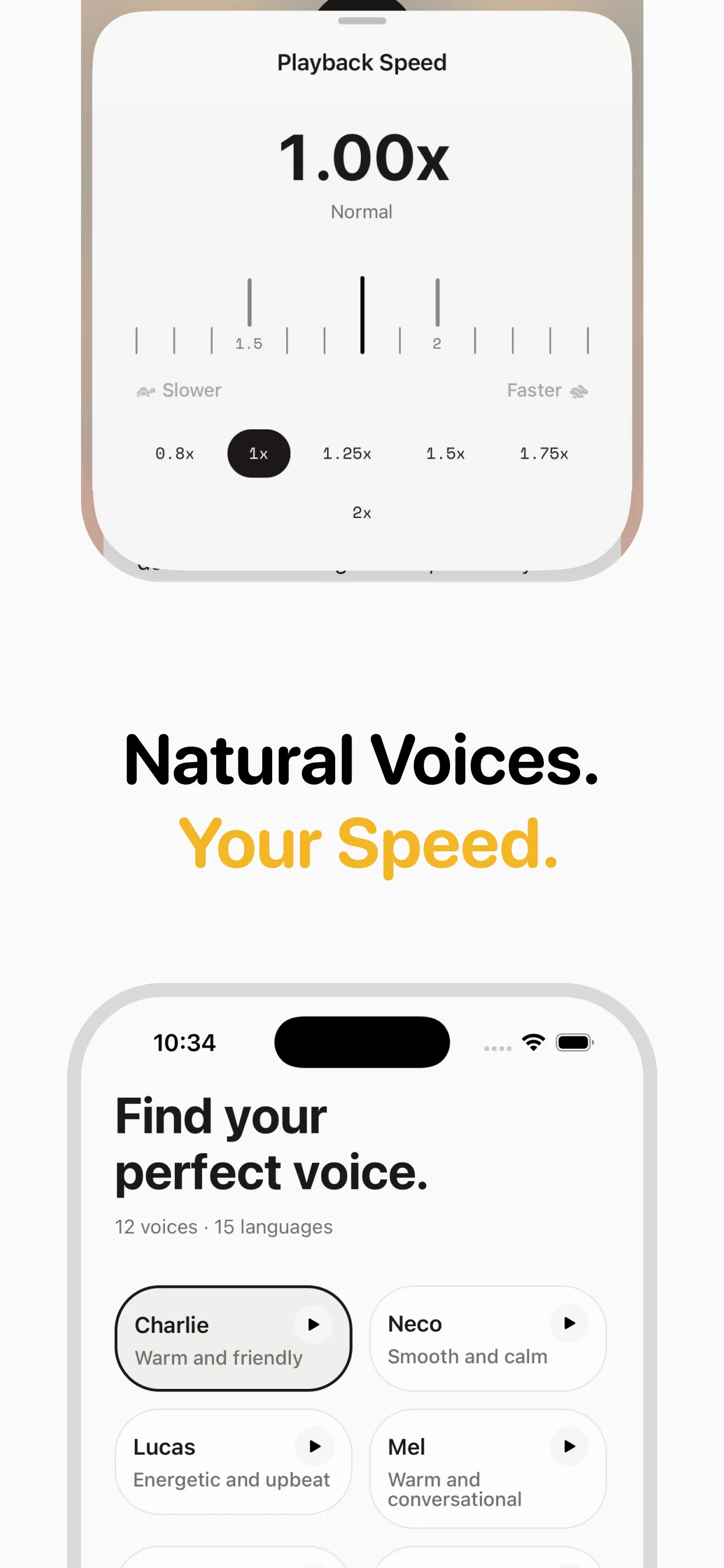
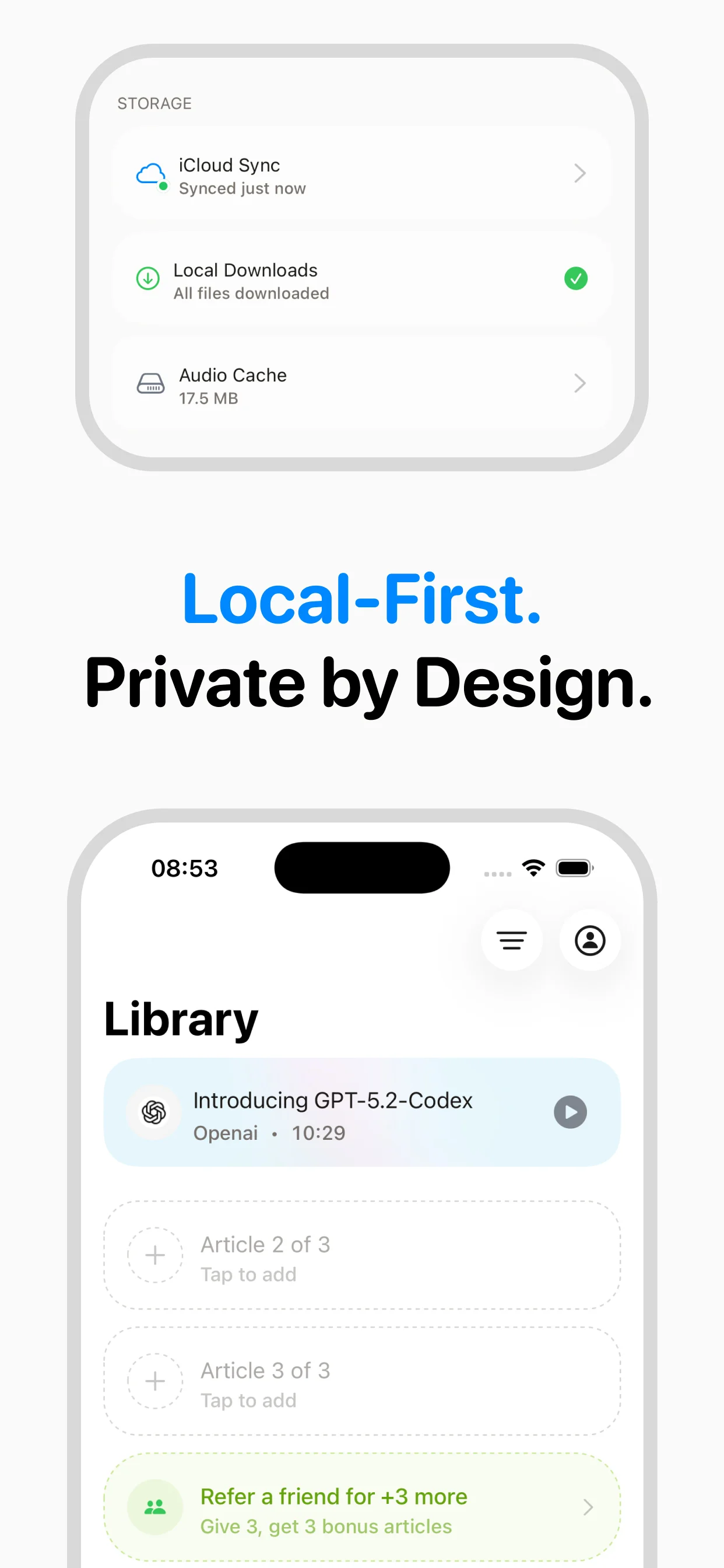
speakeasy is a focused URL-to-audio app that does one thing extremely well: converting web articles into natural-sounding audio. It uses InWorld neural voices (MOS 4.0+), stores audio in iCloud for offline sync, and has the cleanest paste-and-play workflow we tested. The free tier gives you 3 articles/week with no account. Premium is $9.99/mo or $89.99/yr for unlimited articles, RSS feeds, and more voices. Limitation: iOS only, no PDF or document support yet. Best for: people who want to listen to articles, newsletters, and web content.
Speechify — Best for power users with big budgets
Speechify is the market leader with 50+ million users and the broadest feature set: Chrome extension, OCR scanning, PDF reader, audiobook library, and celebrity voices. Voice quality is excellent (MOS 4.2+). However, it's expensive — $139/yr or $29/mo — and the free tier is significantly limited (basic voices only, 1.5x max speed). The app can feel bloated with features many users never touch. Best for: users who need document scanning, Chrome reading, and audiobook access in one app.
NaturalReader — Best free option for documents
NaturalReader offers a generous free tier with decent voice quality for document reading. It supports PDFs, Word docs, and ebooks. The paid plans ($9.99/mo or $59.88/yr) add premium voices and OCR. Voice quality is good but noticeably below Speechify and speakeasy's neural voices. The mobile app is functional but dated. Best for: students and professionals who need to listen to documents and PDFs.
Voice Dream Reader — Best for accessibility
Voice Dream Reader has long been the gold standard for accessibility-focused TTS. Excellent VoiceOver integration, highly customizable reading experience, and support for a wide range of document formats. It was acquired by Apple in 2023, and the future direction is unclear, but the current version ($14.99 one-time purchase) remains excellent. Best for: users with visual impairments or learning disabilities who need deep accessibility features.
Pocket — Best for read-it-later with TTS as a bonus
Pocket (owned by Mozilla) is primarily a read-it-later app that added TTS as a premium feature ($4.99/mo). Voice quality is functional but clearly below dedicated TTS apps. The strength is the read-it-later ecosystem — tagging, archiving, recommendations. Best for: users who primarily want article saving and curation, with TTS as a nice-to-have.
The bottom line
For article and web content listening: speakeasy offers the best combination of voice quality, simplicity, and price. For document and PDF reading: NaturalReader or Voice Dream. For an everything-in-one-app approach (at a premium price): Speechify. For casual use with a great read-it-later experience: Pocket. The right choice depends on what you're listening to most.
Frequently asked questions

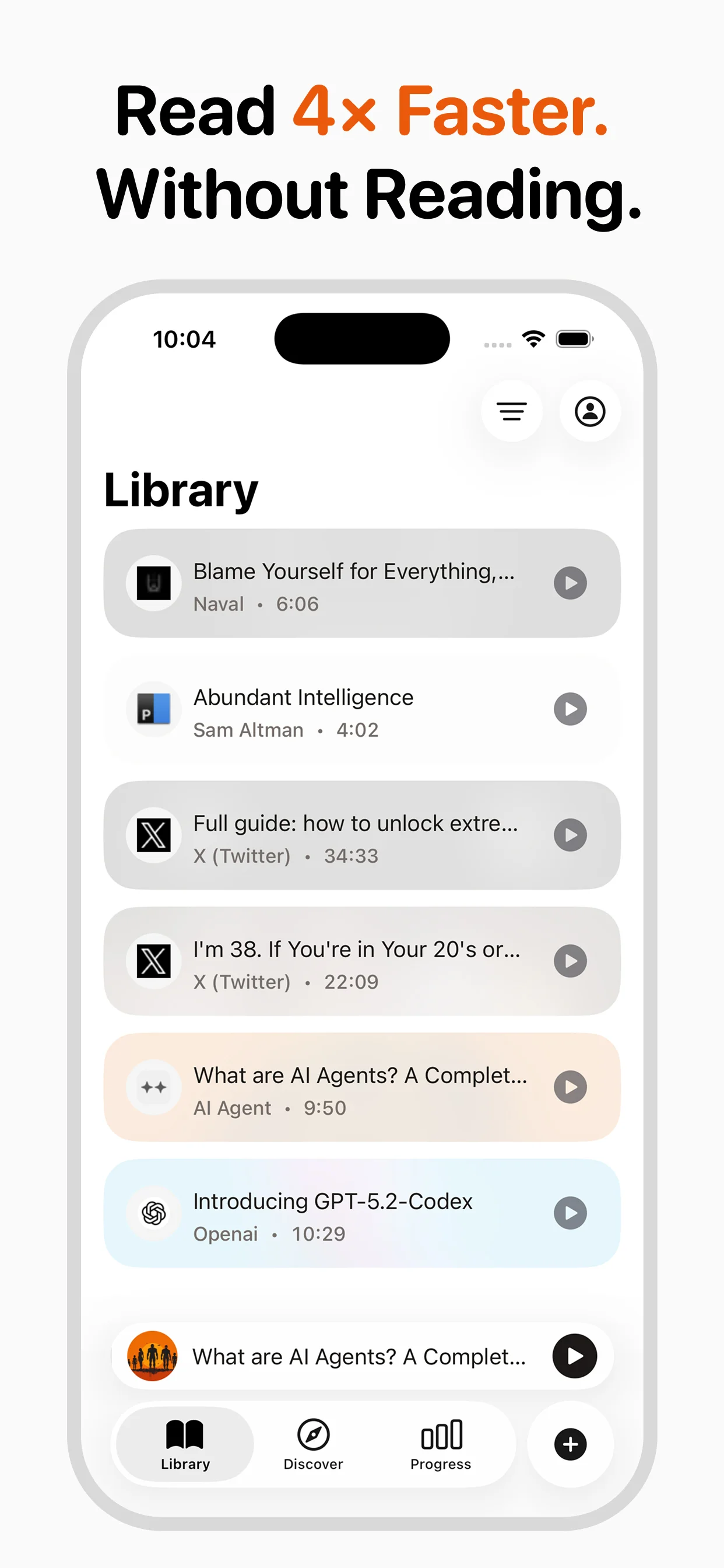
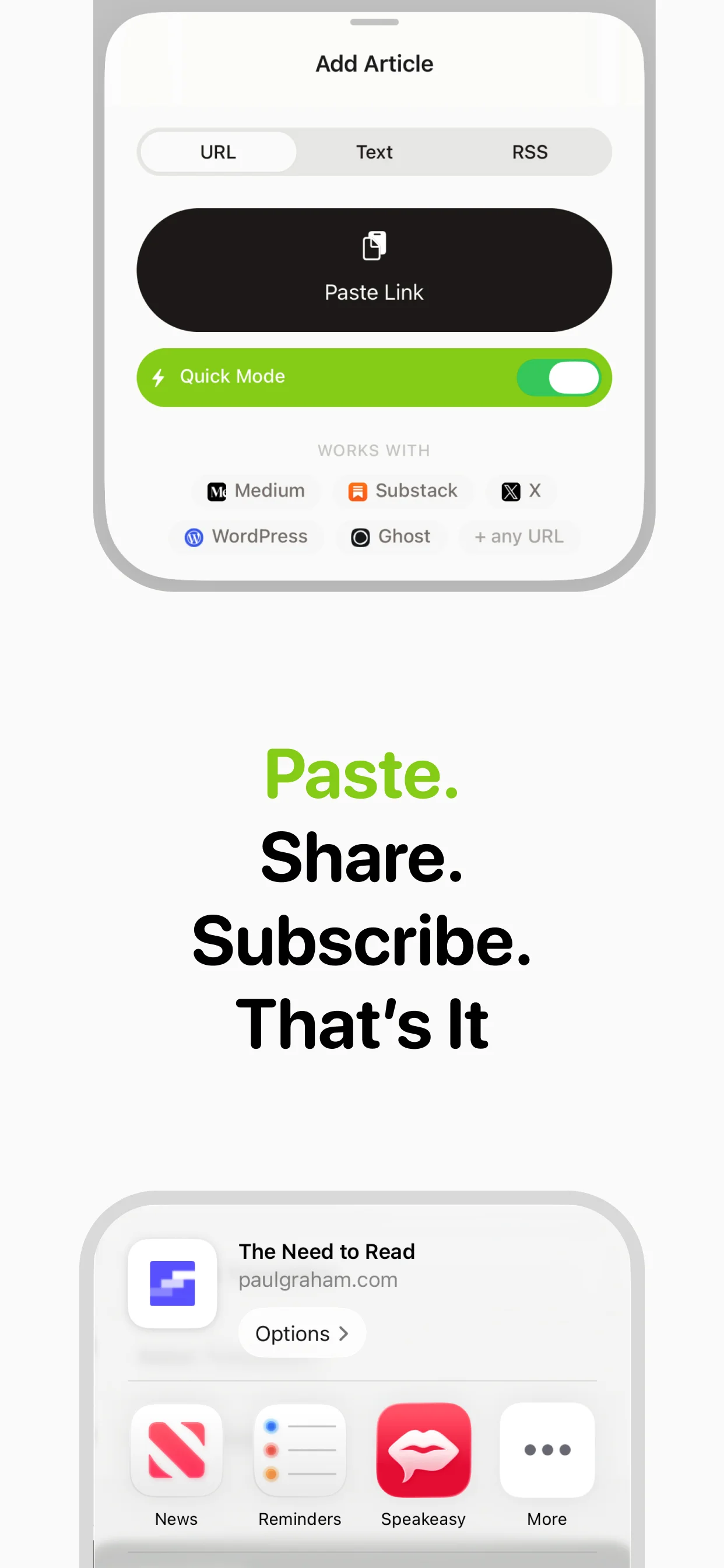
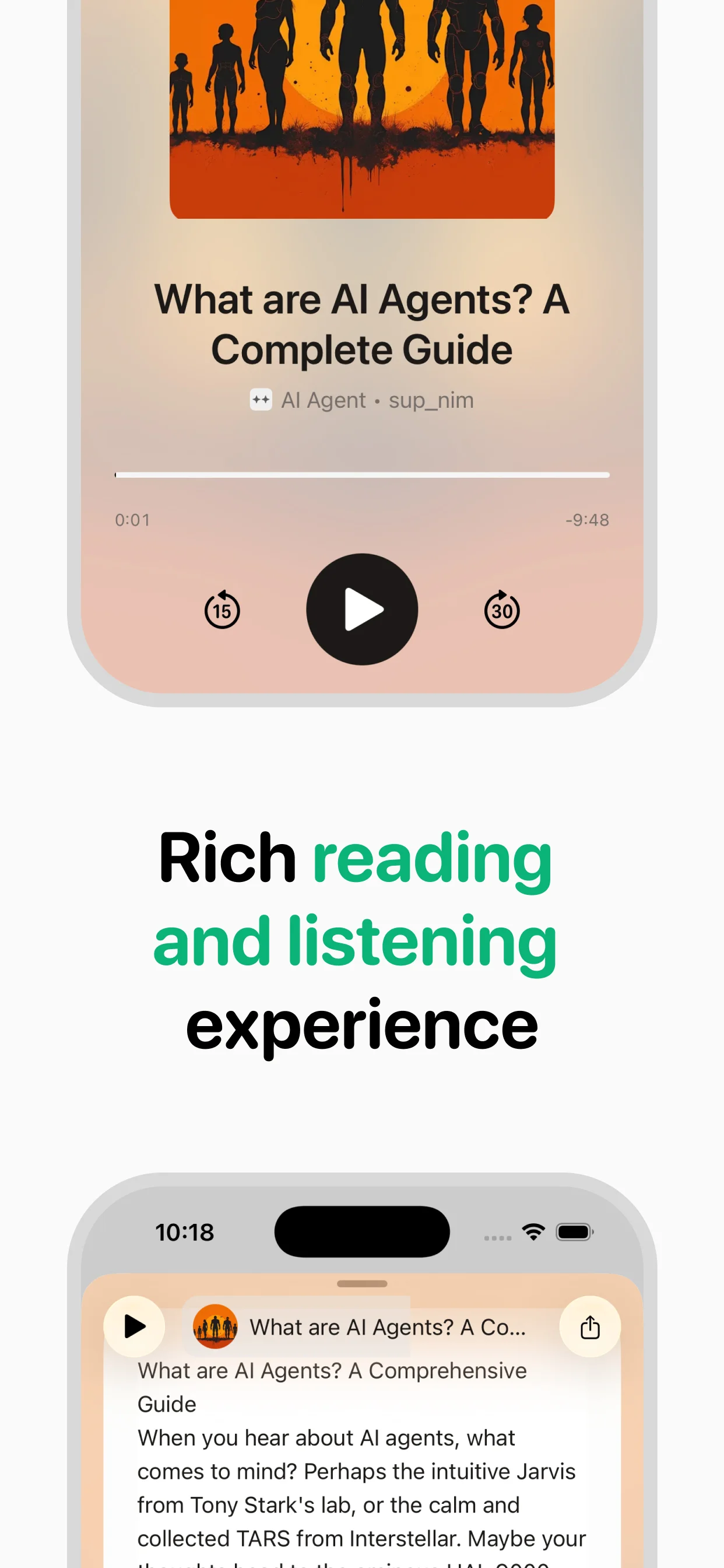
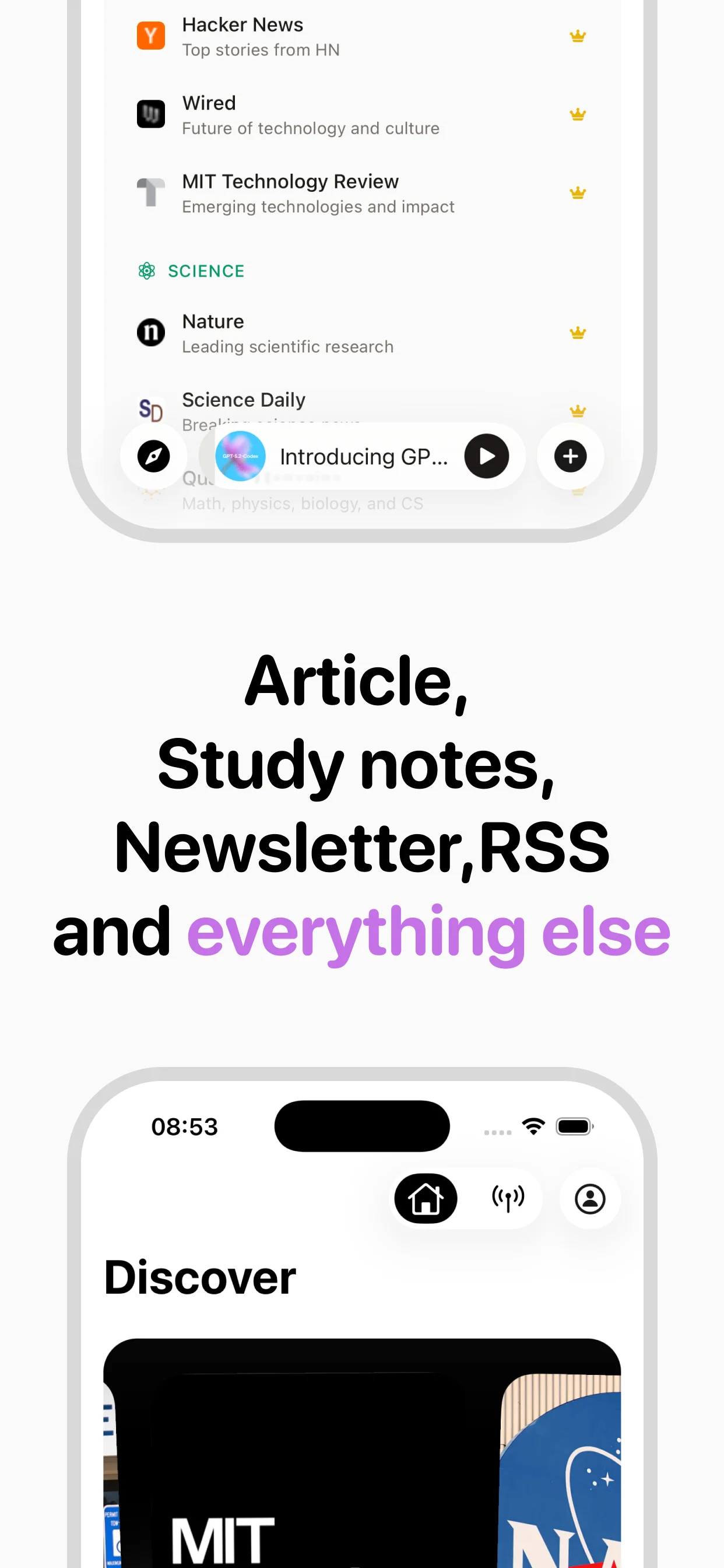
Turn any article into natural-sounding audio. Paste a link, press play, and stay informed while you move.
Coming soon on Android