Listen to Articles Free
Turn your reading backlog into a listening queue. Convert any article to audio — 3 per week, free.
Your reading backlog has a solution
You've got 47 tabs open, a Pocket account full of saved articles, and a growing sense of guilt about everything you're "going to read later" but never do. Sound familiar? The problem isn't willpower — it's time. You don't have uninterrupted reading time, but you do have listening time: commutes, walks, workouts, chores. speakeasy converts those saved articles into audio you can consume during time that's otherwise wasted.
How to start listening
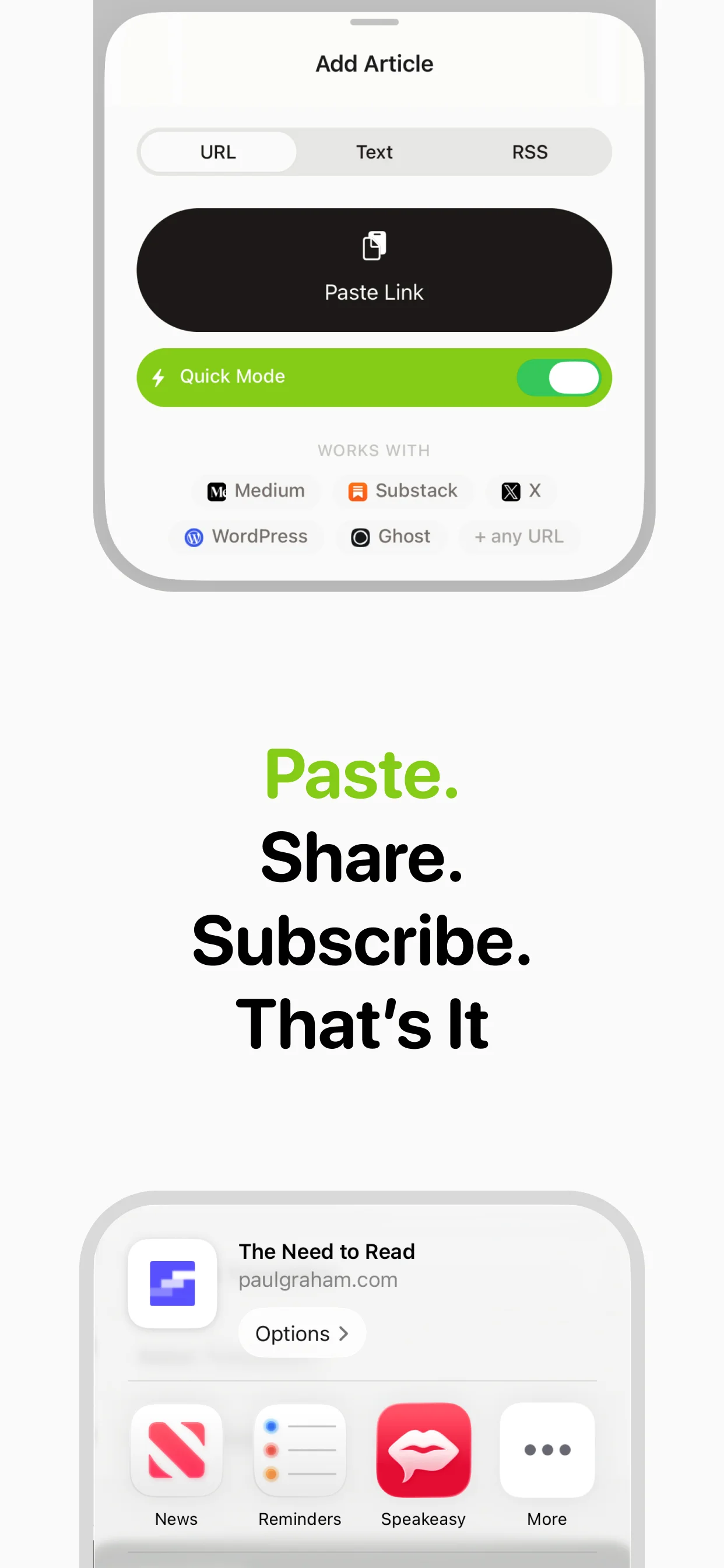
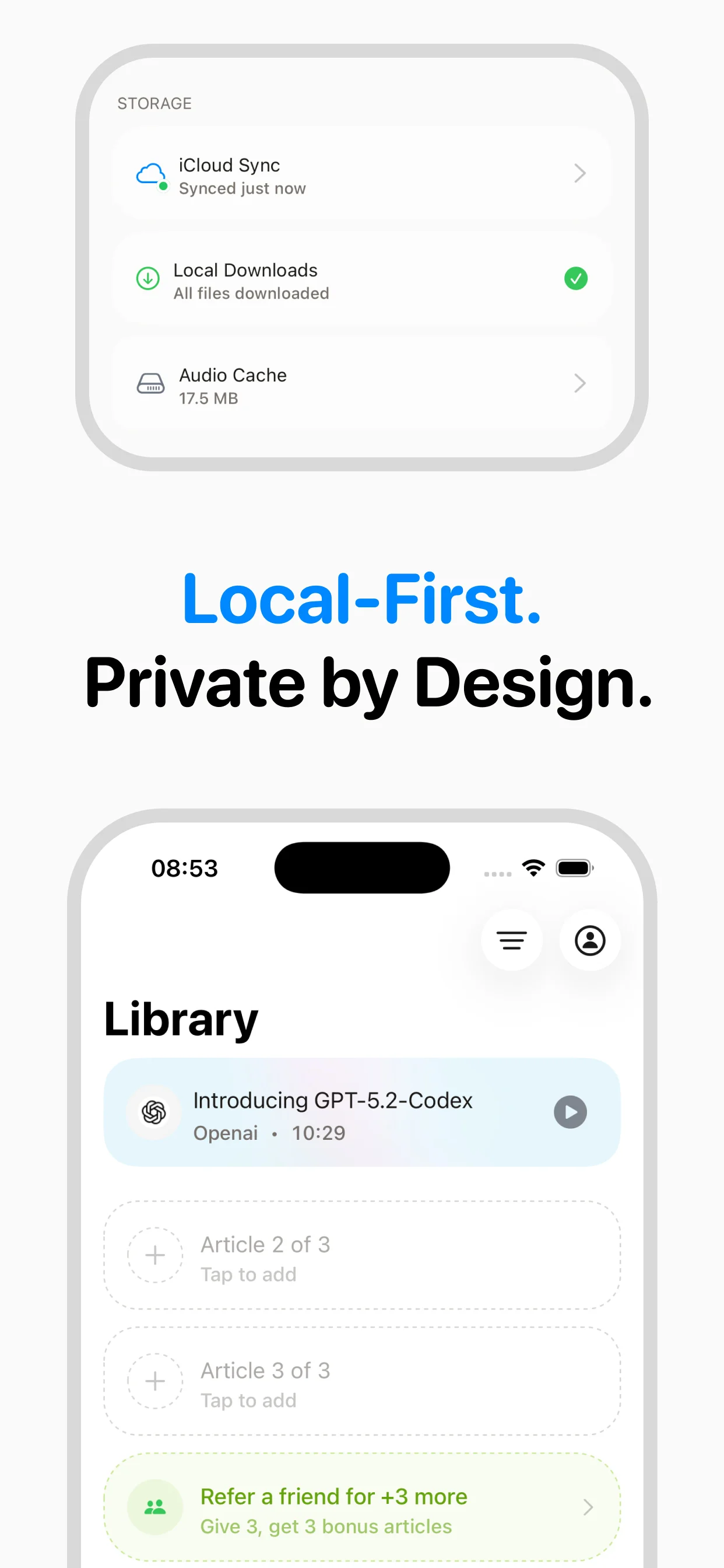
Download speakeasy (free on the App Store). Copy a URL from any article. Open speakeasy and tap paste. In seconds, you'll hear the article read aloud with a premium AI voice. It saves to your library automatically. Three articles per week are free — enough to start clearing that backlog.
What can you listen to?
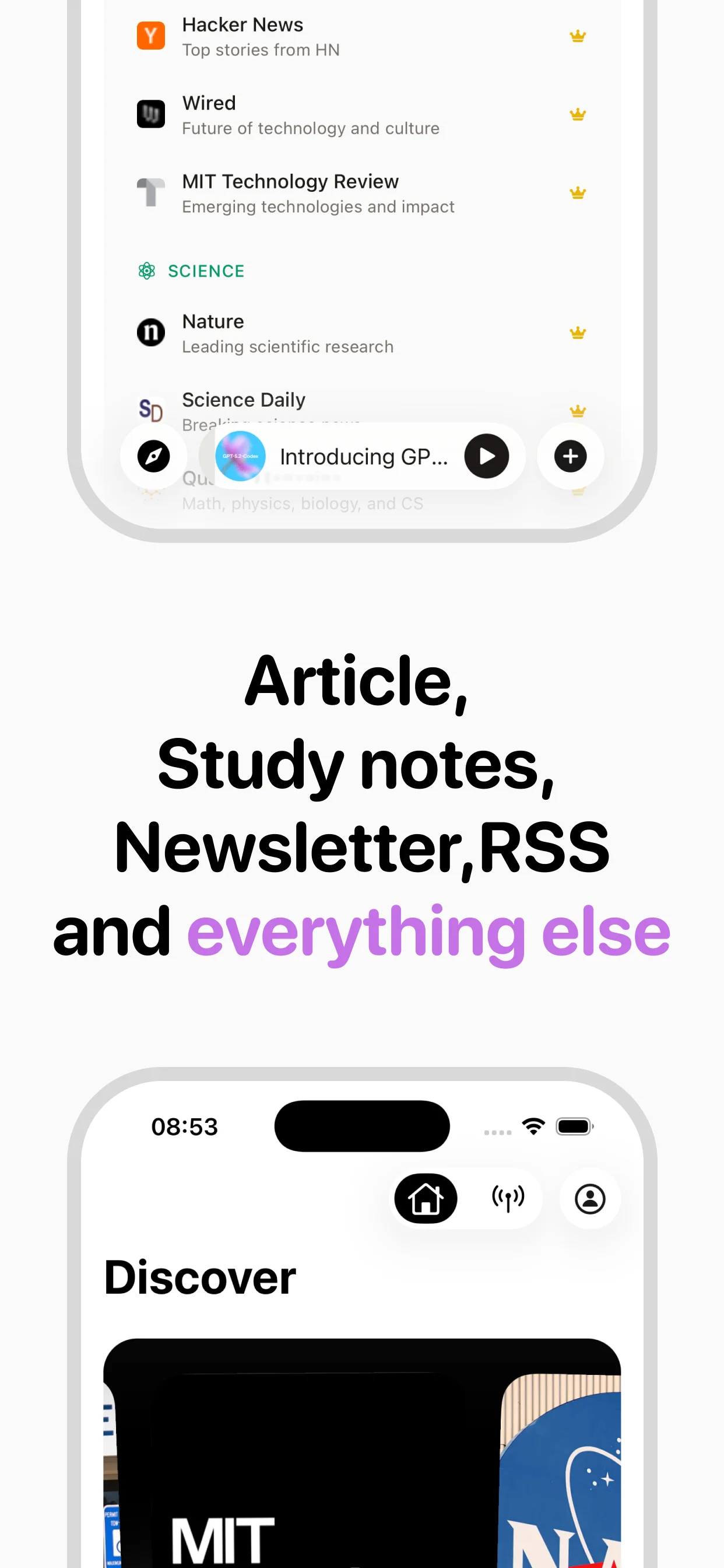
Any article on the web. News from the New York Times, tech deep-dives from Ars Technica, newsletters from your favorite Substack writers, Twitter threads that went viral, Wikipedia articles for research, Medium posts, blog posts, documentation — if it has a URL, speakeasy can convert it. The extraction engine strips out ads, navigation, and clutter to give you just the article content.
Build an audio article habit
The listeners who get the most from speakeasy treat it like a podcast feed for articles. They convert articles throughout the week using the Share Extension, building a queue. Then they listen during routine activities — the morning commute, the evening walk, weekend chores. Three free articles per week is the perfect amount to establish this habit without pressure. If you find yourself wanting more, Premium unlocks unlimited conversions.
Speed controls for every listener
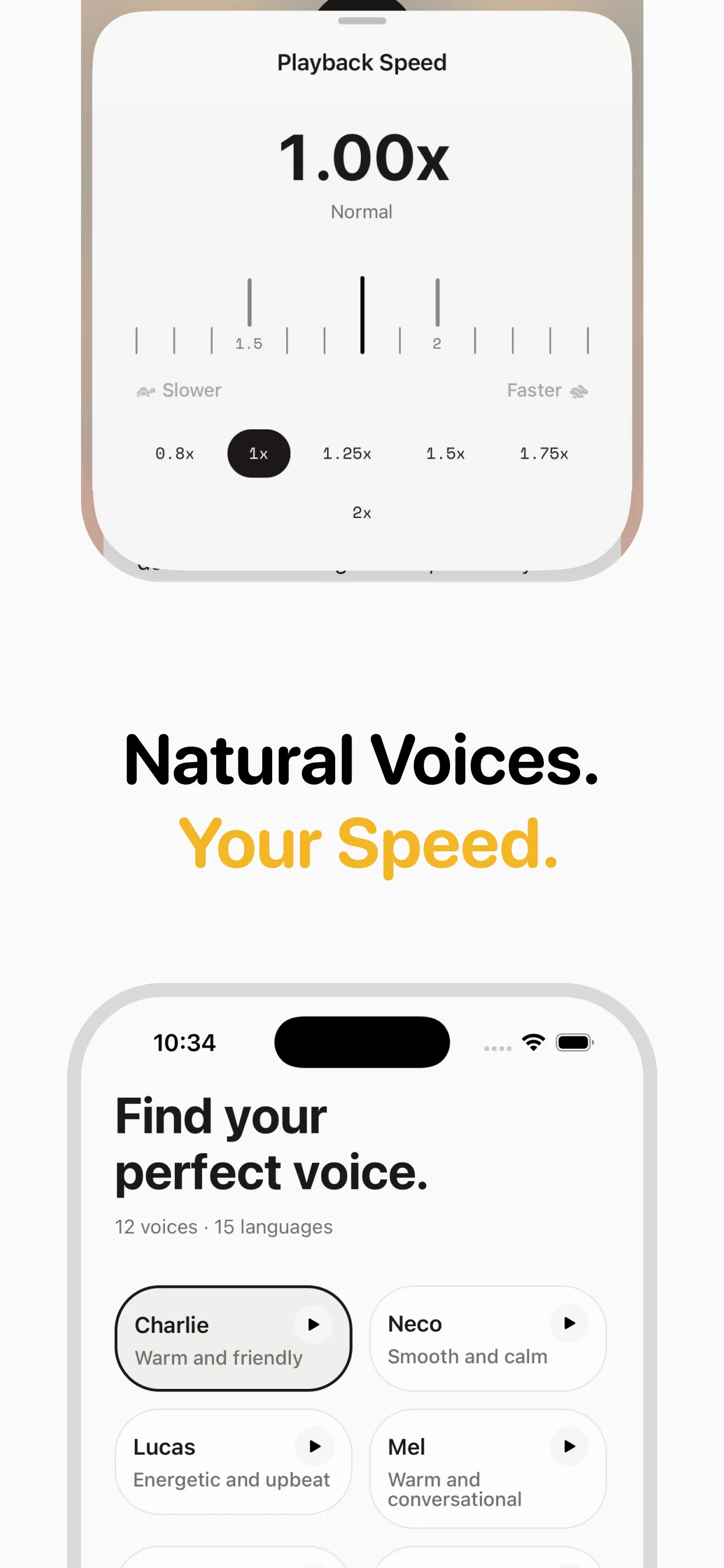
New to audio articles? Start at 1x speed. Experienced podcast listeners often jump straight to 1.5x or 2x. speakeasy supports 0.5x to 4x speed, so you can listen at whatever pace feels comfortable. The neural voices maintain natural sound quality even at higher speeds — no chipmunk effect.
Frequently asked questions

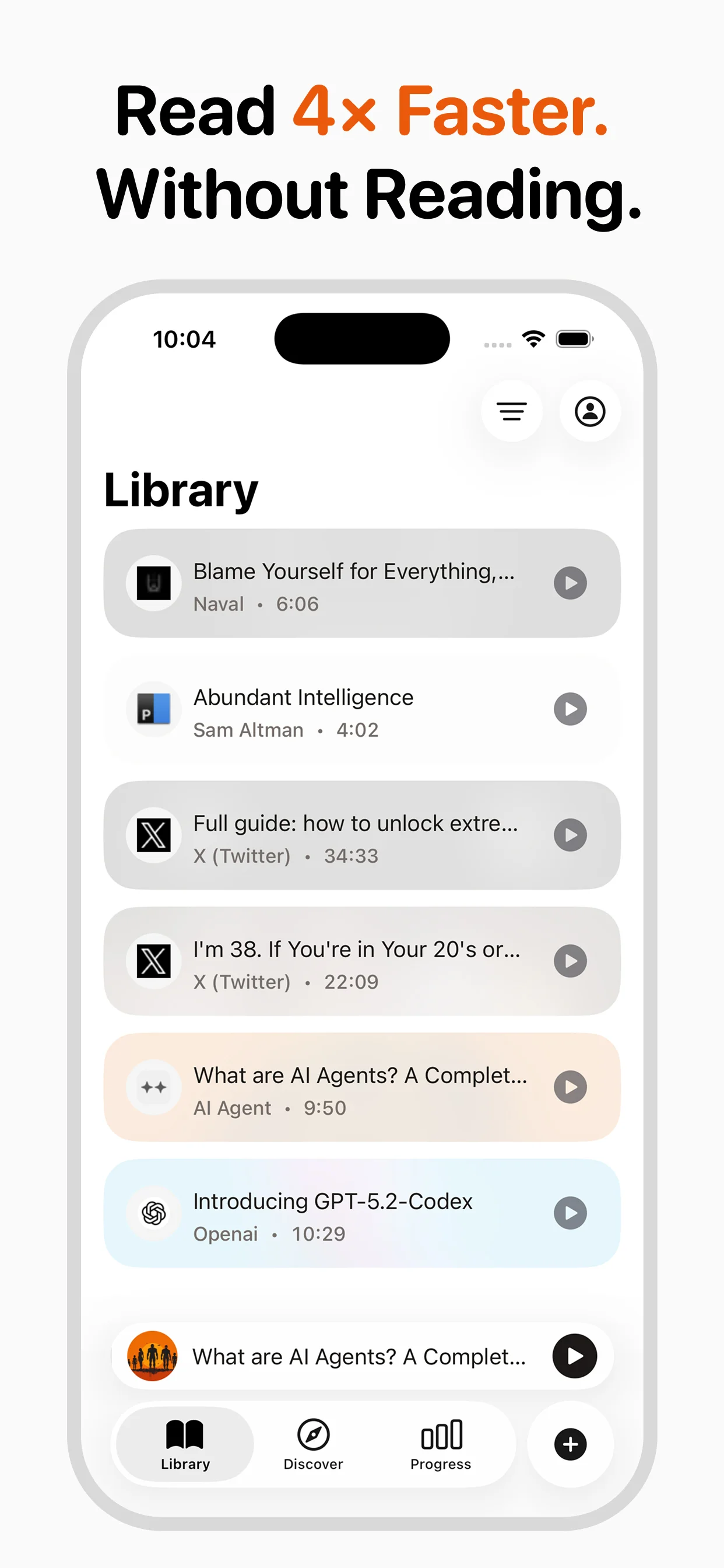
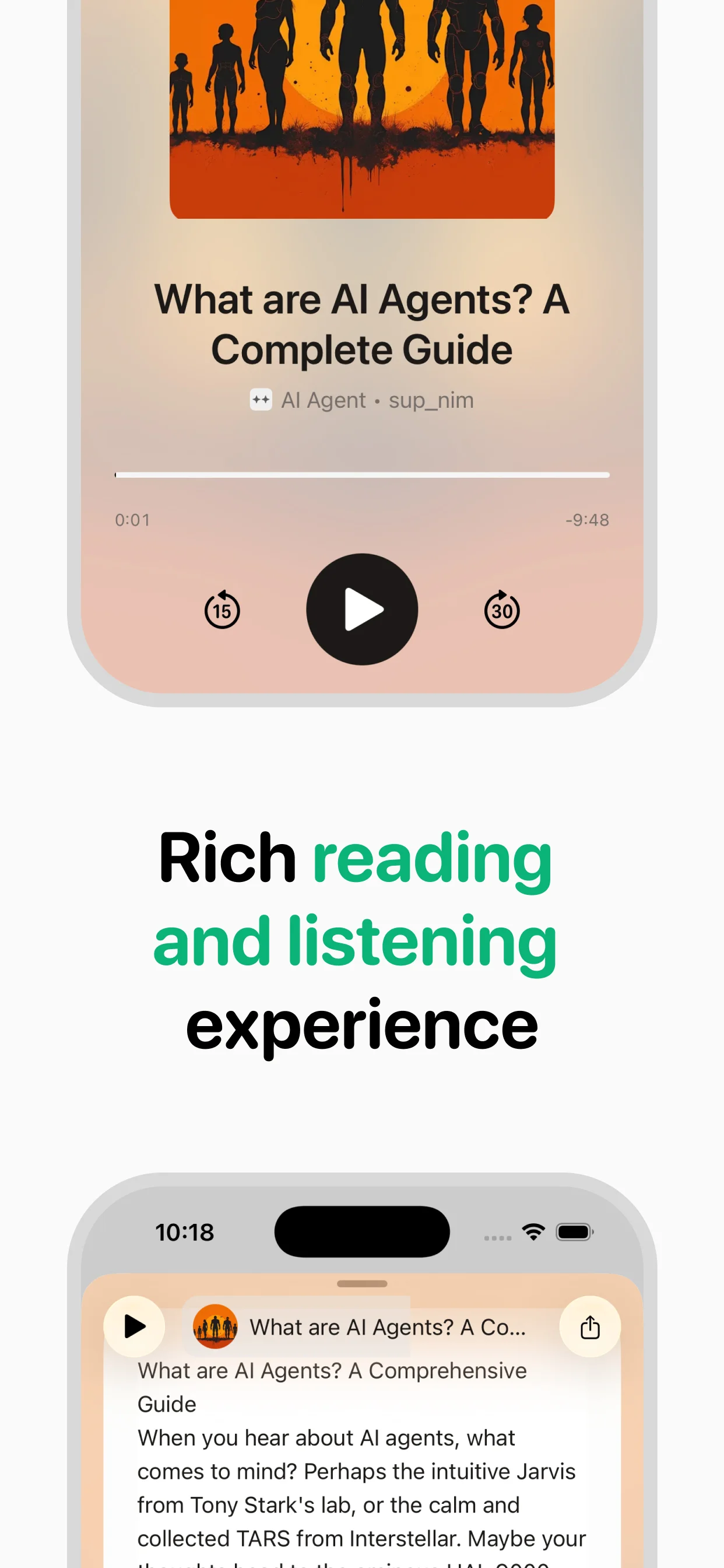
Turn any article into natural-sounding audio. Paste a link, press play, and stay informed while you move.
Coming soon on Android