Free text to speech for iPhone
The best free TTS experience on iOS — premium neural voices, iCloud sync, and offline playback.

Why speakeasy is the best free TTS for iPhone
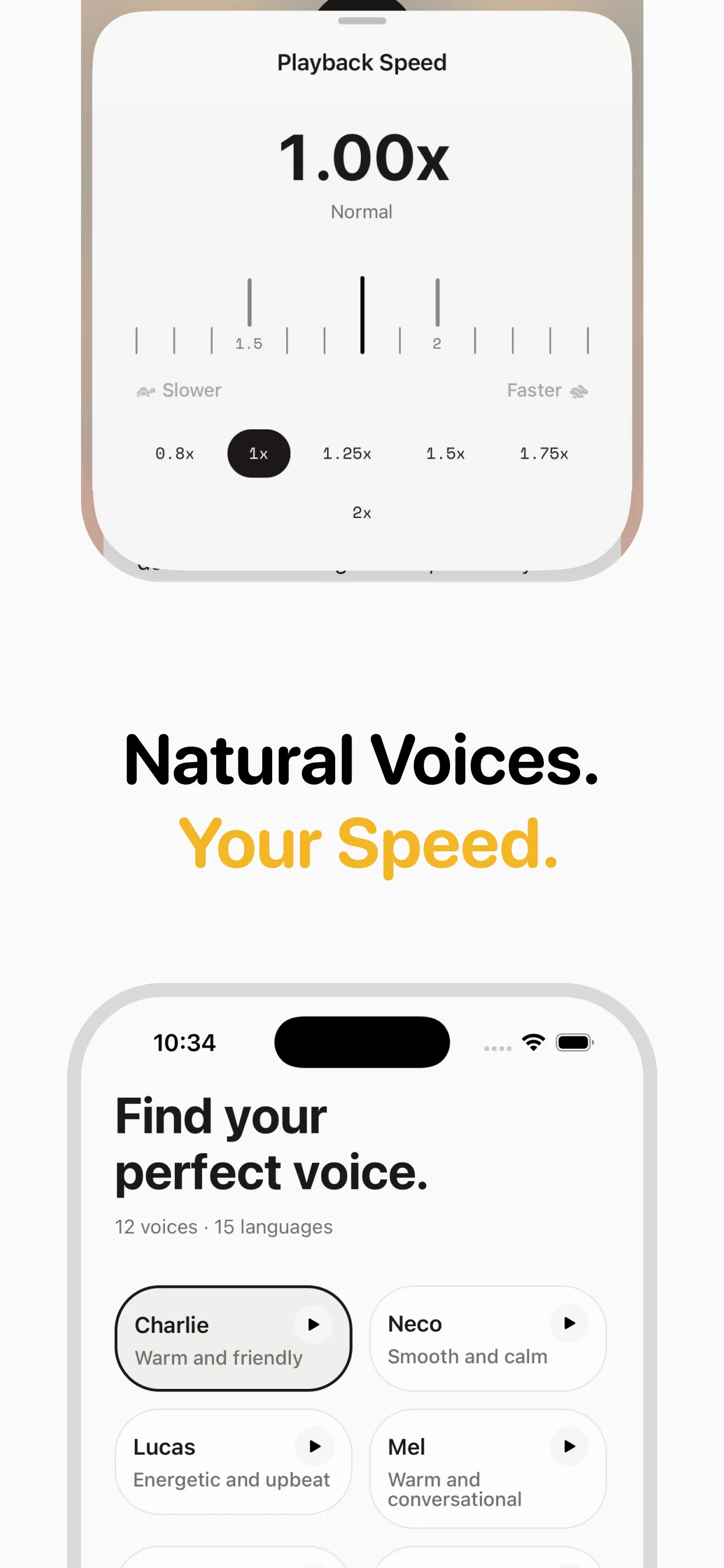
While iOS has built-in Speak Screen and VoiceOver, these use system voices that sound robotic and aren't optimized for long-form listening. speakeasy gives you premium InWorld neural voices — the same quality as paid TTS services — for free. Three articles per week, no account required. The app is built natively for iOS with iCloud integration, offline support, and a clean player interface.
Built for iOS
speakeasy isn't a web wrapper or cross-platform afterthought. It's a native iOS app using React Native with full platform integration: iCloud Drive for file storage and cross-device sync, iOS Share Extension for one-tap article capture, Lock Screen and Control Center playback controls, Background Audio for listening while using other apps, and CarPlay support for in-car listening.
iCloud sync included
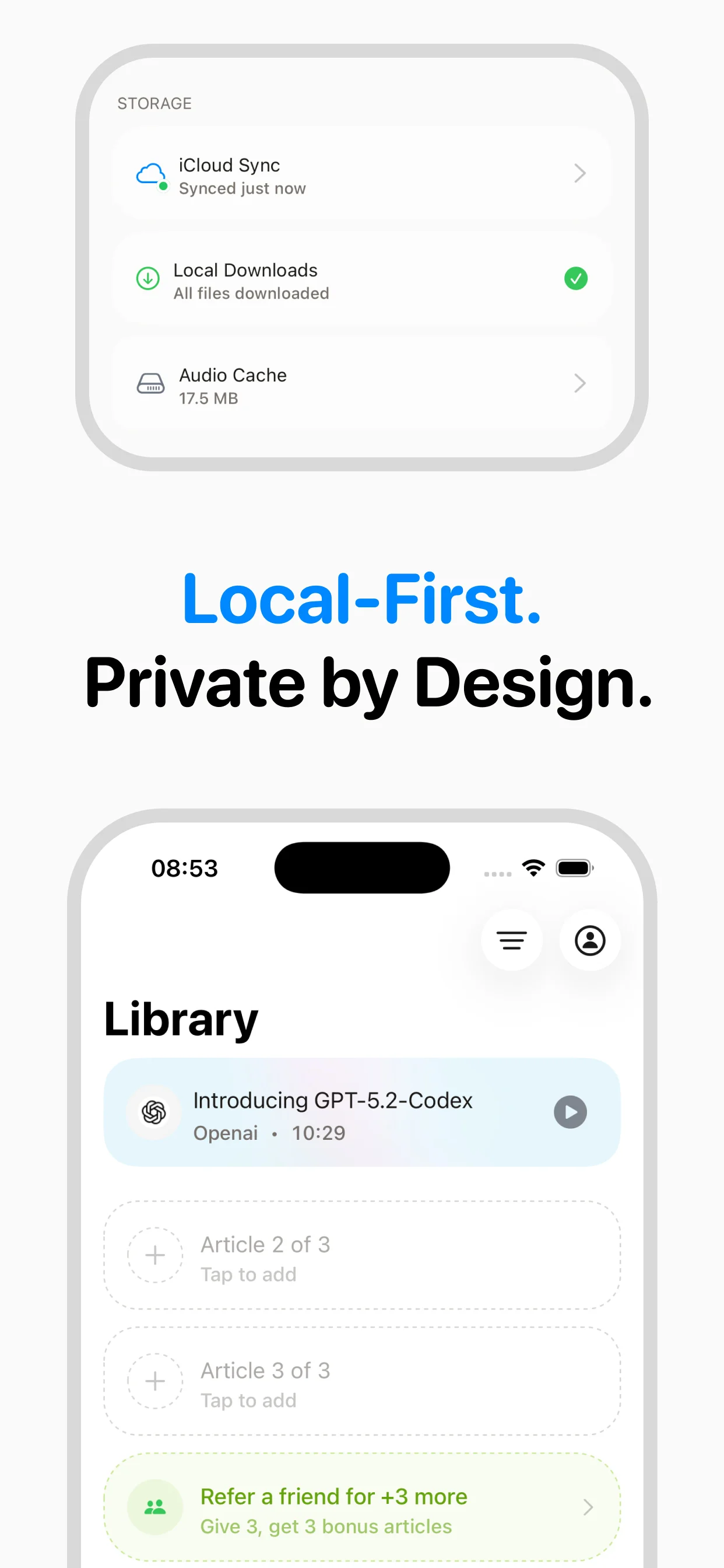
Every article you convert — including free ones — saves to iCloud Drive automatically. This means your audio library syncs across iPhone, iPad, and Mac. Listen on your phone during a commute, then pick up where you left off on your Mac at home. No separate account or sync service needed — it uses the iCloud you already have.
Comparison with iOS built-in options
iOS offers Speak Screen (swipe down with two fingers) and VoiceOver for accessibility. These are useful but limited: they read everything on screen including ads and navigation, use lower-quality system voices, and don't save audio for offline playback. Siri can read web pages in iOS 17+ but only for Safari and with limited voice options. speakeasy focuses specifically on article content, using premium voices and saving audio for offline access.
Getting started
Download speakeasy from the App Store (it's a free download). Open the app, paste any article URL, and tap the play button. Your first three articles are converted instantly with premium neural voices. The audio saves to your iCloud and works offline. That's it — no sign-up flow, no tutorial, no account creation.
Frequently asked questions

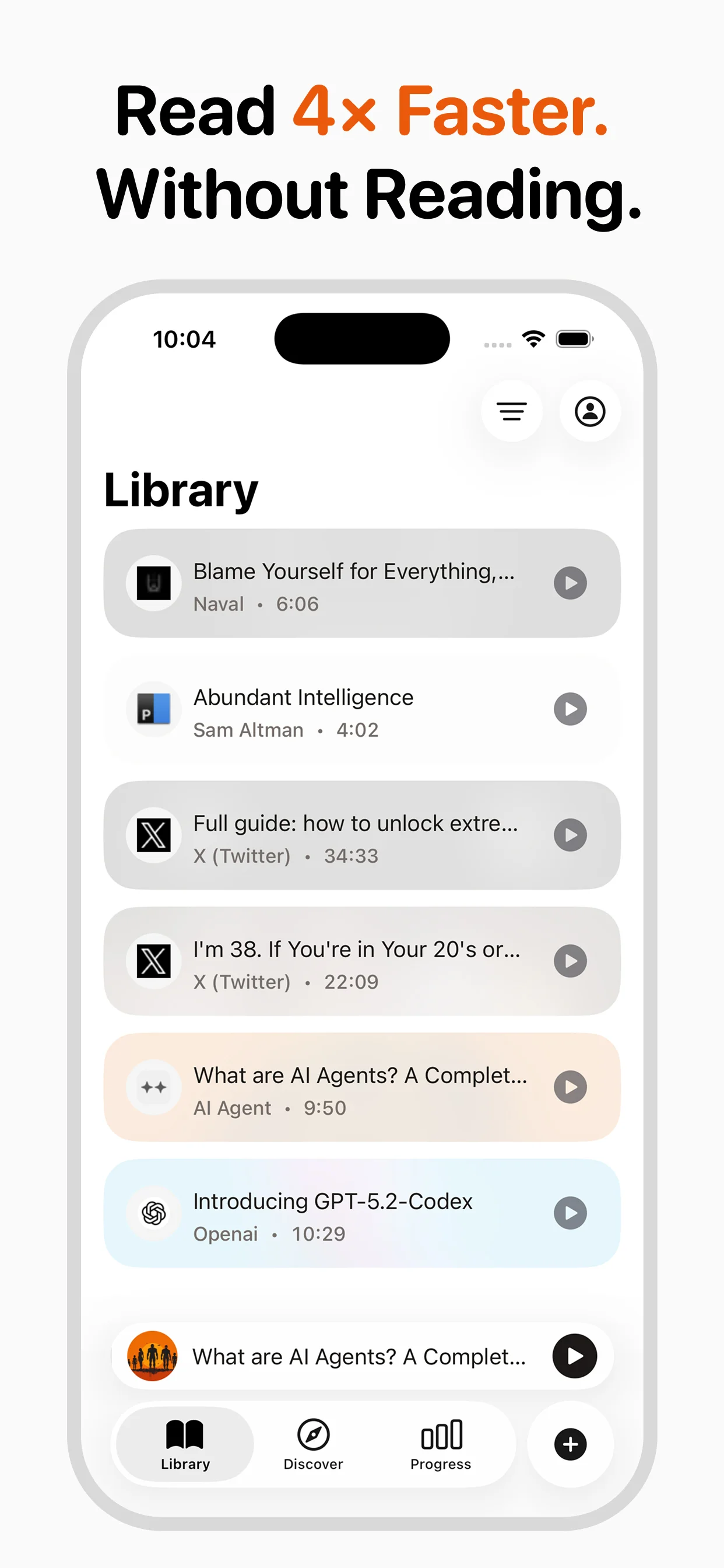
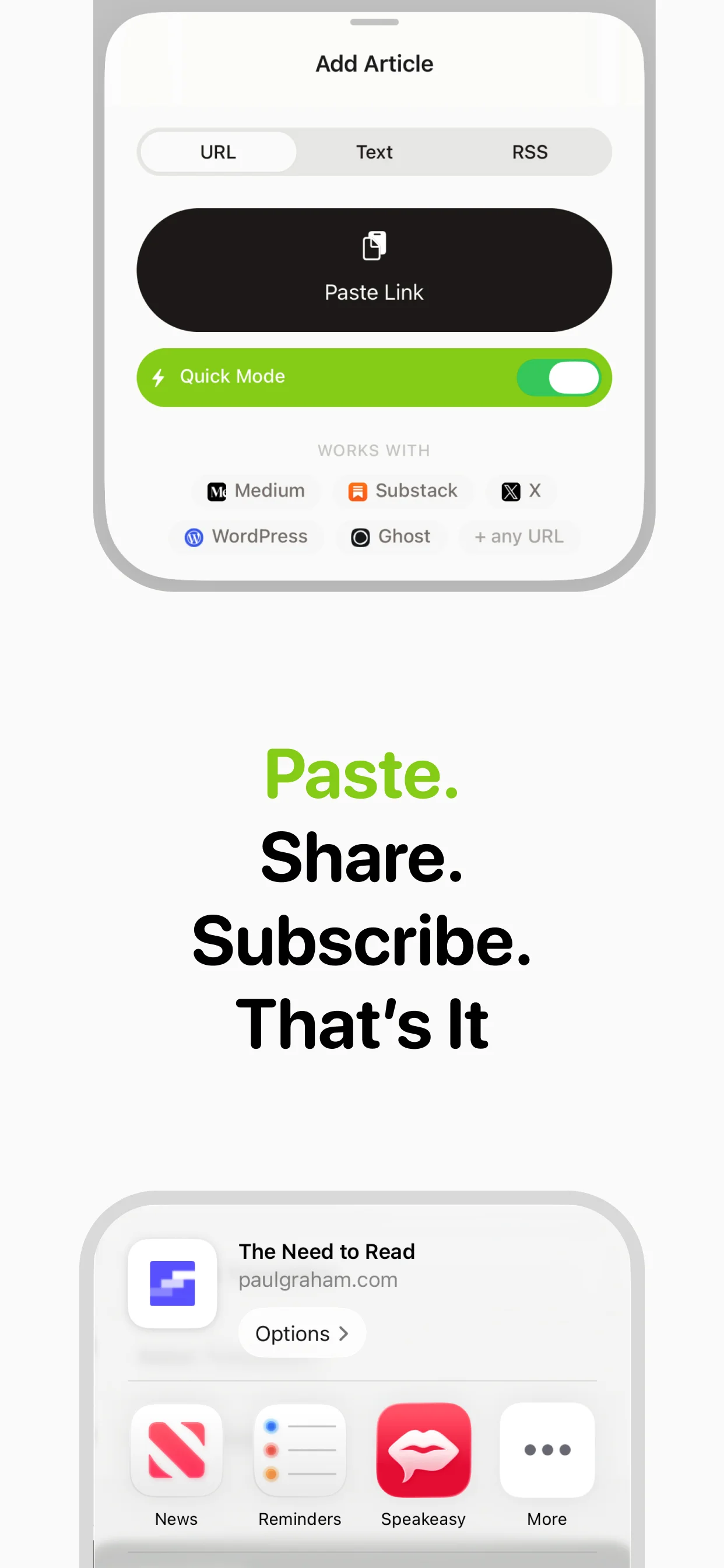
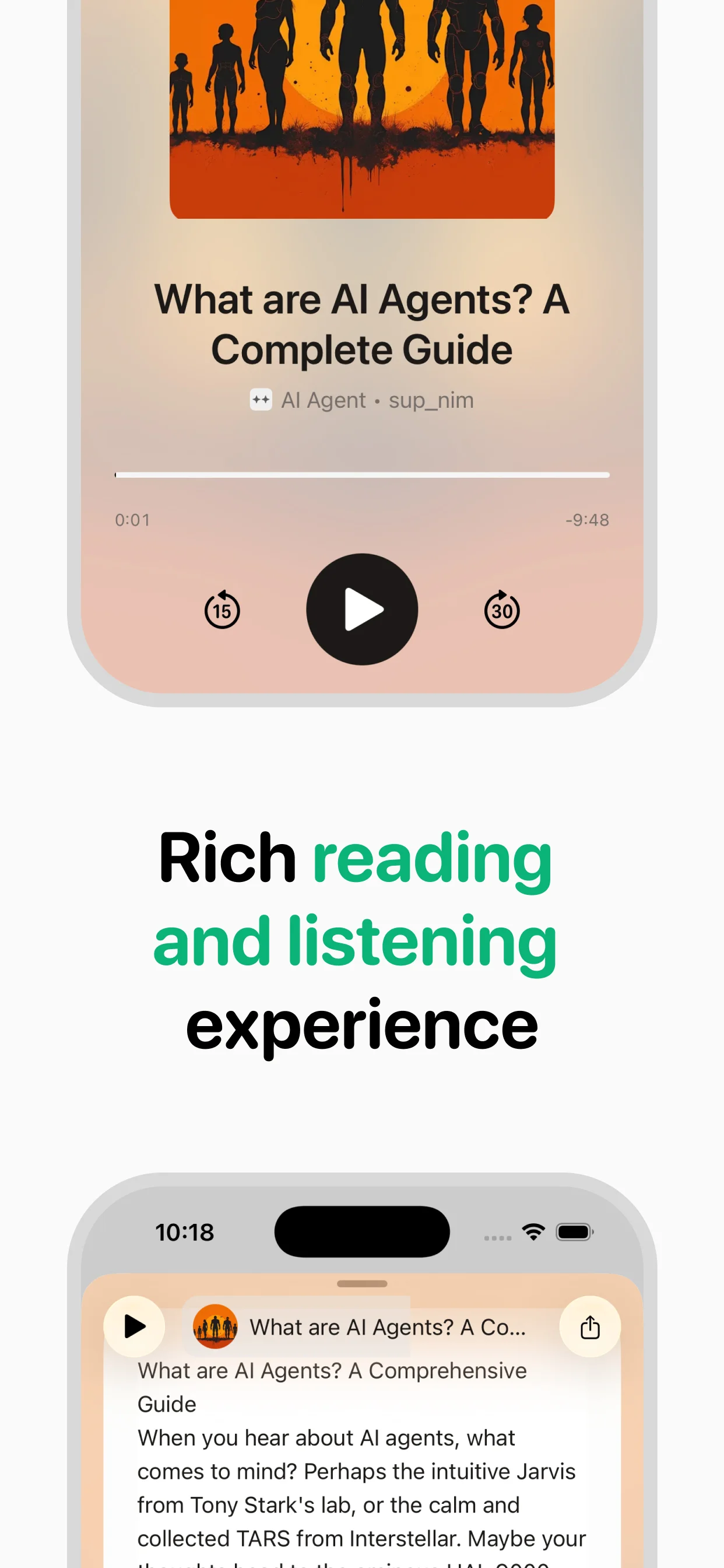
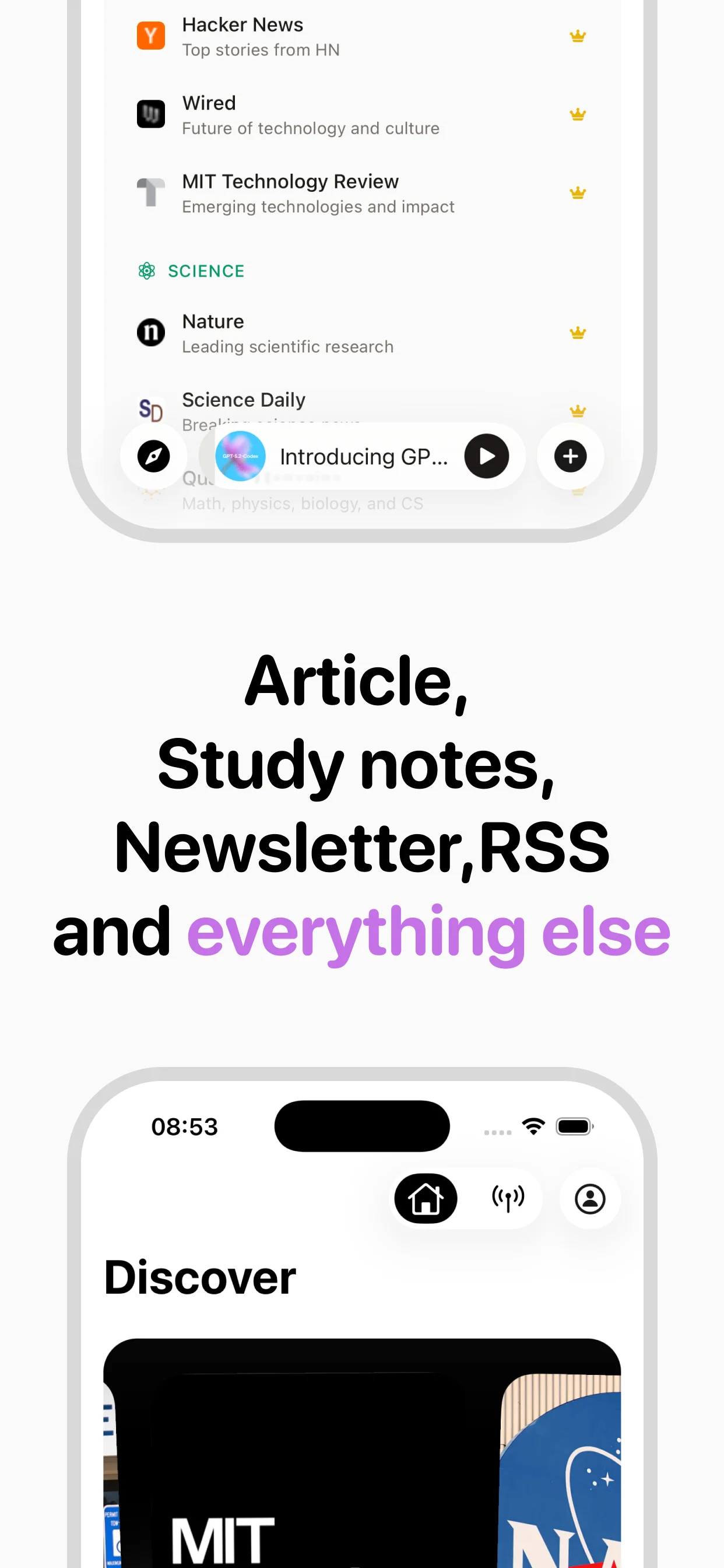
Turn any article into natural-sounding audio. Paste a link, press play, and stay informed while you move.
Coming soon on Android