The Best NaturalReader Alternative for Articles
Simpler workflow. Better mobile experience. Same price range.
 speakeasy
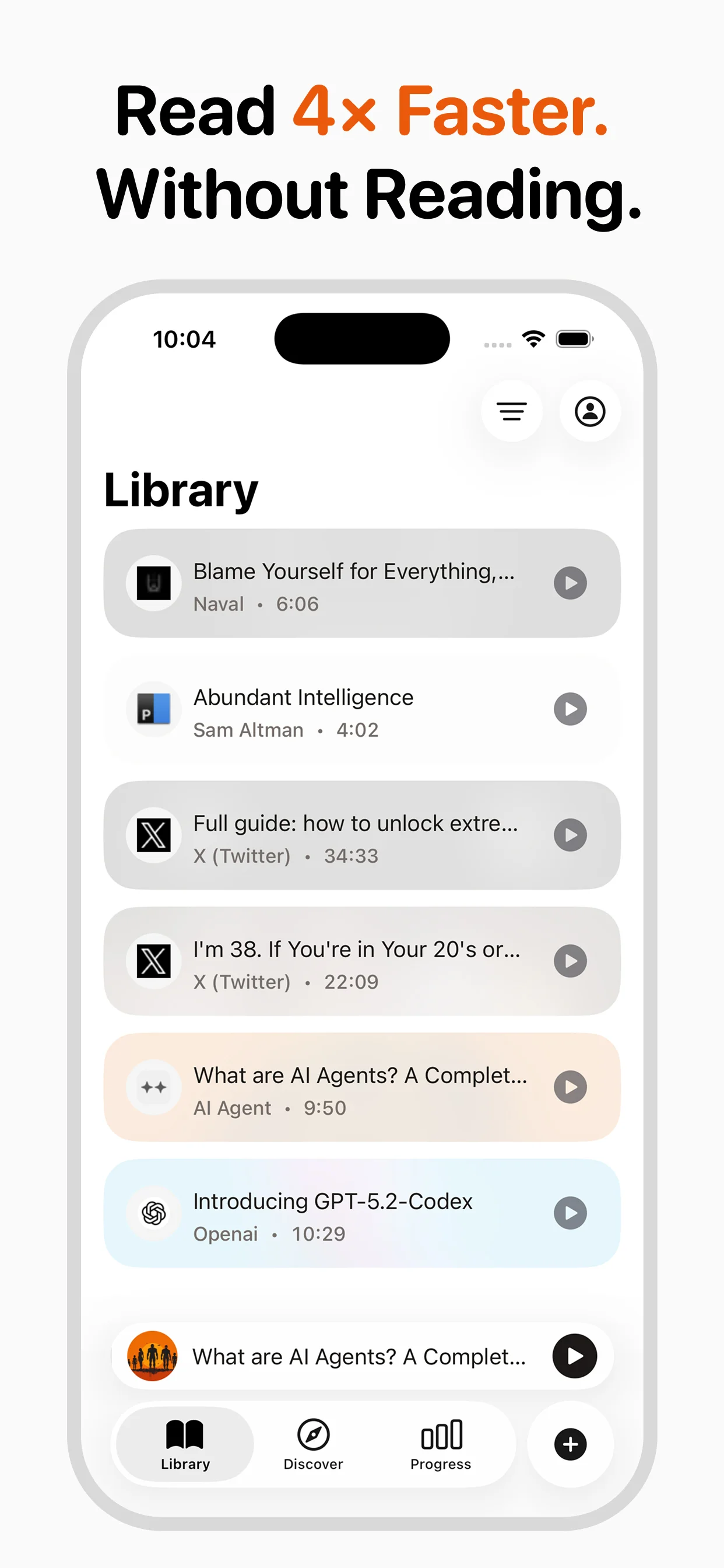
NaturalReader has been a reliable name in text-to-speech since 2002, offering a comprehensive suite of tools for reading documents, PDFs, ebooks, and web pages aloud. It serves a broad audience across education, accessibility, and professional use cases, and its longevity speaks to the quality of its core technology. However, NaturalReader's roots as a desktop application still show through in its design philosophy. The Chrome extension workflow works well on a laptop but does not translate to a smooth mobile experience. The interface, while functional, carries the visual weight of a tool that has been continuously expanded over two decades rather than thoughtfully designed for a single purpose. speakeasy takes a mobile-first approach to article listening. Built natively for iOS with iCloud sync, RSS feed support, and one-tap URL conversion, it reimagines what a TTS app should feel like for someone who primarily consumes web articles on their phone. If your reading diet consists of blogs, newsletters, and news articles rather than PDFs and textbooks, speakeasy's focused design offers a markedly better daily experience.
Desktop Heritage vs. Mobile-First Design
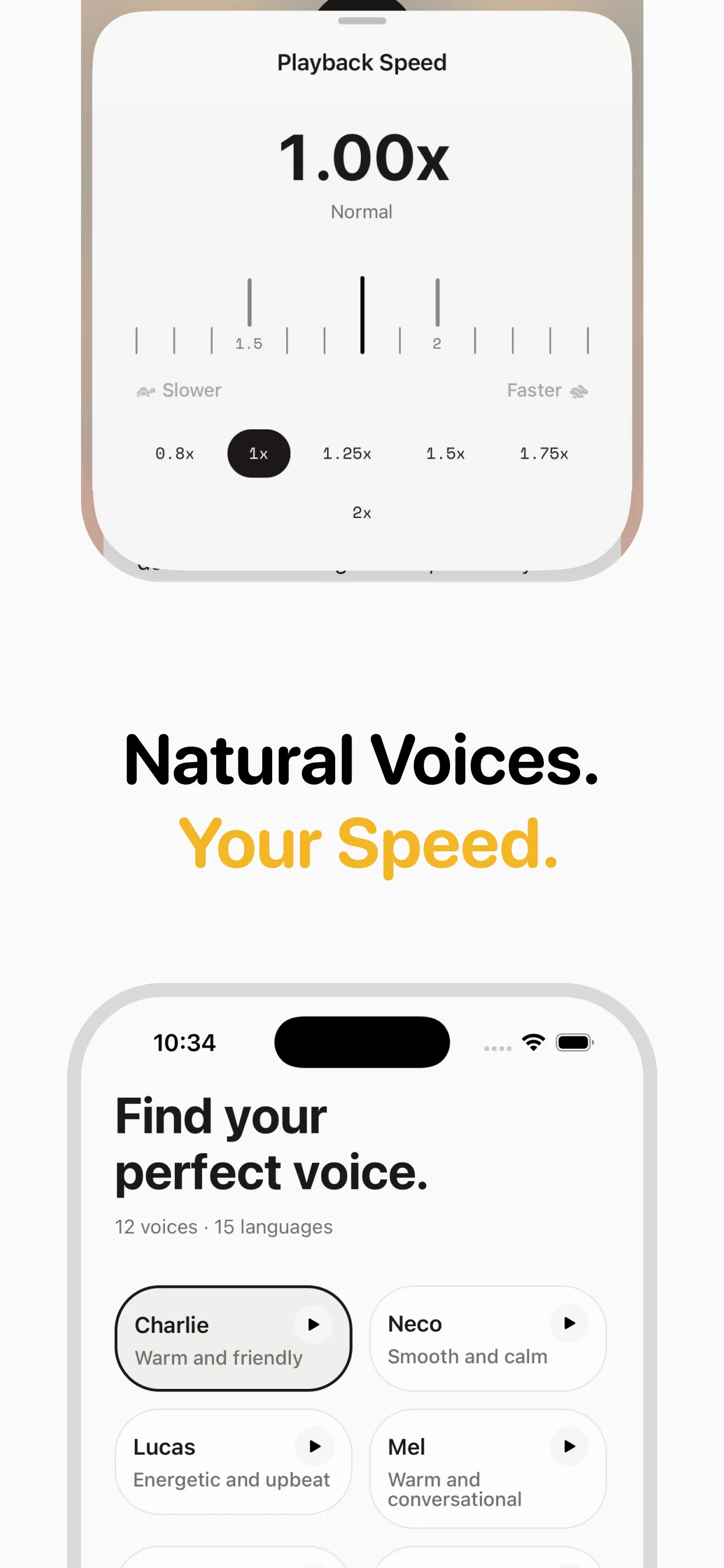
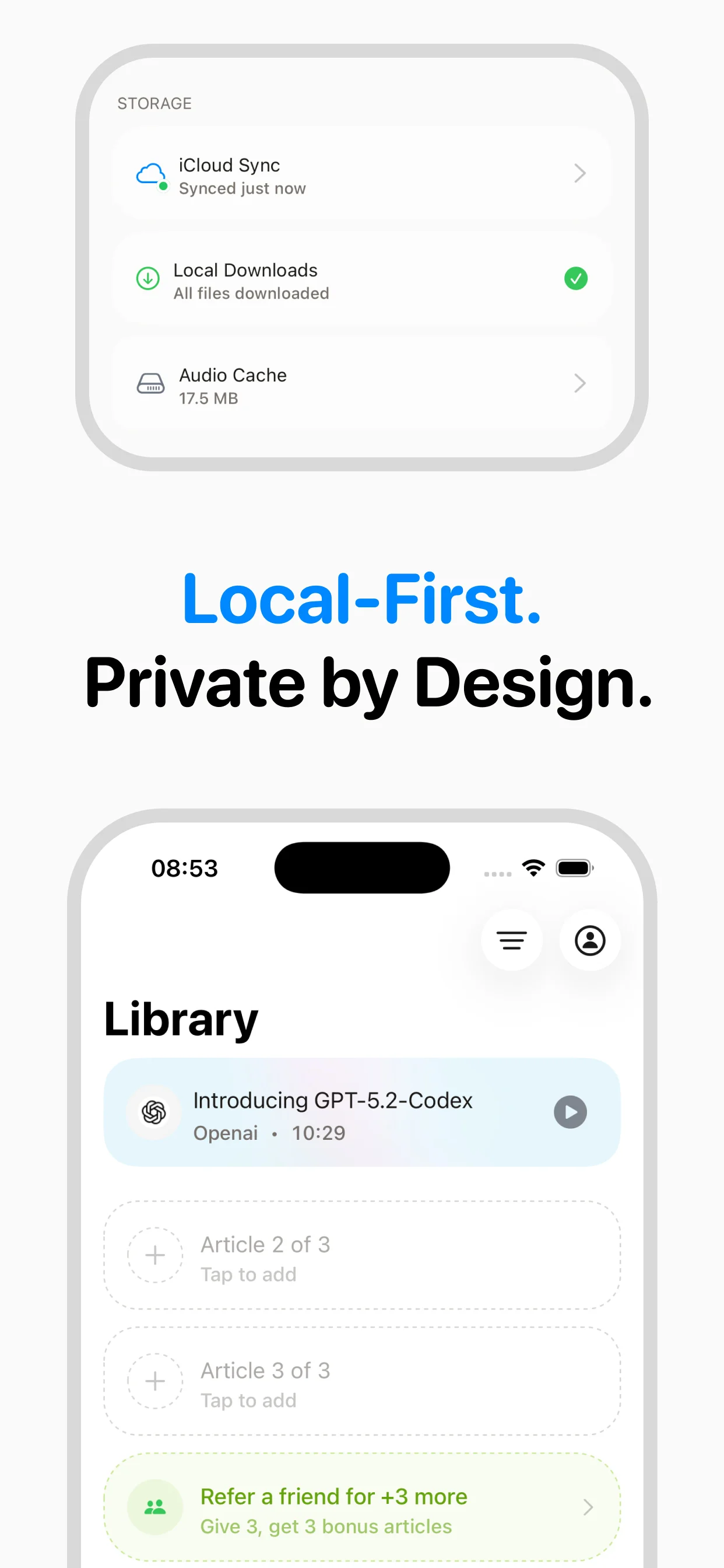
NaturalReader was built in an era when text-to-speech primarily meant reading documents on a desktop computer. Its Chrome extension, web app, and downloadable software all reflect that origin. The mobile app exists, but it feels like an adaptation of a desktop tool rather than something conceived for the phone-first way most people consume articles today. speakeasy was built for mobile from day one. The interface is designed for one-handed use, the share extension lets you send articles from any app with a single tap, and audio files are stored locally with iCloud sync so they are available offline during commutes or workouts. This difference in design philosophy is subtle in screenshots but immediately obvious in daily use.
Comparing the Article-Listening Workflow
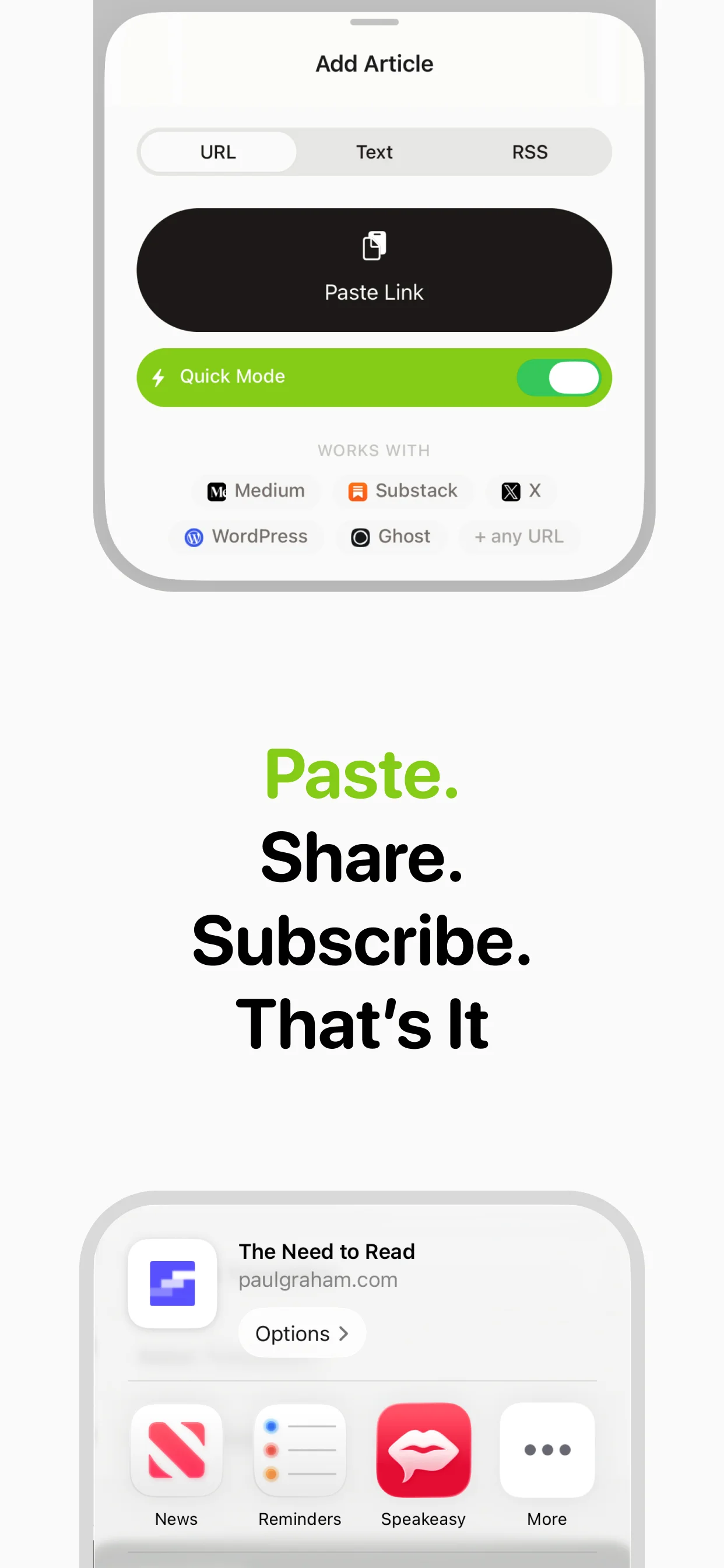
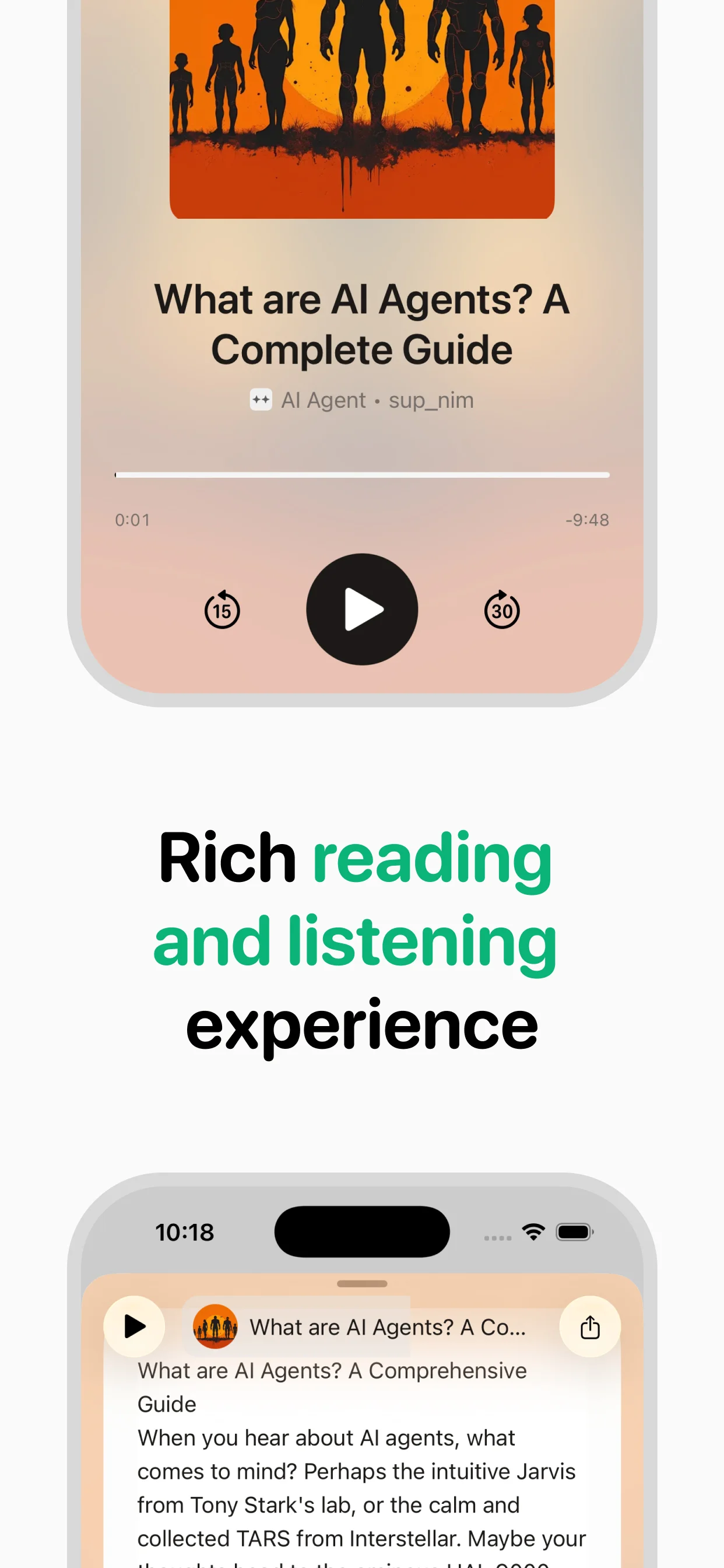
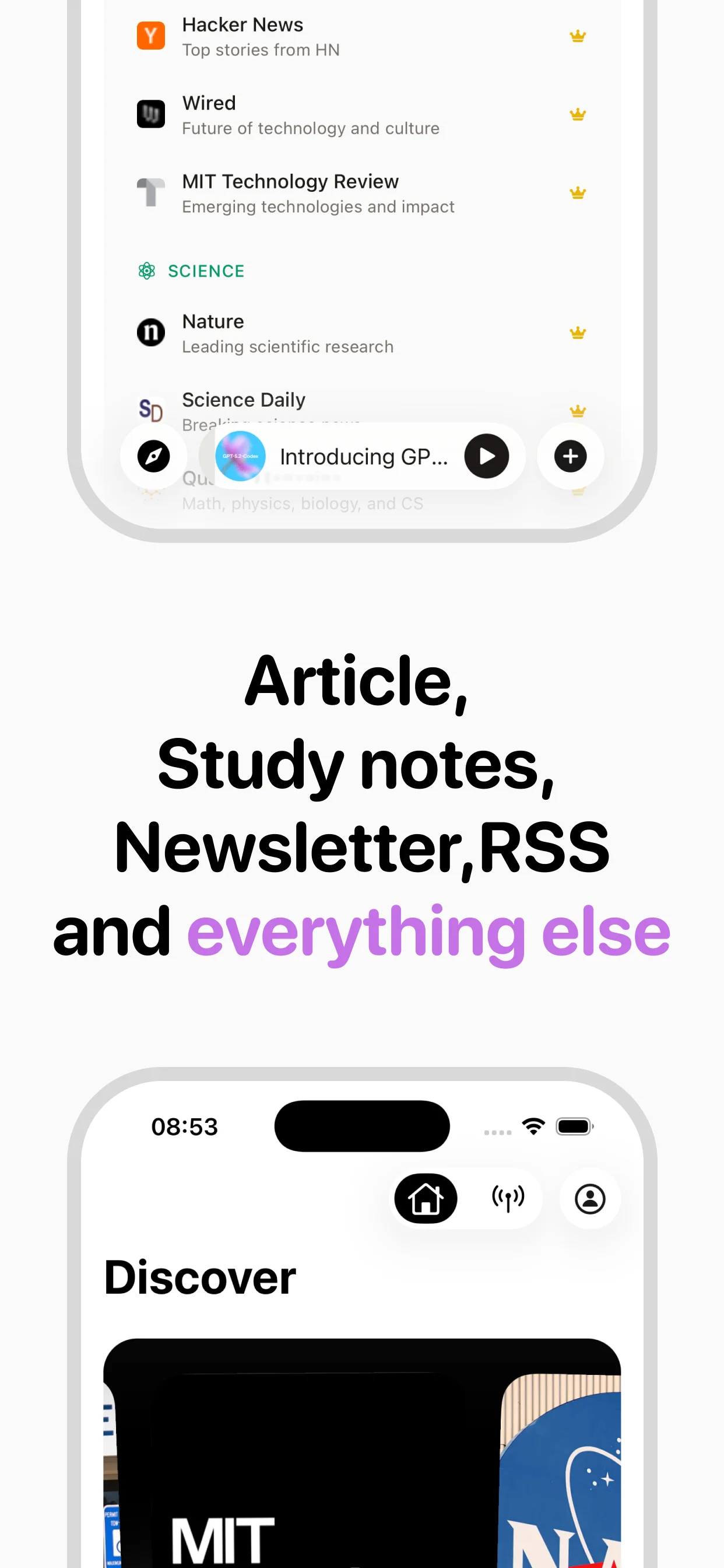
With NaturalReader, listening to a web article typically involves either installing the Chrome extension and activating it on the page, or copying text and pasting it into the NaturalReader interface. Neither workflow produces a saved audio file that you can return to later. With speakeasy, you paste a URL or use the share extension, and the app extracts the article text, converts it to audio using InWorld neural voices, and saves the result to your iCloud-synced library. You can listen immediately or queue it for later. The audio file persists in your library indefinitely, making it easy to revisit articles or build a personal audio archive. speakeasy also supports RSS feeds, which means you can subscribe to publications like your favorite Substack newsletters or news sites and have new articles automatically available for listening each day. NaturalReader has no equivalent feature.
Voice Quality and Pricing in Context
NaturalReader and speakeasy are priced similarly: NaturalReader's Personal plan runs $9.99 per month or $99.50 per year, while speakeasy is $9.99 per month or $89.99 per year. At roughly the same cost, the differentiator becomes what you get for your money. NaturalReader offers broader format support including PDFs, EPUB files, and images with OCR. speakeasy offers a tighter feature set specifically tuned for web articles with premium InWorld neural voices. Both apps produce natural-sounding audio, though speakeasy's voices are optimized for the cadence and pacing of long-form article narration. NaturalReader uses a mix of voice providers that vary in quality depending on the selected voice. For users who need document and PDF reading, NaturalReader remains the stronger choice. For users whose primary content source is the web, speakeasy provides a more streamlined and modern experience at a slightly lower annual price.
Who Should Consider Switching
The decision between NaturalReader and speakeasy comes down to your primary use case. NaturalReader is the better tool if you regularly need to listen to PDFs, documents, or ebooks, or if you rely on its Chrome extension for desktop web browsing. Its cross-platform availability on both iOS and Android is also an advantage for users outside the Apple ecosystem. speakeasy is the better choice if you primarily consume web articles, newsletters, and blog posts on your iPhone. Its iCloud sync means your audio library travels with you across Apple devices without any configuration. The RSS feed feature turns speakeasy into a personal podcast app for your reading list, and Twitter thread support opens up an entire category of content that NaturalReader cannot handle. If you have been using NaturalReader mainly for web articles and find yourself wishing for a cleaner mobile experience, speakeasy is worth trying with its free tier of three articles per week.
Why switch from NaturalReader?
Feature comparison
NaturalReader's limitations
Frequently asked questions
Verdict
NaturalReader and speakeasy are in the same price range, but they serve different workflows. NaturalReader is better for documents and PDFs on desktop. speakeasy is better for web articles on mobile, with RSS feeds, iCloud sync, and a modern interface. If articles are your thing, speakeasy is the clear upgrade.
Turn any article into natural-sounding audio. Paste a link, press play, and stay informed while you move.
Coming soon on Android