The Best Read Aloud Alternative Beyond Chrome
Premium AI voices. Native mobile app. Real audio files.
 speakeasy
Read Aloud is one of the most popular free Chrome extensions for text-to-speech, and its appeal is easy to understand. Install the extension, click a button on any web page, and the browser reads it aloud using built-in system voices. For desktop users who want free, frictionless TTS without installing a separate application, it is a solid choice that has served millions of users well. The limitation becomes clear when your listening habits grow beyond casual desktop use. Read Aloud is Chrome-only, which means no mobile support at all. It uses system voices that sound robotic compared to modern neural AI. There is no way to save audio for later, no library to track what you have listened to, and no offline playback. Each listening session is ephemeral and tied to having Chrome open on your computer. speakeasy is designed for users who have graduated from casual TTS into daily article listening. It provides premium InWorld neural voices, a native iOS app built for mobile, a persistent audio library with iCloud sync, RSS feed subscriptions, Twitter thread support, and offline playback. It is the step up from a browser extension to a complete listening solution.
The Chrome Extension Ceiling
Chrome extensions are powerful tools for adding functionality to your browser, but they operate within strict constraints. Read Aloud can only work when Chrome is open and the page is active. It cannot run in the background, it cannot generate audio files for later, and it cannot work on mobile devices where Chrome extensions are not supported. These constraints define a ceiling on what a Chrome extension can offer for article listening. For someone who listens to one or two articles a week at their desk, Read Aloud is perfectly adequate. But for someone who wants to listen during commutes, workouts, walks, or household chores, the desktop-only limitation is a dealbreaker. speakeasy operates as a standalone iOS app with full background audio, lock screen controls, and offline playback, all the capabilities that a browser extension simply cannot provide.
From System Voices to Neural AI
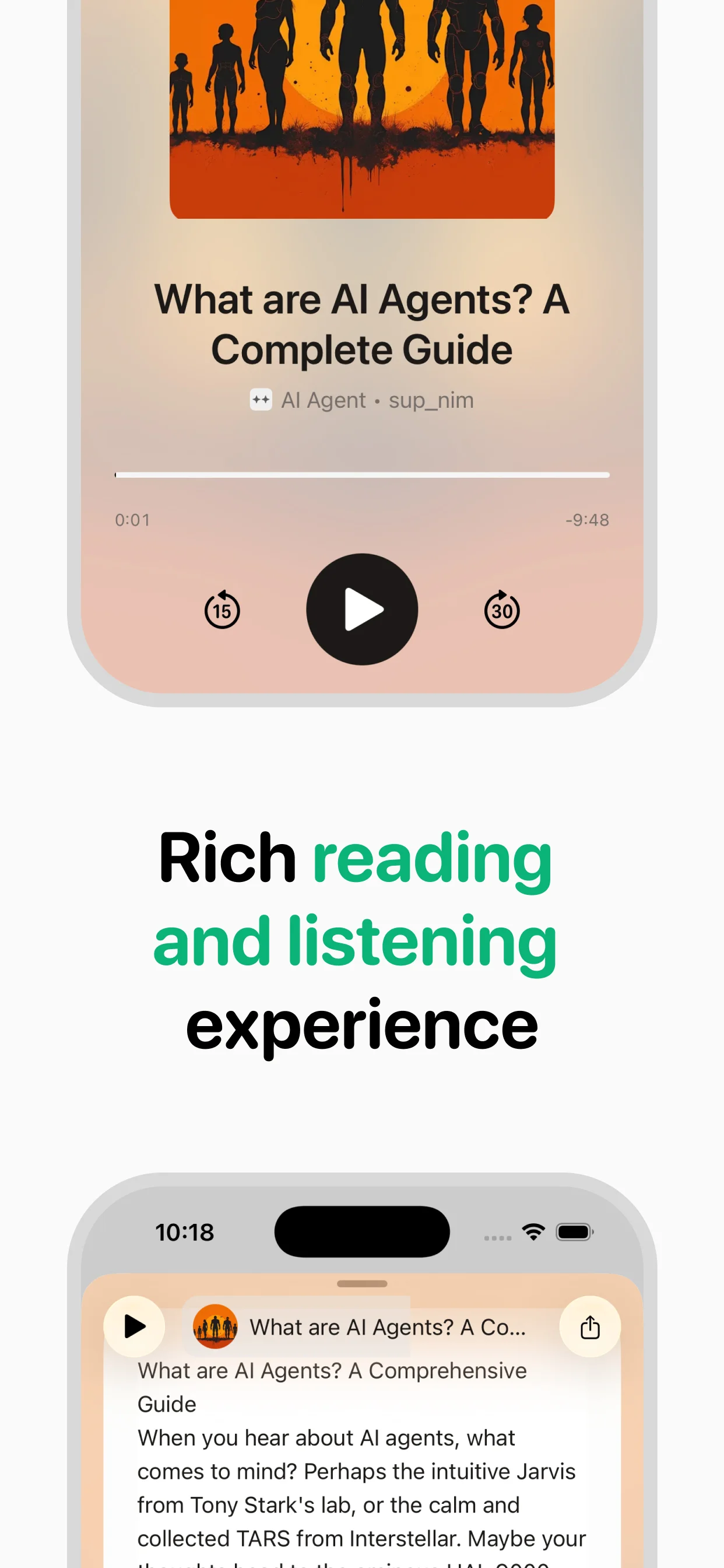
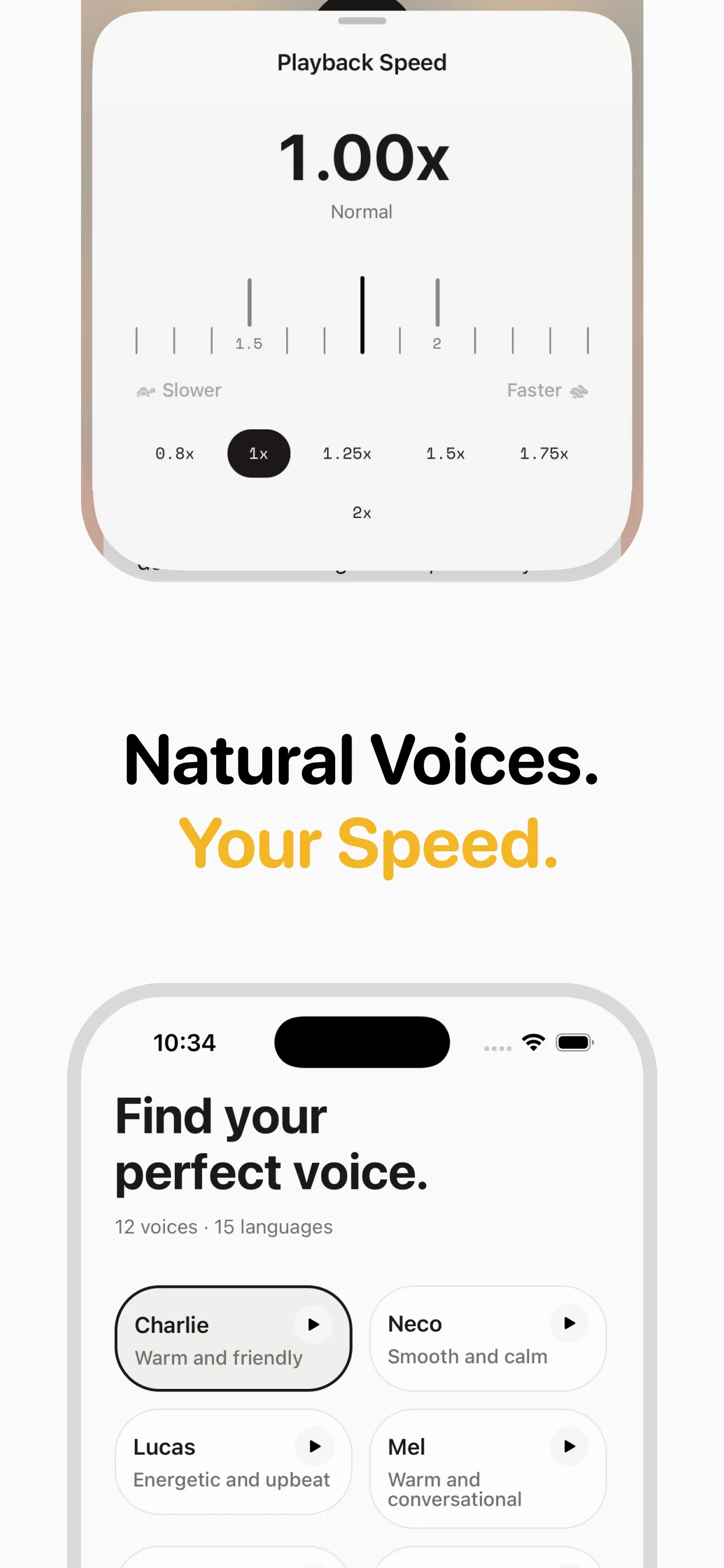
Read Aloud uses your browser's built-in TTS voices, which vary in quality depending on your operating system and installed voice packs. Even the best system voices sound noticeably synthetic: flat in tone, inconsistent in pacing, and prone to mispronouncing uncommon words and proper nouns. speakeasy's InWorld neural voices represent a generational leap in TTS quality. They are trained on natural speech patterns and produce audio with appropriate emphasis, breathing pauses, and emotional inflection. The difference matters most for long-form content. A system voice reading a five-minute article is tolerable. A system voice reading a twenty-minute deep dive is exhausting. Neural voices maintain consistent quality and natural pacing across any length, which is what makes daily article listening genuinely enjoyable rather than a compromise you put up with.
Saving Audio and Building a Library
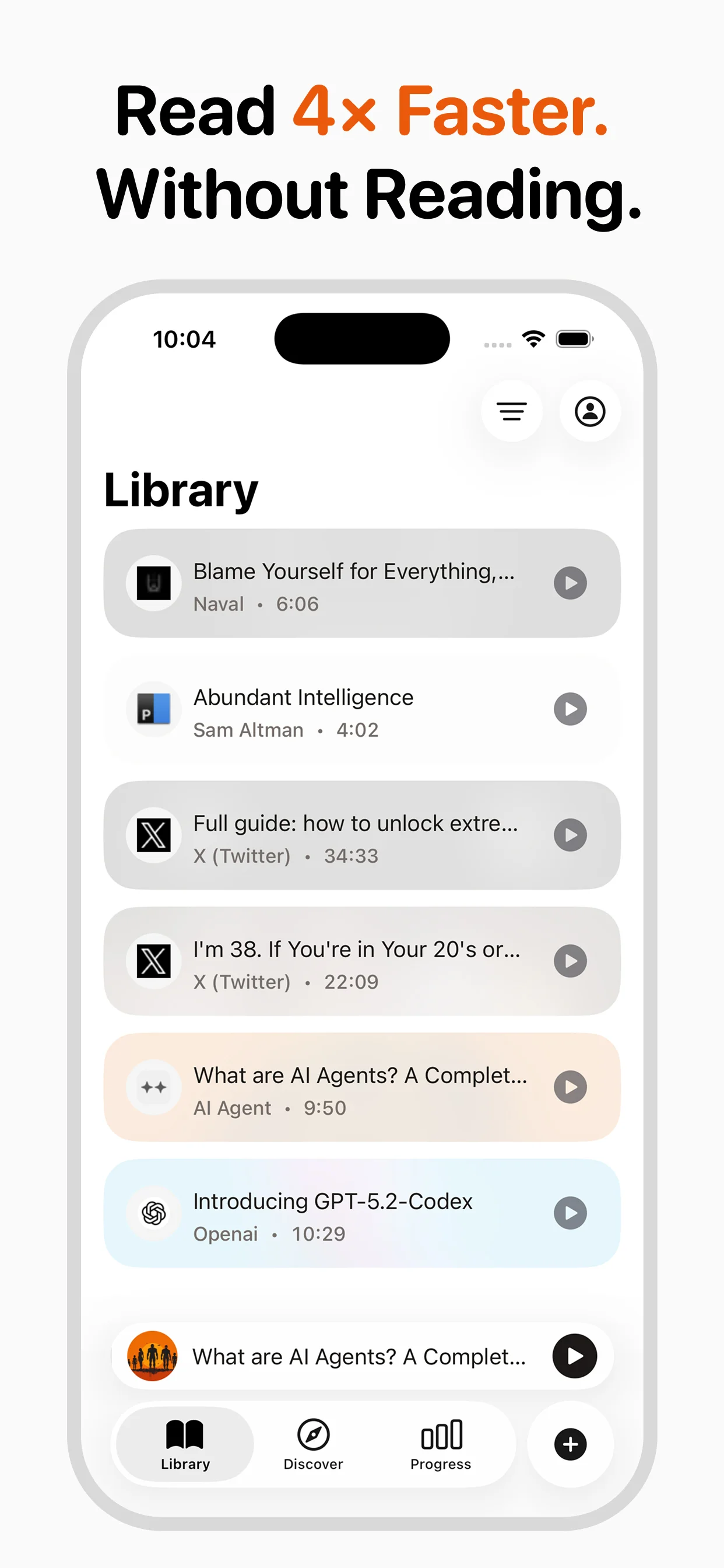
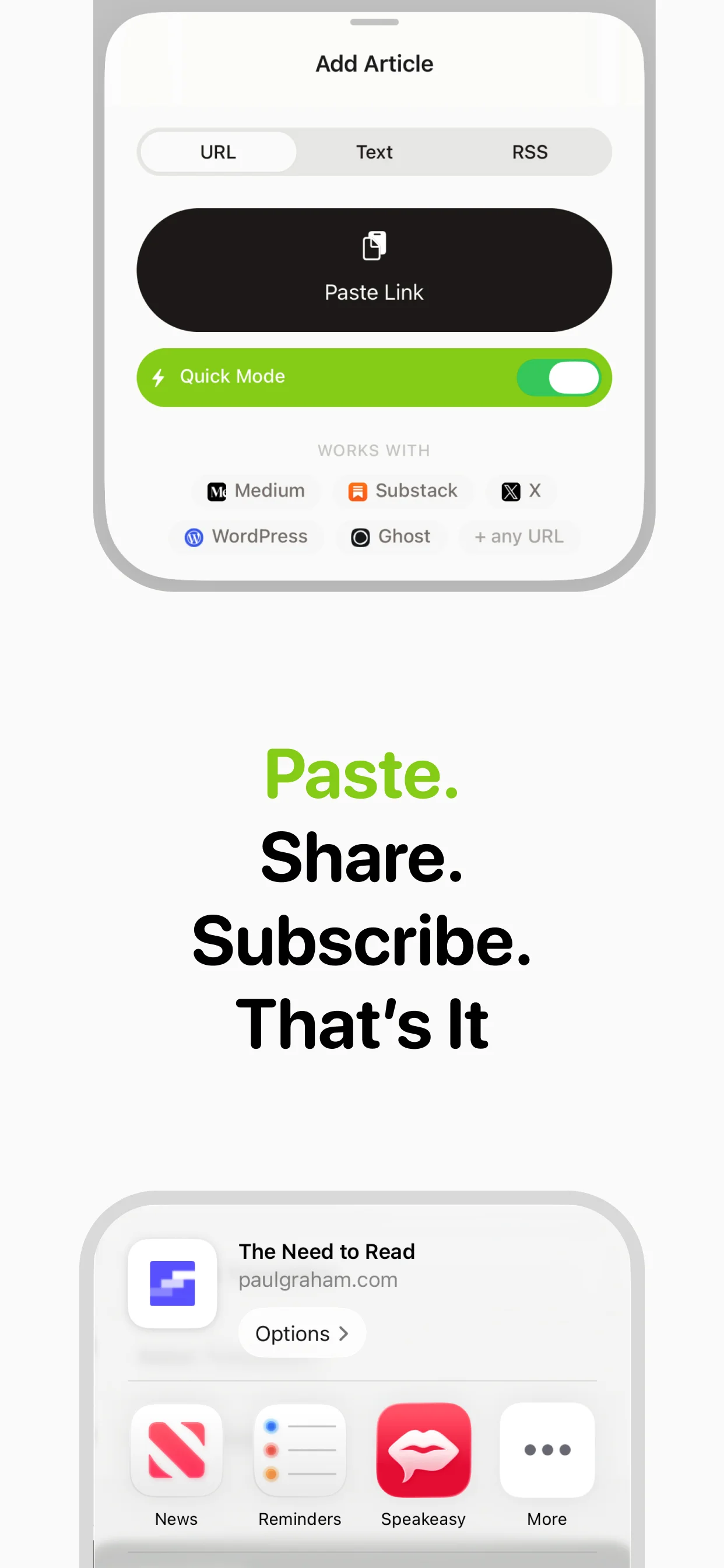
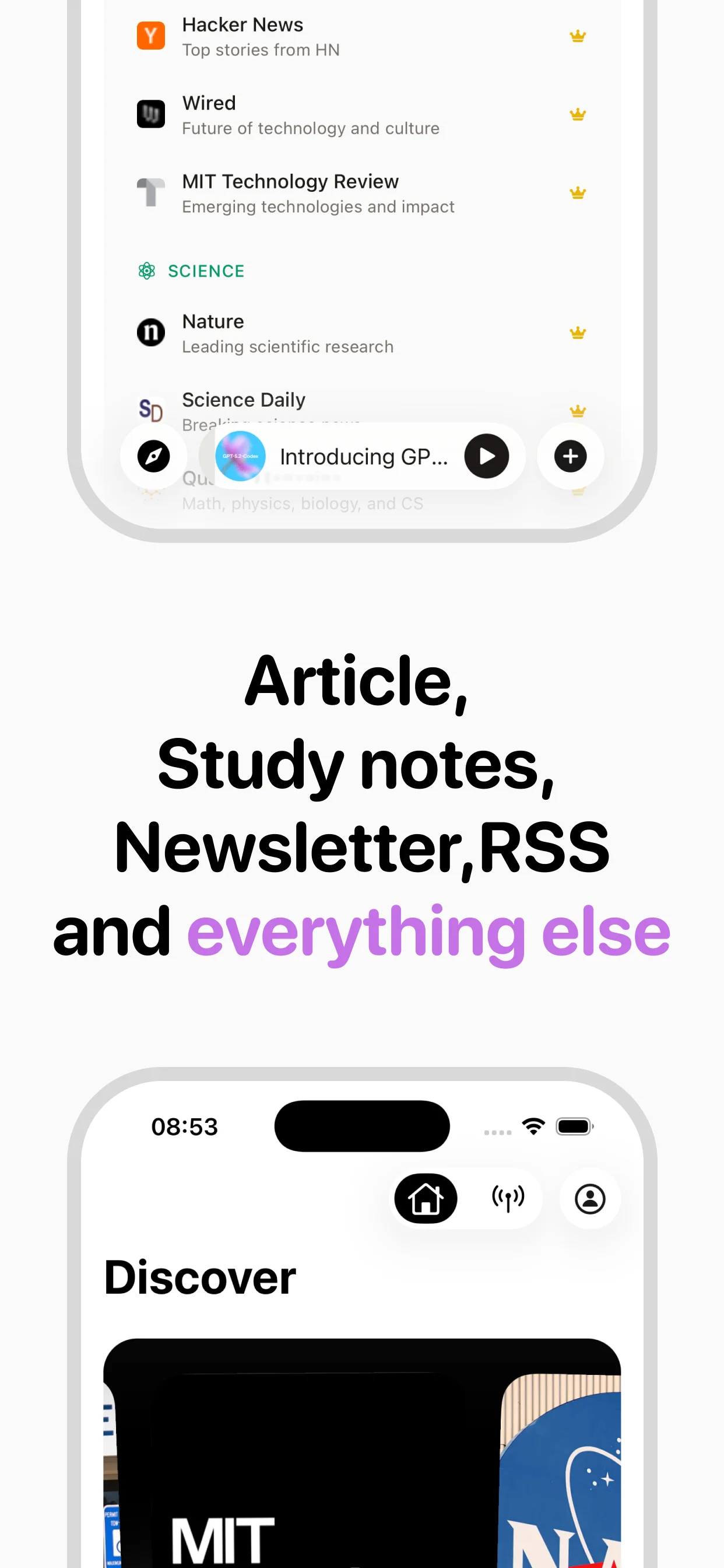
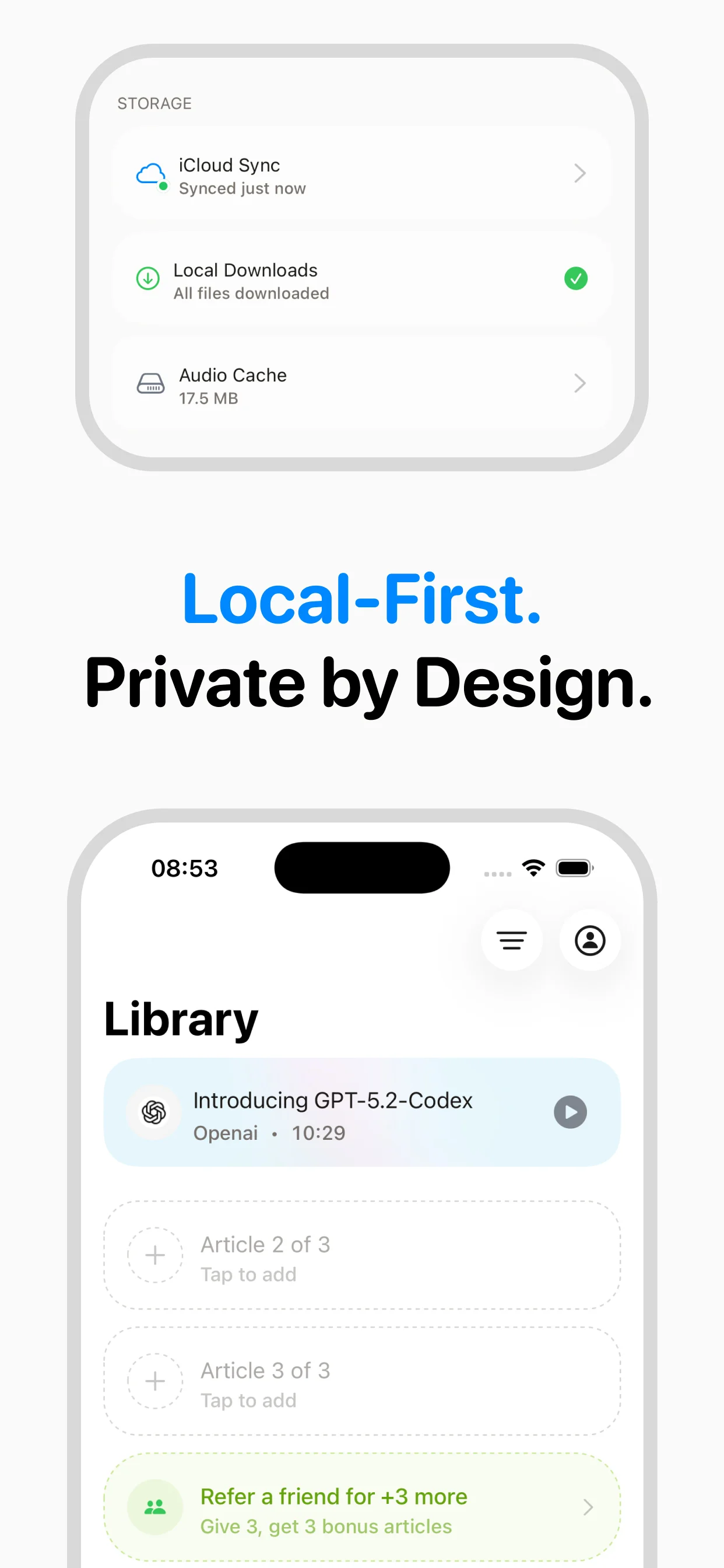
Every Read Aloud session is temporary. When you navigate away from the page or close the tab, the audio is gone. There is no way to return to an article you listened to yesterday, no playlist of upcoming articles, and no record of your listening history. speakeasy saves every converted article to a persistent library that syncs across your Apple devices via iCloud. You can relisten to articles, browse your history, and maintain a queue of content waiting for your next listening session. RSS feed support adds a layer of automation by surfacing new articles from publications you follow, creating a self-refreshing listening queue. Over weeks and months, your speakeasy library becomes a curated archive of everything you have listened to, available offline and organized by source.
Free vs. Paid: When the Upgrade Makes Sense
Read Aloud's strongest argument is its price: free. For occasional, casual listening on a desktop computer, that is hard to beat. speakeasy at $9.99 per month is a meaningful commitment that only makes sense if you listen to articles regularly. The question to ask yourself is straightforward. Do you listen to articles two or three times a week, or do you listen daily? Do you primarily listen at your desk, or do you want to listen during commutes and workouts? Are system voices good enough, or do you notice and care about voice quality? If you are a casual desktop listener, Read Aloud is the right tool. If you are a daily listener who wants a mobile experience with premium voices and a saved library, speakeasy's free tier of three articles per week lets you experience the difference before committing to a subscription.
Why switch from Read Aloud?
Feature comparison
Read Aloud's limitations
Frequently asked questions
Verdict
Read Aloud is the best free option for casual desktop listening. But it's a browser extension, not a complete article-listening solution. If you've found yourself wanting better voices, a mobile experience, or the ability to save and replay articles, speakeasy is the paid upgrade that's worth every cent.
Turn any article into natural-sounding audio. Paste a link, press play, and stay informed while you move.
Coming soon on Android