The Best TTSReader Alternative for Mobile
From browser tool to premium mobile experience.
 speakeasy
TTSReader has earned its place as one of the most accessible free text-to-speech tools on the web. Open the site, paste some text, and hear it read aloud instantly. For quick, occasional use on a desktop browser, it does the job without requiring a download, an account, or a payment. Its simplicity is genuinely appealing for users who need TTS infrequently. However, TTSReader's strengths are also its limitations. As a browser-based tool, it relies on your browser's built-in system voices, which sound noticeably robotic compared to modern neural AI voices. There is no native mobile app, no way to save generated audio for later, no library to organize your listened articles, and no offline playback. Each session is ephemeral. If you have been using TTSReader regularly and find yourself wanting better voice quality, a mobile app, the ability to save audio, or features like RSS feeds and iCloud sync, you have outgrown what a browser tool can offer. speakeasy represents the natural next step: a dedicated native app with premium InWorld neural voices, one-tap URL conversion, a persistent audio library, and all the features that turn occasional text-to-speech into a daily listening habit.
From Browser Tool to Native App
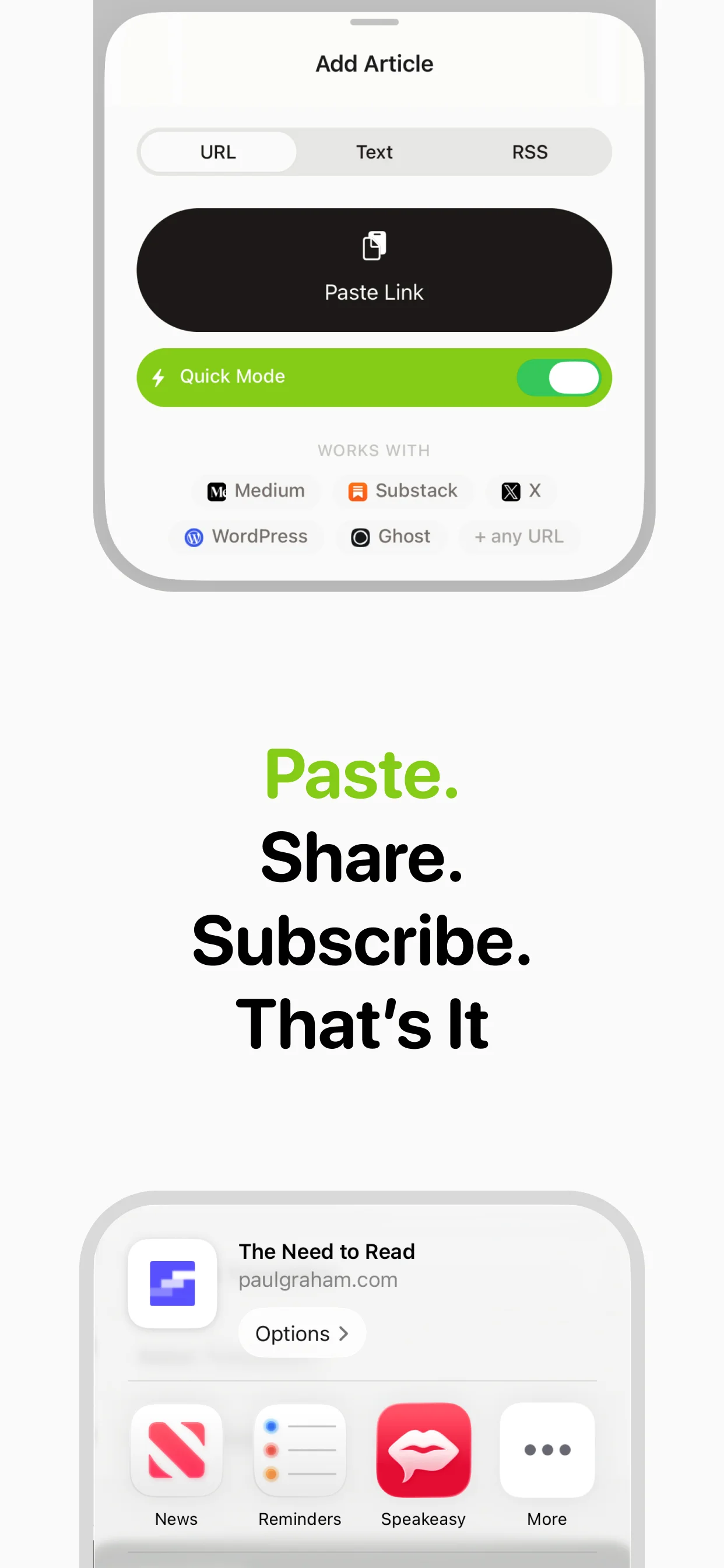
The gap between a browser-based TTS tool and a dedicated native app is significant for daily use. TTSReader runs in a browser tab, competing for attention with every other tab you have open. Closing the tab stops playback. Navigating away loses your place. There is no background audio, no lock screen controls, and no integration with your device's media system. speakeasy is a native iOS app with full media integration. Audio plays in the background while you use other apps. Lock screen and Control Center controls let you pause, skip, and adjust speed without opening the app. The share extension lets you send articles from Safari, Twitter, or any other app directly to speakeasy for conversion. These are not luxury features but fundamental requirements for anyone who wants to listen to articles as part of their daily routine rather than as an occasional novelty.
Voice Quality: System Voices vs. Neural AI
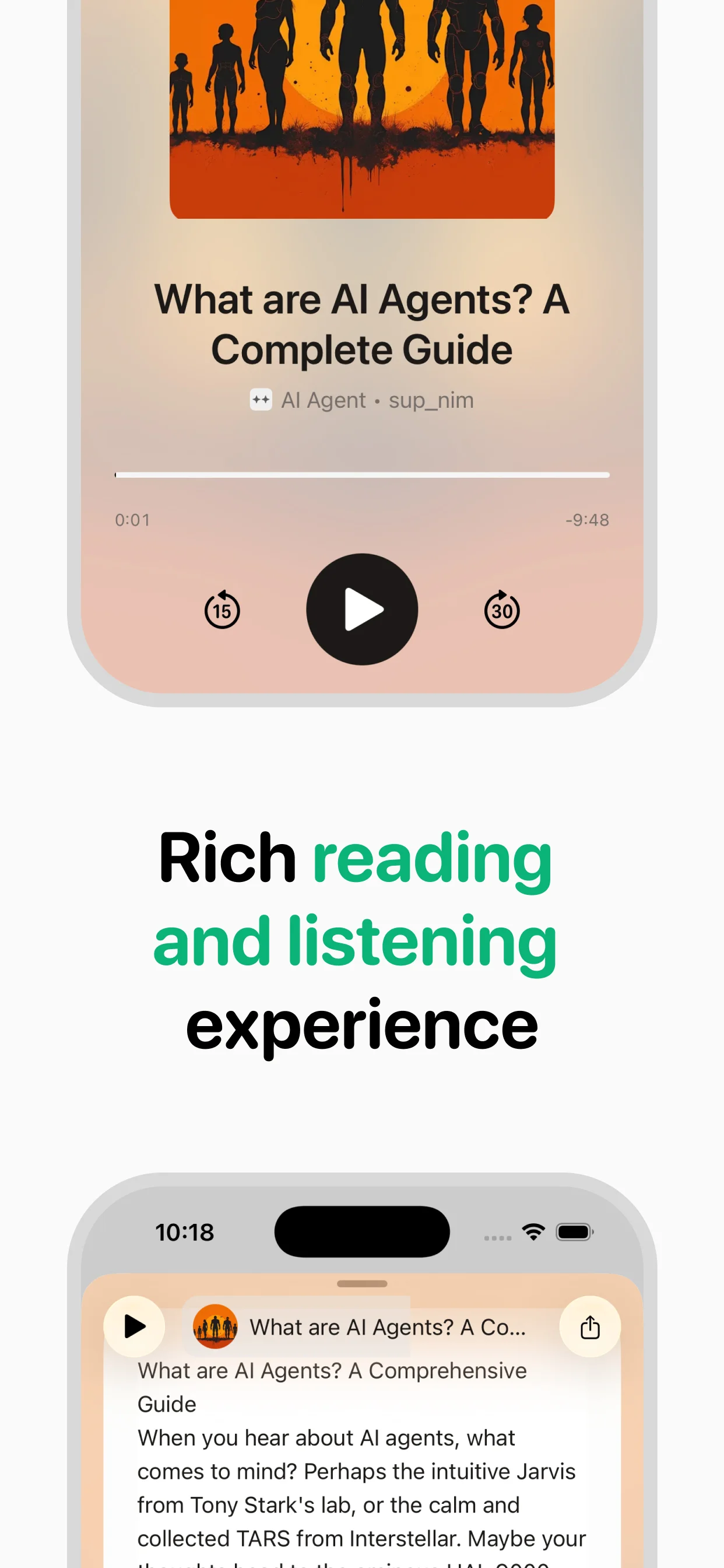
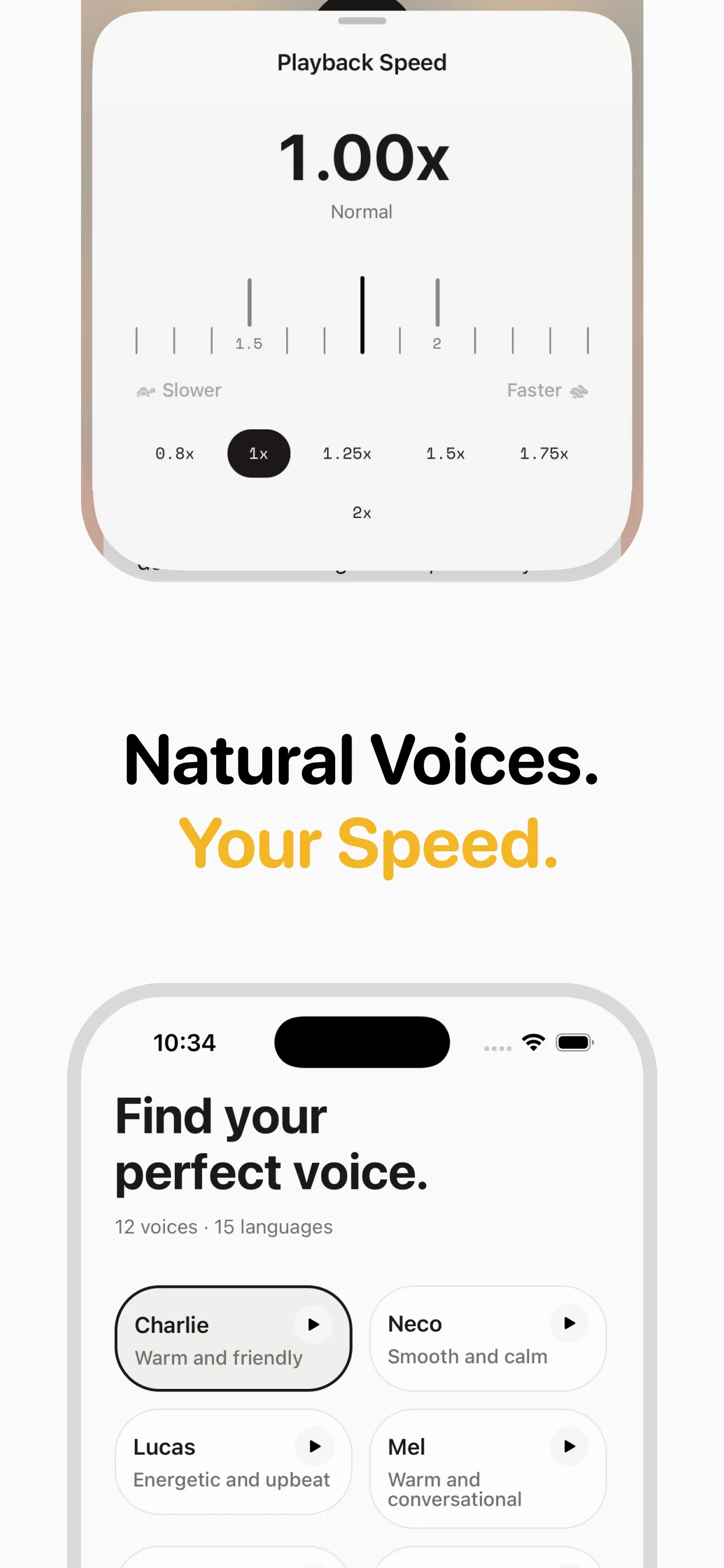
TTSReader uses whatever text-to-speech voices your browser and operating system provide. On most systems, these are functional but obviously synthetic: flat intonation, awkward pauses, and a mechanical quality that makes long listening sessions fatiguing. speakeasy uses InWorld neural voices that are trained on natural human speech patterns. The difference is immediately apparent from the first sentence. Neural voices handle the rhythm of written English with appropriate emphasis on key words, natural pauses at sentence and paragraph boundaries, and a consistent tone that makes even long articles comfortable to listen to. For users who have been tolerating system voices because TTSReader is free, hearing a neural voice narrate an article for the first time is often the moment they realize what they have been missing.
Building a Listening Library
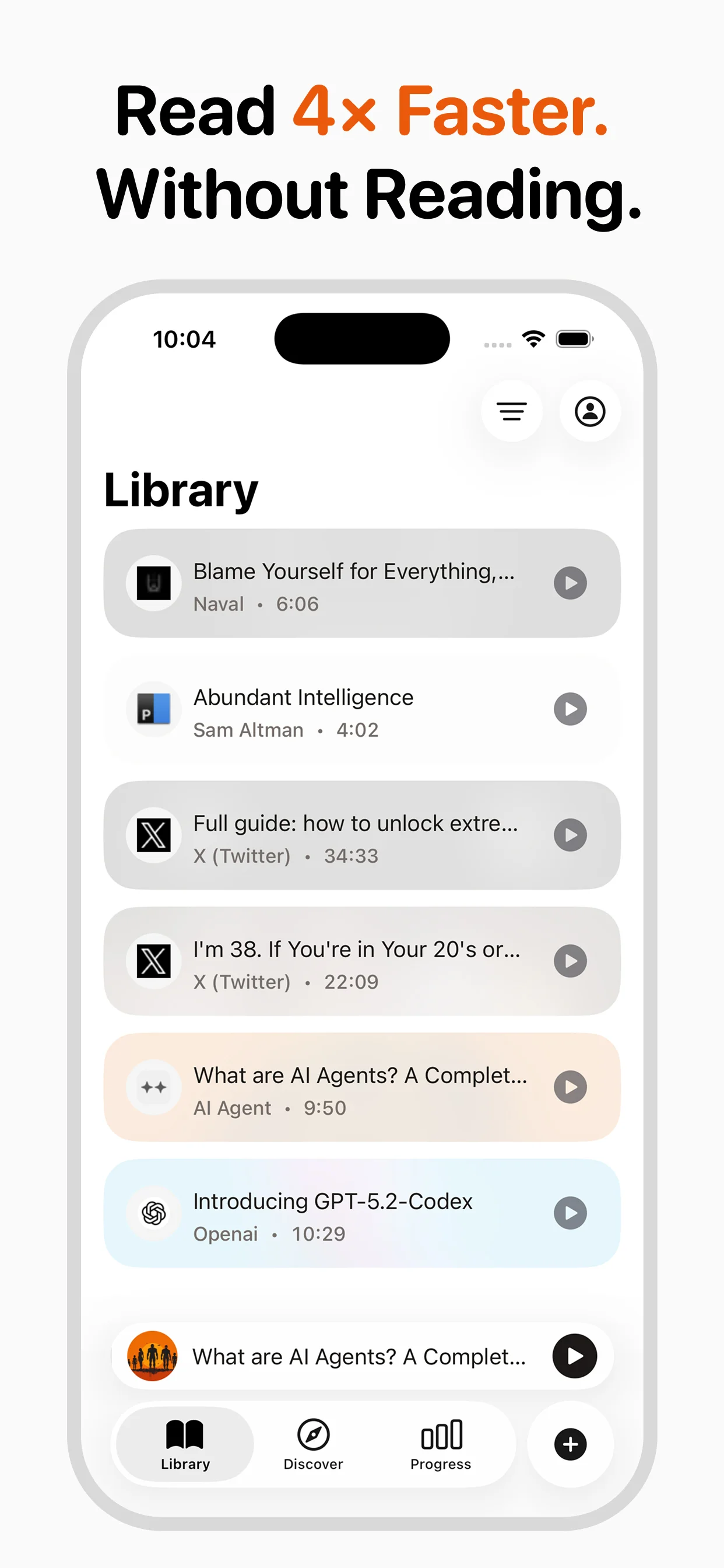
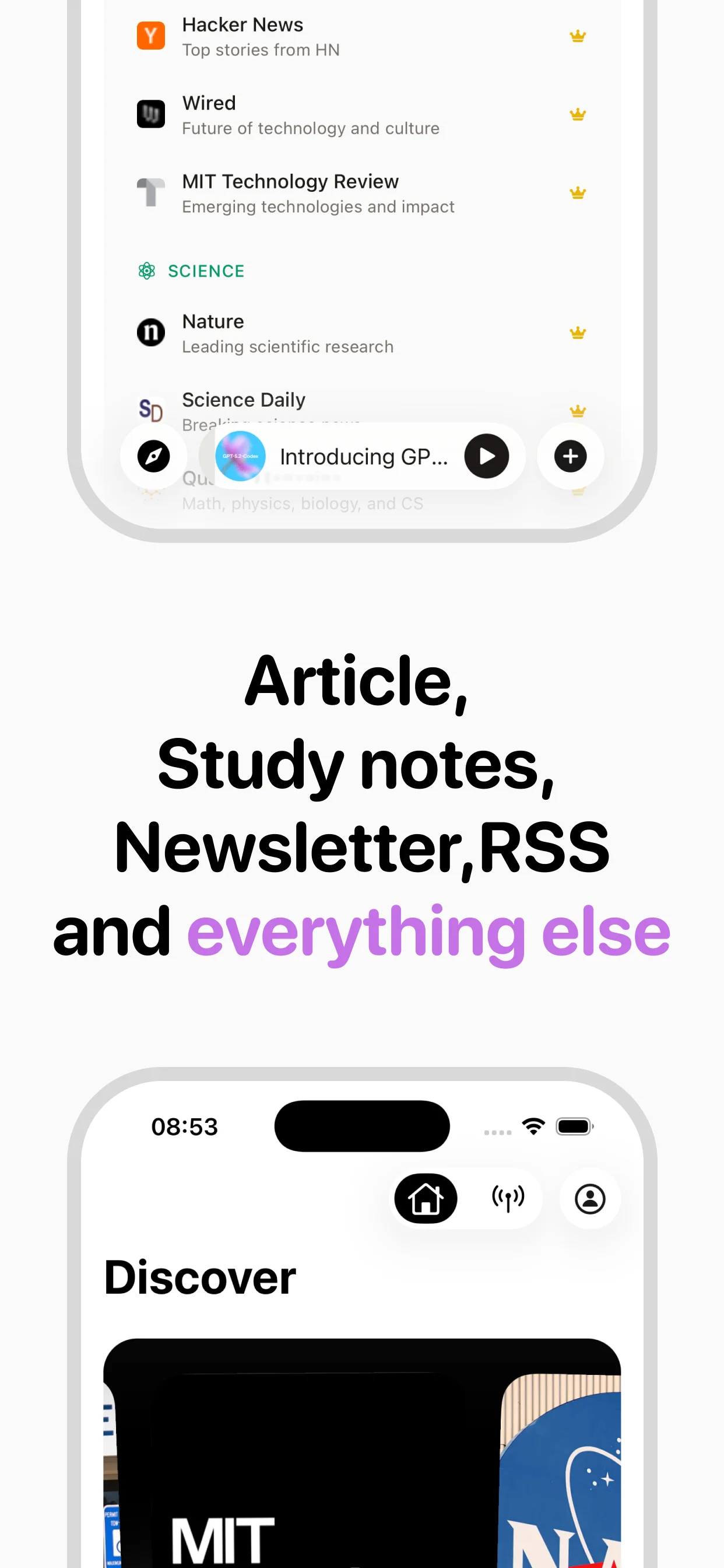
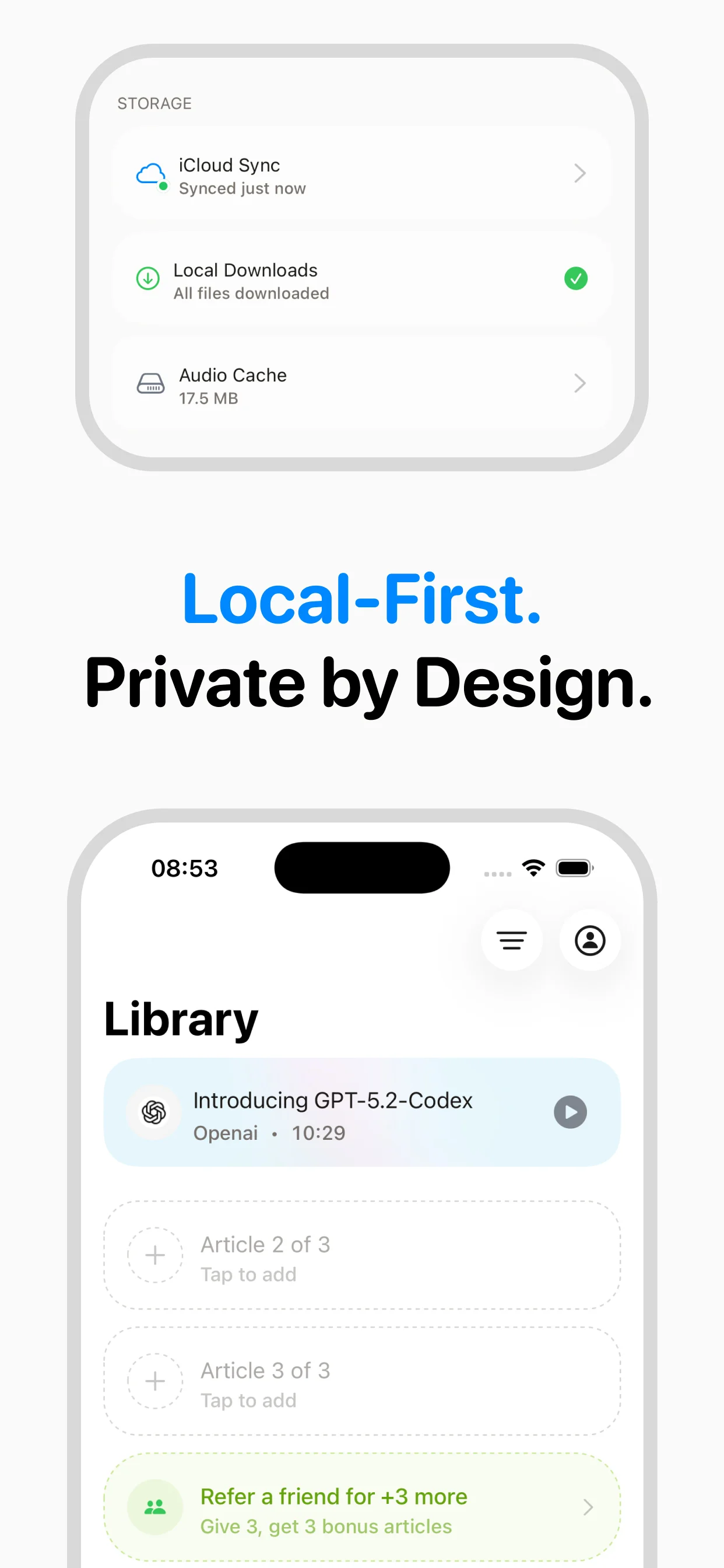
One of TTSReader's biggest limitations is that every session is temporary. You paste text, listen to it, and it is gone. There is no history, no favorites, no way to return to an article you listened to last week. speakeasy saves every converted article to your personal library with the article title, source URL, and audio file. Your library syncs across Apple devices via iCloud, so articles you save on your iPhone are available on your Mac. Over time, this creates a personal audio archive of everything you have listened to, searchable and always accessible. RSS feed integration adds another dimension by automatically surfacing new articles from publications you follow, turning speakeasy into a self-updating listening queue that is ready each morning.
Understanding the Price Difference
TTSReader's free tier and $3.49 per month Pro plan are significantly cheaper than speakeasy's $9.99 per month. This price difference is real and worth addressing honestly. TTSReader's low cost reflects its architecture: browser-based with no server-side processing, using free system voices that require no licensing fees. speakeasy's subscription funds InWorld neural voice processing for every article, iCloud-synced cloud infrastructure, ongoing development of the native app, and the URL extraction engine that handles content from across the web. The value proposition is not that speakeasy is cheap but that it transforms article listening from a crude browser utility into a polished daily experience. If you listen to articles occasionally and are satisfied with system voices, TTSReader is a perfectly reasonable choice. If you listen daily and care about voice quality, speakeasy is the upgrade that justifies its price through daily use.
Why switch from TTSReader?
Feature comparison
TTSReader's limitations
Frequently asked questions
Verdict
TTSReader is fine for occasional, quick text-to-speech on desktop. But if you regularly listen to articles, speakeasy is a massive upgrade: premium voices, native app, URL extraction, library saving, RSS feeds, and offline playback. It's the difference between a utility and a daily-use app.
Turn any article into natural-sounding audio. Paste a link, press play, and stay informed while you move.
Coming soon on Android